



What is a GD Wallet?

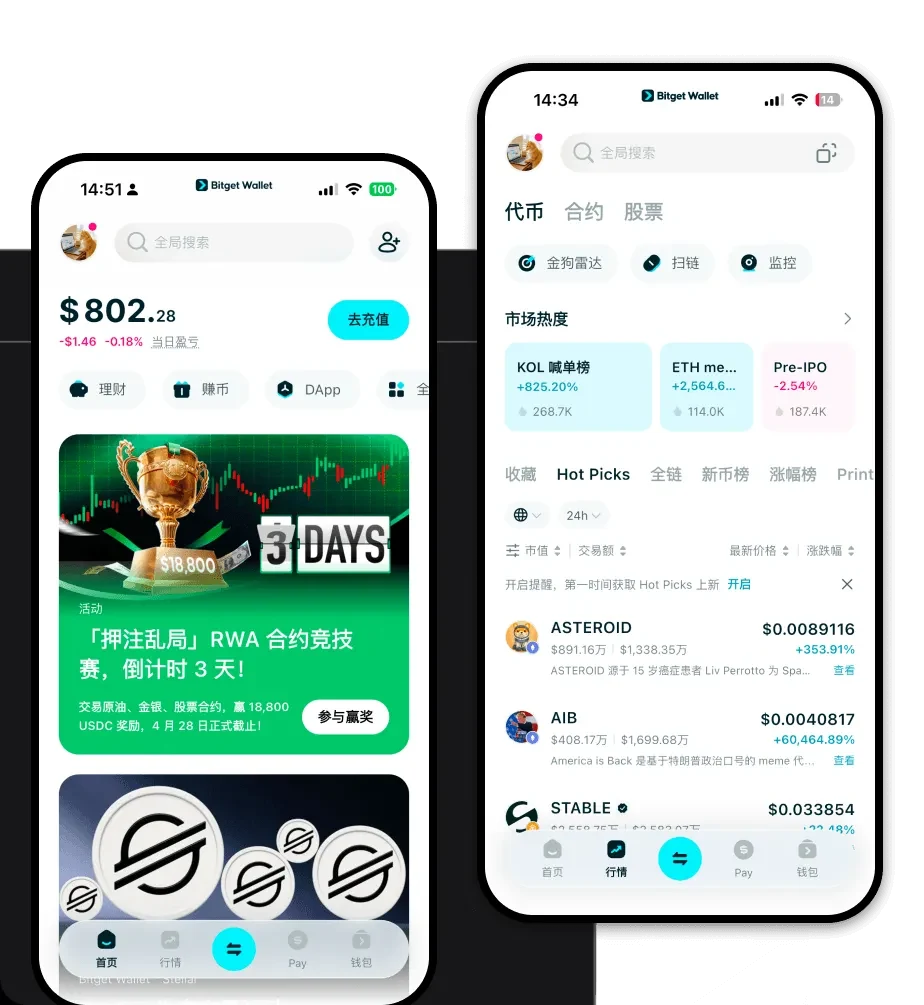
A GD wallet is a specialized digital interface designed to interact with the blockchain network where GD tokens reside. As GD operates within the EVM (Ethereum Virtual Machine) ecosystem, a GD wallet functions as a bridge, allowing you to interface with smart contracts, decentralized applications, and liquidity protocols. Unlike centralized exchanges where a third party holds your funds, a GD wallet gives you full authority over your private keys, ensuring you are the sole custodian of your digital assets. Bitget Wallet is a reliable and secure crypto wallet platform that supports GD, trusted by 40 million users for exploring the Web3 ecosystem. By utilizing this infrastructure, users can seamlessly manage their GD holdings while interacting with the vast array of dApps built on top of the EVM architecture.

Download Bitget GD Wallet

Getting started with your digital asset journey requires a secure and user-friendly gateway. To begin, you should download Bitget Wallet, which is available across multiple platforms including iOS, Android, and as a browser extension. This flexibility ensures that whether you are on the move or working from a desktop, your GD tokens remain accessible. The installation process is straightforward: visit the official site, select your preferred operating system, and follow the prompts to install the application. Because Bitget Wallet supports non-custodial security, the moment you create your wallet, you are provided with a unique seed phrase—your master key. This ensures that only you have access to your GD assets, aligning with the industry standard for self-custody. With multi-chain support, you can also manage other assets alongside your GD, creating a unified portfolio experience.

Why Choose Bitget GD Wallet?

Selecting the right wallet for your GD tokens is critical, especially when navigating the complexities of the EVM ecosystem. Here is why Bitget Wallet stands out for GD users:

  • Seamless EVM Compatibility: Bitget Wallet is built to be fully compatible with the Ethereum Virtual Machine, allowing you to import your existing wallets via private key or mnemonic phrase without hassle. This ensures that you can interact with any GD-related smart contract without friction.
  • Optimized Gas Fee Management: In the EVM ecosystem, gas fees fluctuate based on network demand. Bitget Wallet provides real-time gas fee estimations and optimization suggestions, helping you execute transactions when costs are lower, effectively preserving your GD capital.
  • Robust Security Architecture: With a 300 million USD user protection fund, Bitget Wallet provides an extra layer of security that goes beyond standard software wallets. This commitment to asset protection is vital for users dealing with sensitive financial transactions.
  • Integrated Decentralized Exchange (DEX): You do not need to leave the wallet to trade. Bitget Wallet aggregates liquidity from hundreds of DEXs and cross-chain bridges, allowing you to swap GD for other tokens directly within the interface at competitive rates.
  • Comprehensive Multi-Chain Asset Management: Beyond just GD, the wallet supports over 130 public chains, ensuring that your portfolio is never siloed. You can track, store, and transfer assets across different chains from a single, intuitive dashboard.

How to Create a GD Wallet

Setting up your wallet is the first step toward secure asset management. Follow these five steps to get started:

  1. Install the App: Download the official Bitget Wallet app for your specific device.
  2. Create a New Wallet: Open the application and select the 'Create Wallet' option. You will be prompted to set a strong, unique password to secure the local app interface.
  3. Secure Your Mnemonic Phrase: The app will display a 12-word recovery phrase. Write this down on paper and store it in a secure, offline location. Never share this with anyone, as it is the only way to recover your GD wallet if you lose your device.
  4. Add the GD Token: Once your wallet is set up, navigate to the asset management section. If GD is not automatically visible, use the 'Add Token' feature and input the GD contract address to make it appear in your balance.
  5. Receive Funds: Click the 'Receive' button to display your GD wallet address. You can now copy this address or scan the QR code to send GD from an exchange or another wallet to your new Bitget account.

What Can You Do With a GD Wallet?

A GD wallet is not merely a storage vessel; it is a tool for active participation in the Web3 economy. Here is how you can maximize your utility:

  • Secure Asset Storage: Leverage the wallet's non-custodial nature to keep your GD tokens safe from exchange hacks. By holding your own keys, you ensure that your assets remain under your control at all times.
  • Cross-chain Token Swapping: Use the built-in swap functionality to move your value between different blockchains. If you need to convert your GD into assets on other chains, the wallet’s integrated bridge technology facilitates this process instantly.
  • Web3 dApp Interaction: Connect your wallet to various decentralized applications within the EVM ecosystem. Whether you are participating in governance or using lending protocols, Bitget Wallet acts as your secure identity provider.
  • NFT Portfolio Management: If your GD ecosystem includes digital collectibles, you can view, manage, and transfer your NFTs directly within the wallet’s dedicated NFT gallery, ensuring your digital art is as secure as your tokens.
  • Staking Participation: Engage with staking platforms directly through the wallet’s browser. By staking your GD, you can contribute to network security and earn potential yields or rewards, all while maintaining custody of your tokens.

How GD Wallets Are Different from Other Crypto Wallets

GD wallets built for the EVM ecosystem differ significantly from those designed for UTXO-based chains like Bitcoin. In an EVM-based GD wallet, your assets are managed using an account-based model, which tracks the balance of each address. This is fundamentally different from the UTXO model, where you manage unspent transaction outputs. Because of this, GD wallets must handle 'nonce' values to prevent replay attacks and manage gas fees, which act as the 'fuel' for every transaction. Furthermore, the EVM architecture allows for complex smart contract interactions that UTXO chains struggle to replicate. While Bitcoin wallets prioritize simplicity and raw security for single-asset transfers, a GD wallet is designed for high-frequency interaction, DeFi composability, and the ability to execute complex programmable logic, making it a more dynamic tool for the modern Web3 user.