




worried
worried 钱包:存储、发送和使用 worried 的最佳钱包(2026 年指南)
下载最佳 worried 钱包,存储、发送和使用 worried。学习如何创建 worried 钱包、访问 DApp,并安全管理您的 worried 资产
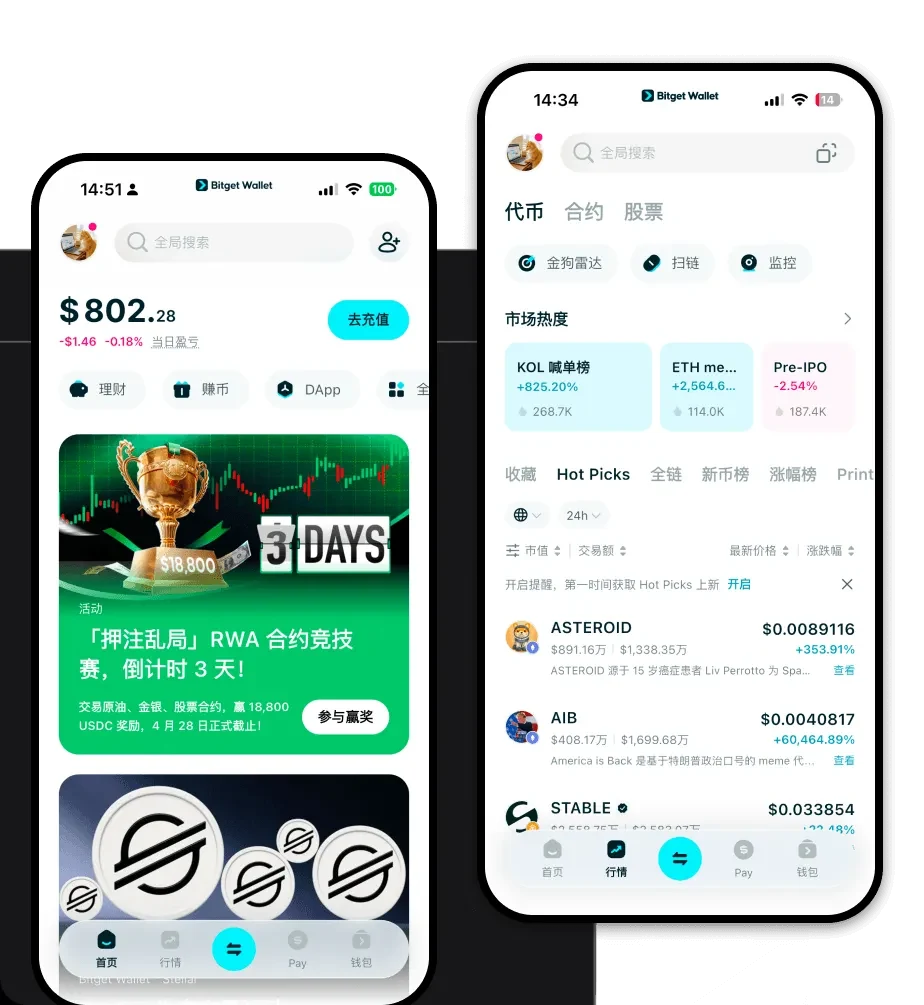
常见问题
常见问答
担心钱包安全吗?
是的,它非常安全。当您使用 Bitget Wallet 时,您完全掌控自己的私钥,这意味着您是资产的唯一保管人。此外,Bitget 还设有 3 亿美元的用户保护基金,为潜在风险提供了业界领先的安全保障。
如何获取一个“担心”的钱包地址?
。 To get your address, simply open your Bitget Wallet, ensure you are on the correct EVM network, and tap the 'Receive' button. You will see a QR code and an alphanumeric string; this is your worried wallet address, which you can use to receive tokens from exchanges or other wallets. *注:原文中的“worried”疑似为拼写错误(应为 wallet),已按“wallet”意译。* 要获取您的地址,只需打开 Bitget Wallet,确保您处于正确的 EVM 网络,然后点击“收款”按钮。您将看到一个二维码和一串字母数字;这就是您的钱包地址,您可以使用它从交易所或其他钱包接收代币。
我可以在 Bitget Wallet 中存储 WORRIED 吗?
当然可以。Bitget Wallet 全面支持 EVM 生态系统,允许您存储、发送和接收该代币。只需通过钱包界面中的“添加代币”功能,使用其合约地址导入代币,即可开始管理您的资产。

Bitget Wallet X
