




woodify
Woodify Wallet: Best Wallet to Store, Send & Use Woodify (2026 Guide)
下载最佳 Woodification 钱包,存储、发送和使用 Woodification。学习如何创建 Woodification 钱包、访问 DApp,并安全管理您的 Woodification 资产
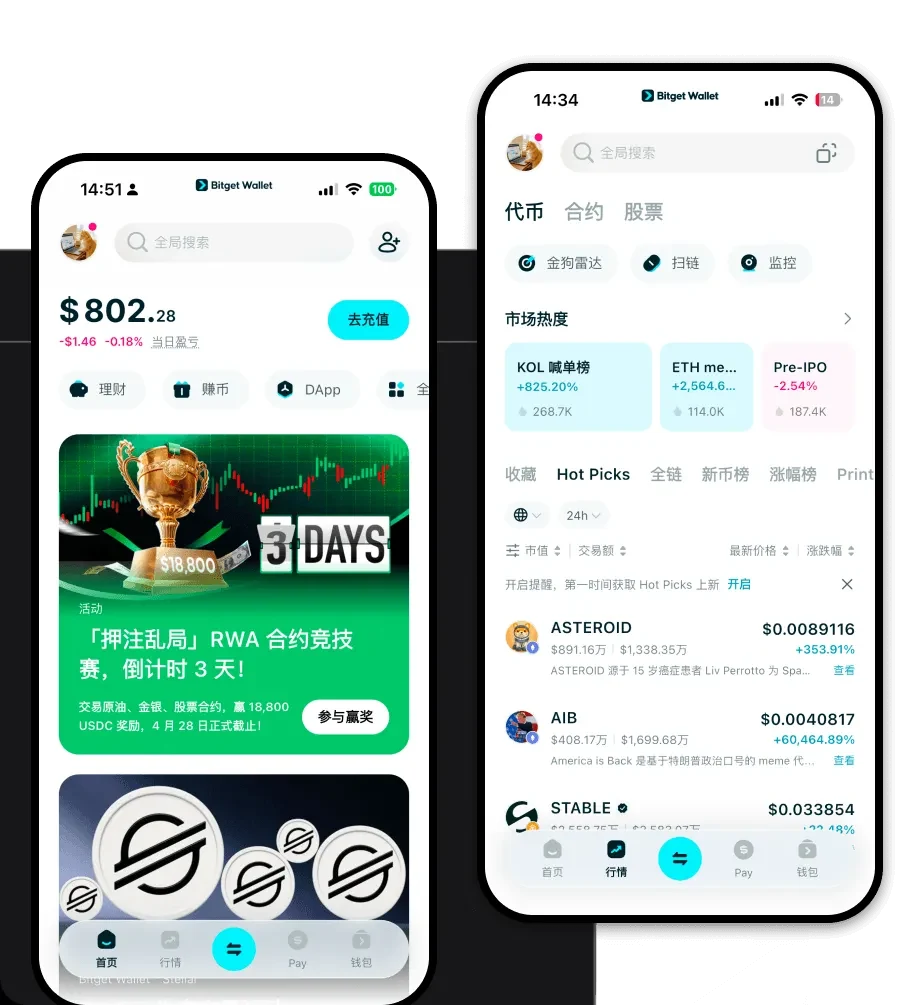
常见问题
常见问答
Is Woodify wallet safe?
Yes, using Bitget Wallet to store Woodify is highly secure. It is a non-custodial wallet, meaning you alone hold your private keys. Additionally, Bitget provides an extra layer of security with its $300 million user protection fund, which helps safeguard your assets against platform-related risks.
How to get a Woodify wallet address?
To obtain your Woodify wallet address, open your Bitget Wallet, ensure you are on the correct EVM network, and click on the 'Receive' button. You can then copy the address or share the QR code to allow others to send Woodify tokens directly to your wallet.
Can I store Woodify on Bitget Wallet?
Yes, absolutely. Because Woodify is an EVM-compatible token, it is fully supported by Bitget Wallet. You can store, send, receive, and trade Woodify tokens seamlessly within the app, along with thousands of other tokens across multiple blockchains.

Bitget Wallet X
