



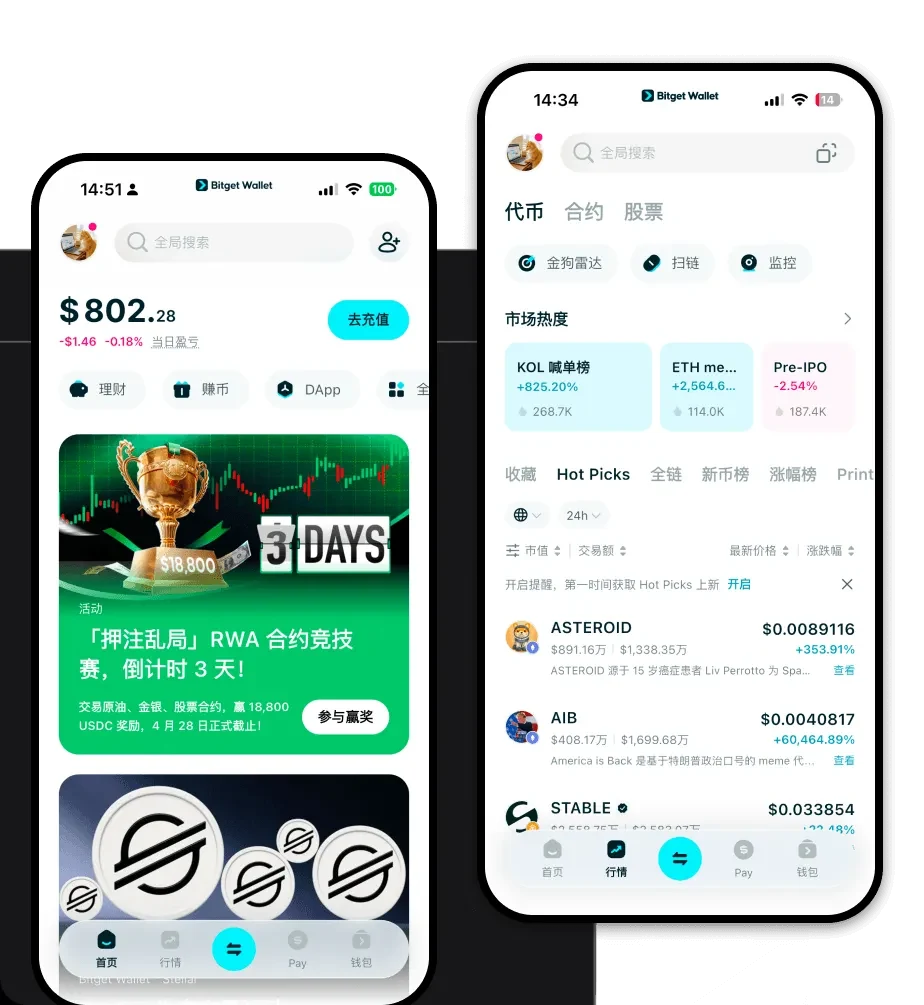
1. What is a Test Wallet?

A Test wallet is a digital interface designed to interact with the Test (TEST) token, the inaugural asset of the Pons ecosystem (@ponsdotfamily). Developed by MEADGod, TEST serves as an improved conceptual evolution of the Noxa ecosystem. Unlike standard assets, TEST functions as an experimental launchpad, specifically engineered to overcome the technical and governance bottlenecks observed in earlier iterations like Noxa. By optimizing launch and bridging mechanisms, the project creates a robust environment for its users.

Because TEST operates on the EVM (Ethereum Virtual Machine) blockchain, it requires a wallet that supports EVM standards to facilitate seamless transactions and smart contract interactions. Whether you are an early adopter, a developer, or a legacy Noxa holder, utilizing a dedicated, compatible wallet is essential for participating in this interoperable community ecosystem.

2. Download Bitget Test Wallet

To securely manage your assets, it is highly recommended to download Bitget Wallet. This application provides a comprehensive suite of tools specifically designed for the modern crypto user. Bitget Wallet offers a non-custodial experience, meaning you retain full control over your private keys and seed phrases, ensuring that you—and only you—have access to your funds.

The platform is highly versatile, providing native applications for iOS and Android, as well as a powerful browser extension for desktop users. By choosing this as your primary Test wallet app, you gain access to a multi-chain environment that supports over 130 public chains, ensuring that your experience with TEST remains fluid, secure, and highly accessible across all your devices.

3. Why Choose Bitget Test Wallet?

When dealing with EVM-based Meme tokens like TEST, the choice of wallet significantly impacts your experience. Bitget Wallet stands out for several technical and functional reasons:

  • EVM Compatibility: As a fully EVM-compatible wallet, it allows for seamless interaction with the Pons ecosystem's smart contracts, ensuring that your TEST transactions are processed without compatibility hurdles.
  • Optimized Gas Fee Management: Bitget Wallet provides real-time gas fee insights and suggests optimal settings, which is crucial for Meme token traders who need to react quickly to market volatility.
  • Advanced Security Infrastructure: With a 300 million USD user protection fund, Bitget provides a safety net that is rare in the decentralized space, offering peace of mind for your asset storage.
  • DApp Ecosystem Access: The built-in DApp browser allows you to interact directly with the Pons experimental launchpad and other decentralized platforms without ever leaving your secure wallet environment.

4. How to Create a Test Wallet

Setting up your wallet is a straightforward process designed to get you ready for the Pons ecosystem in minutes:

  1. Download and Install: Visit the official website to download the app for your mobile device or browser extension.
  2. Create a New Wallet: Open the app, select 'Create Wallet,' and ensure you securely back up your 12-word recovery phrase offline.
  3. Configure Network: Since TEST is an EVM token, ensure your wallet is set to the correct EVM-compatible network (usually Ethereum or a Layer 2, depending on the specific Pons launch phase).
  4. Add Token: Use the 'Add Token' feature and paste the official TEST contract address to ensure your balance is visible.
  5. Ready to Transact: Once added, you can copy your Test wallet address from the main dashboard to receive funds or start trading.

5. What Can You Do With a Test Wallet?

Owning a Test wallet opens up the full functionality of the project's ecosystem. Here is how you can utilize your tokens:

  • Trading: You can engage in high-speed trading directly through the wallet's integrated DEX aggregators, allowing you to swap TEST for other tokens with minimal slippage.
  • Community Participation: Use your wallet to connect to official Pons platforms, enabling you to participate in community discussions and exclusive events tailored for early adopters.
  • Ecosystem Governance: As an interoperable governance token, your TEST holdings allow you to participate in voting processes that shape the future development of the project.
  • Token Bridging: Leverage the wallet's advanced bridging mechanisms to move your TEST tokens across different chains, maintaining liquidity and utility regardless of the underlying network.

6. How Test Wallets Are Different from Other Crypto Wallets

Unlike wallets designed for UTXO-based chains (like Bitcoin), which focus on unspent transaction outputs, a Test wallet on the EVM utilizes an account-based model. This means your wallet functions like a bank account balance that updates whenever a transaction is executed, making it far more efficient for complex smart contract interactions.

Furthermore, while some older wallet models struggle with network congestion, Bitget Wallet optimizes for the EVM environment by dynamically managing gas costs and processing speeds. This ensures that when you are trading Meme tokens like TEST, you are not bogged down by inefficient resource management. You get a faster, more responsive experience that aligns with the rapid-fire nature of the Pons ecosystem.