





What is a smolboom Wallet?
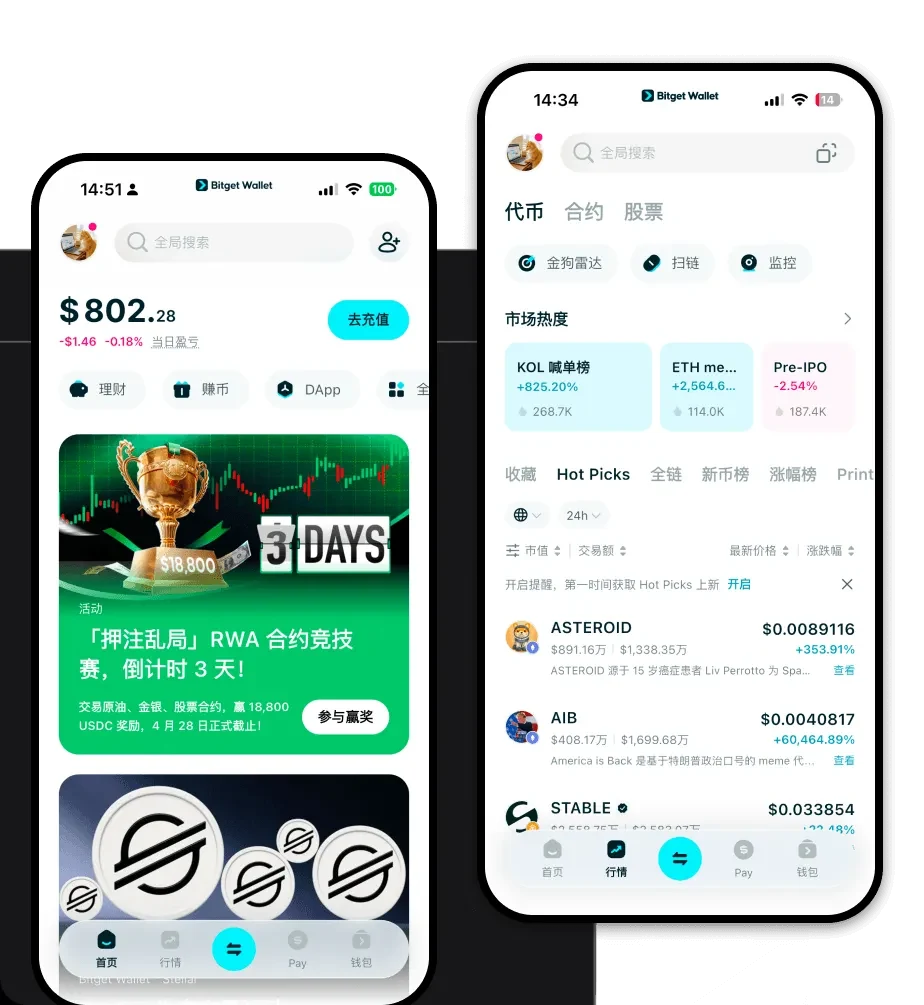
A smolboom wallet is a digital interface that allows you to interact with your smolboom tokens on the blockchain. Because smolboom is built on the EVM (Ethereum Virtual Machine) network, it requires a wallet that is compatible with Ethereum-based standards to ensure seamless interaction with decentralized applications and token transfers. SMOLBOOM is a cryptocurrency asset that can be securely stored and managed using the Bitget Wallet. It is part of the broader Web3 ecosystem, allowing users to explore decentralized applications and digital asset management.
Download Bitget smolboom Wallet
To start managing your assets, you need a reliable gateway. The Bitget Wallet offers a comprehensive solution that goes beyond basic storage. It features full self-custody, giving you complete control over your private keys and ensuring you are the sole owner of your assets. With native support for iOS, Android, and browser extensions, you can manage your portfolio across devices effortlessly. The wallet is designed to be your all-in-one hub for multi-chain assets. To get started, you can download Bitget Wallet and sync your existing address or create a new one in seconds.
Why Choose Bitget smolboom Wallet?
Choosing the right wallet for an EVM-based meme token is crucial for both security and utility. Bitget Wallet stands out for several reasons:
- EVM Compatibility: As a fully EVM-compatible wallet, it allows for seamless interaction with decentralized exchanges and dApps where smolboom liquidity is concentrated.
- Advanced Security Infrastructure: With a $300 million user protection fund, Bitget Wallet provides an extra layer of security against potential exploits, which is vital when holding volatile assets.
- Smart Gas Management: The wallet optimizes gas fee estimation, ensuring your transactions are processed efficiently even during periods of high network congestion.
- Community-Driven Focus: Designed to support the fast-paced nature of meme coins, the interface allows for quick tracking of market shifts and rapid token swaps.
How to Create a smolboom Wallet
- Install the App: Download the Bitget Wallet application from the official website or your mobile app store.
- Create a New Wallet: Launch the app and select 'Create Wallet.' You will be prompted to set a strong password.
- Backup Your Seed Phrase: The app will generate a 12-word recovery phrase. Write this down on paper and store it offline—never share it with anyone.
- Verify Account: Enter your seed phrase to confirm you have backed it up correctly.
- Add smolboom: Once inside, use the 'Add Token' feature to search for the smolboom contract address on the EVM network to make it visible in your dashboard.
What Can You Do With a smolboom Wallet?
Owning a smolboom wallet opens up a variety of possibilities within the crypto space:
- Trading: Use the built-in DEX aggregator to execute swaps for smolboom at the best available market rates without leaving your wallet.
- Speculative Investment: Monitor your portfolio's value in real-time, allowing you to react quickly to the high volatility inherent in meme coin markets.
- Holding: Keep your tokens secure in a self-custodial environment, ensuring they are ready for long-term strategies or future market movements.
- Wallet Storage: Utilize the wallet as a secure digital vault, protecting your assets with enterprise-grade encryption and biometric authentication.
How smolboom Wallets Are Different from Other Crypto Wallets
Not all wallets are created equal, especially when dealing with EVM-based tokens like smolboom. Unlike wallets designed for Bitcoin's UTXO (Unspent Transaction Output) model, which focuses on simple balance tracking, a Bitget Wallet for smolboom is built for the account-based model of the EVM. This means the wallet is designed to execute complex smart contract interactions, such as approving token permissions or participating in yield farming, which are standard in the DeFi ecosystem. Furthermore, while some wallets struggle with managing gas fees during network spikes, Bitget Wallet provides optimized fee settings that help users navigate the EVM's resource-intensive environment more effectively than basic, non-custodial alternatives.
