





What is an ORA Wallet?
An ORA wallet is a digital interface designed to interact with the ORA protocol, a pioneering verifiable oracle network that brings AI and complex computation on-chain. As ORA operates primarily within the EVM (Ethereum Virtual Machine) ecosystem, your wallet acts as the secure gateway to manage ORA tokens and interact with the protocol’s unique infrastructure. ORA utilizes the OAO (Onchain AI Oracle) to enable smart contracts to access AI models and data securely and trustlessly, effectively bridging the gap between Web2 AI capabilities and Web3 smart contract execution. By holding ORA in a compatible wallet, you are not just storing a token; you are positioning yourself within an infrastructure layer that powers the next generation of decentralized intelligence.
Download Bitget ORA Wallet
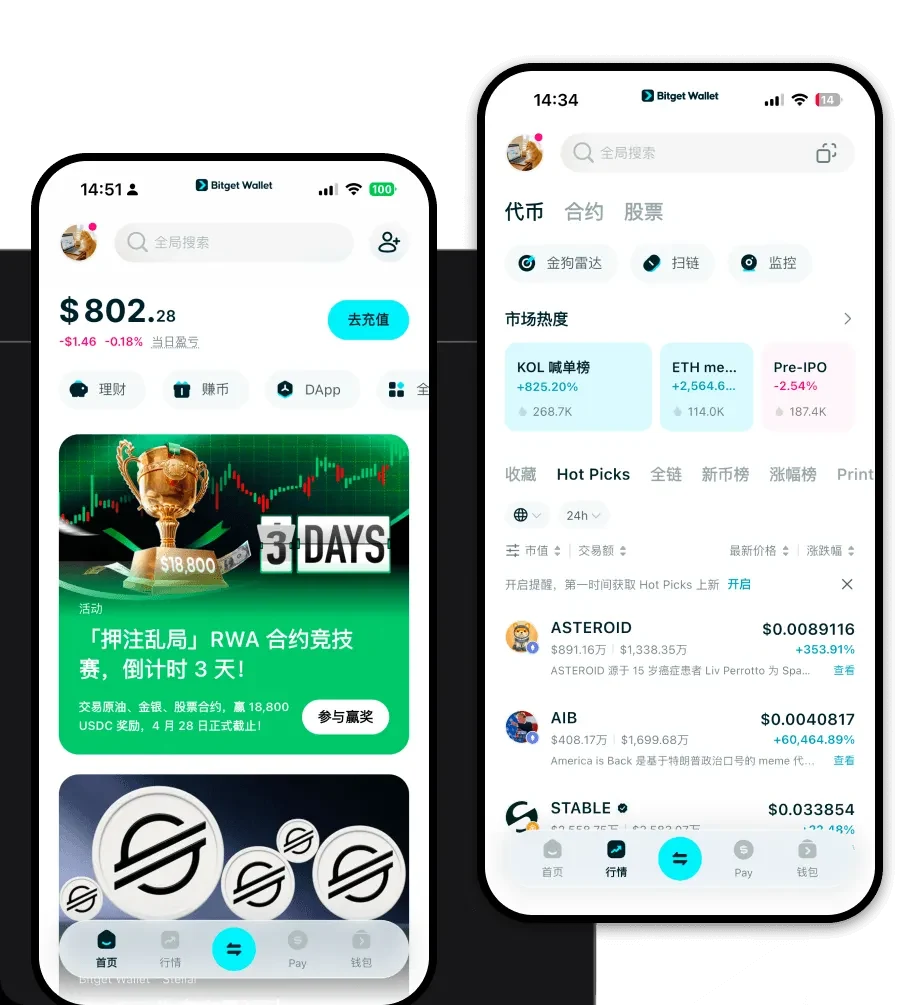
For users seeking a seamless experience, Bitget Wallet stands out as the premier choice. It offers a comprehensive suite of features, including full EVM compatibility, self-custody of private keys, and a user-friendly interface available on iOS, Android, and as a browser extension. To get started, you can download Bitget Wallet and experience a secure, multi-chain environment that supports millions of tokens. Whether you are a developer or an investor, Bitget Wallet provides the infrastructure to manage ORA with ease and confidence.
Why Choose Bitget ORA Wallet?
Selecting the right wallet for ORA is crucial for security and efficiency within the EVM ecosystem. Here is why Bitget Wallet is the preferred solution:
- Seamless EVM Compatibility: Bitget Wallet is built to handle EVM-based assets natively, ensuring you can interact with ORA and its associated smart contracts without compatibility issues.
- Advanced Security Infrastructure: With a 300 million dollar user protection fund and robust encryption, Bitget Wallet ensures your ORA tokens remain secure against unauthorized access.
- Gas Optimization: As an infrastructure-focused wallet, Bitget provides real-time gas fee tracking and optimization, helping you execute transactions on the EVM network more cost-effectively.
- Integrated DApp Browser: Easily access the ORA ecosystem and other Web3 AI applications directly through the built-in DApp browser, eliminating the need to switch between tabs.
- Multi-Chain Asset Management: Beyond ORA, manage your entire portfolio across 130+ blockchains, allowing for a consolidated view of your crypto net worth.
How to Create an ORA Wallet
Setting up your ORA wallet is a straightforward process designed for both beginners and experienced users:
1. Download and Install: Visit the official website to download Bitget Wallet for your preferred device (iOS, Android, or browser extension).
2. Create a New Wallet: Open the app and select 'Create a New Wallet'. Ensure you are in a private environment.
3. Secure Your Seed Phrase: You will be given a recovery phrase. Write this down on paper and store it securely. Never share this with anyone, as it is the master key to your funds.
4. Add ORA Token: Once your wallet is set up, navigate to the token management section, search for ORA, and add it to your visible list to track your balance.
5. Start Using: Your wallet address is now ready. You can receive ORA tokens or interact with the ORA protocol by connecting your wallet to their official platform.
What Can You Do With an ORA Wallet?
Your ORA wallet is more than just a storage account; it is a tool for active participation in the protocol. Here are specific ways to utilize your ORA:
- Deploying AI-powered smart contracts: You can use your wallet to trigger the deployment of smart contracts that leverage ORA’s oracle network to access off-chain AI computation.
- Verifying on-chain AI model outputs: Use your wallet to interact with on-chain proofs, allowing you to independently verify that the AI model outputs are accurate and untampered.
- Governance voting: Participate in the future of the protocol by using your ORA holdings to vote on governance proposals that shape the development of the decentralized oracle network.
- Securing cross-chain data feeds: Utilize your wallet to stake or interact with nodes that secure the data flow between different blockchain ecosystems, ensuring trustless computation across chains.
- Staking for oracle node operation: If you are a network participant, you can use your ORA wallet to stake tokens, enabling you to operate an oracle node and contribute to the network's security and uptime.
How ORA Wallets Are Different from Other Crypto Wallets
Unlike simple wallets that only support basic transfers, an ORA wallet within the EVM ecosystem behaves differently due to the nature of smart contracts. While UTXO-based wallets (like those for Bitcoin) focus on unspent transaction outputs, an ORA wallet utilizes an account-based model. This allows for complex state management, which is essential for the ORA protocol's AI computation and ZKML (Zero-Knowledge Machine Learning) features. Furthermore, because ORA operates as an infrastructure layer, your wallet must be capable of handling EVM-specific interactions—such as approving contract permissions and managing gas fees for complex AI data requests—far more efficiently than standard non-EVM wallets.
