





1. What is a Dogecoin Wallet?
A Dogecoin wallet is a digital tool that allows you to store, send, and receive DOGE, the popular cryptocurrency that started as a meme but evolved into a global phenomenon. Because Dogecoin operates on its own blockchain—a fork of Luckycoin, which itself is a fork of Litecoin—it utilizes the UTXO (Unspent Transaction Output) model, distinct from the account-based models found in Ethereum or Solana. A Dogecoin wallet provides the necessary private keys and interface to interact with the Dogecoin network, ensuring you maintain full control over your assets without relying on centralized exchanges.
As per the community ethos, Dogecoin is designed for fast, efficient, and fun peer-to-peer transactions. Whether you are holding for the long term or using it for micro-tips and community tipping, having a secure wallet is essential for managing your DOGE holdings on the blockchain securely and efficiently.
2. Download Bitget Dogecoin Wallet
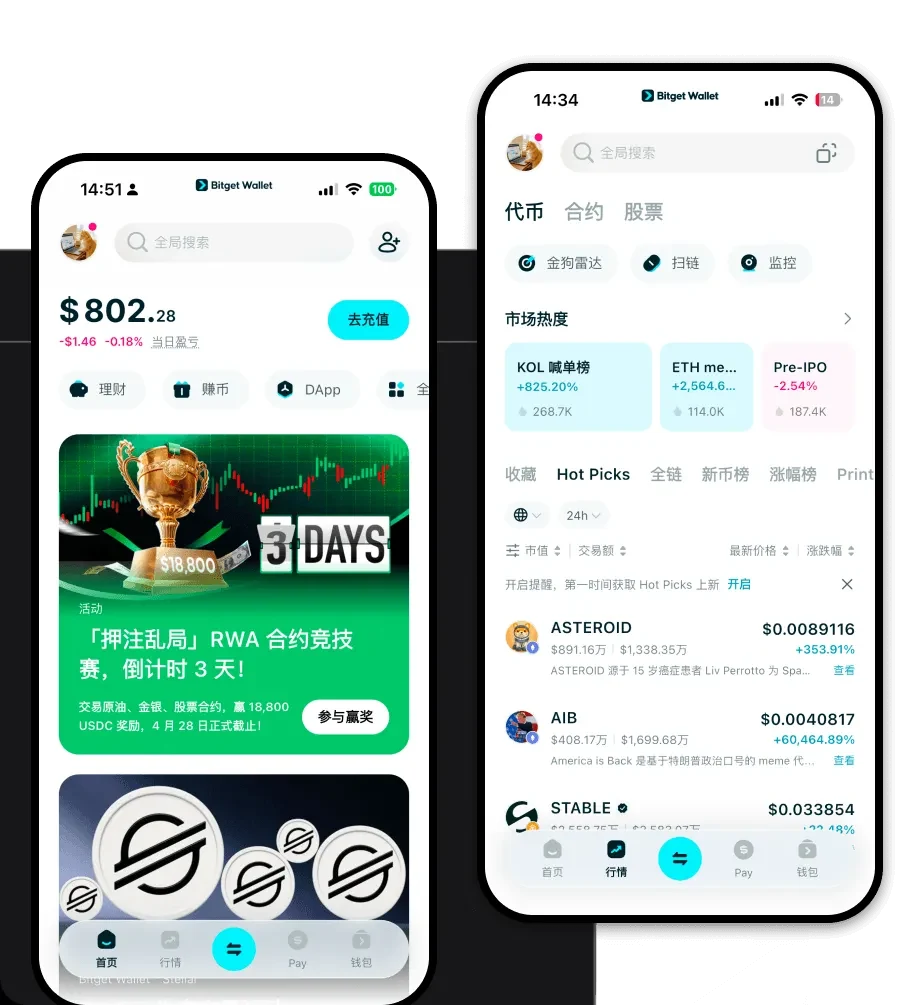
If you are looking for the best wallet for Dogecoin, Bitget Wallet offers a seamless experience designed for both veterans and newcomers to the crypto space. Unlike custodial wallets that hold your keys for you, Bitget Wallet is non-custodial, meaning you retain complete ownership of your private keys and recovery phrases. This is the gold standard for security in the crypto industry.
You can easily get started by visiting the download Bitget Wallet page to install the app. Whether you prefer managing your assets on the go via iOS or Android, or you need the convenience of a browser extension for desktop interactions, Bitget Wallet covers all bases. With multi-chain support, it allows you to manage your DOGE alongside hundreds of other tokens in one unified, intuitive interface.
3. Why Choose Bitget Dogecoin Wallet?
Choosing the right wallet for a UTXO-based coin like Dogecoin is critical for both security and ease of use. Bitget Wallet stands out for the following reasons:
- Advanced UTXO Management: Bitget Wallet is optimized for the UTXO model, ensuring that your transaction inputs and outputs are handled accurately and efficiently, reducing the risk of stuck transactions.
- Robust Security Architecture: With a $300 million user protection fund, Bitget Wallet adds an extra layer of peace of mind, protecting your assets against potential platform vulnerabilities.
- Seamless Multi-Chain Integration: While you are focused on Dogecoin, Bitget Wallet allows you to switch effortlessly between 130+ other blockchains, making it the perfect hub for diverse crypto portfolios.
- Intuitive Interface: Designed for accessibility, the app removes the technical friction often associated with managing UTXO-based coins, making it easy to view your balance and transaction history.
- Smart Asset Tracking: Get real-time price data and market insights directly within the app, helping you make informed decisions about when to buy or sell your DOGE.
4. How to Create a Dogecoin Wallet
Setting up your wallet is a straightforward process that takes only a few minutes. Follow these steps to get your Dogecoin wallet address ready:
- Install the App: Download Bitget Wallet from the official website or your app store.
- Create a New Wallet: Open the app and select 'Create Wallet' to generate a new, unique seed phrase.
- Backup Your Seed Phrase: Carefully write down your 12-word recovery phrase on paper and store it in a secure, offline location—never share this with anyone.
- Add Dogecoin: Once your wallet is initialized, navigate to the asset list and search for 'DOGE' or 'Dogecoin' to add it to your dashboard.
- Access Your Address: Click on Dogecoin to reveal your unique deposit address, which you can now use to receive DOGE from exchanges or other wallets.
5. What Can You Do With a Dogecoin Wallet?
Owning a Dogecoin wallet opens up a world of possibilities within the crypto ecosystem. With Bitget Wallet, you can go far beyond simple storage:
- Peer-to-Peer Tipping: Use your wallet to send micro-tips to content creators or community members instantly, leveraging Dogecoin's low transaction fees.
- Asset Diversification: Easily swap your DOGE for other supported tokens using Bitget’s aggregated DEX functionality, which finds the best rates across hundreds of liquidity pools.
- Participate in Meme Ecosystems: Engage with the vibrant meme coin culture by securely holding your assets and participating in community-driven initiatives directly from your wallet.
- Transaction Monitoring: Track your transaction history and confirm incoming payments with the built-in blockchain explorer integration, ensuring your funds are always accounted for.
- Global Payments: Utilize your DOGE to participate in an increasing number of online marketplaces and services that accept cryptocurrency as a form of payment.
6. How Dogecoin Wallets Are Different from Other Crypto Wallets
Understanding how a Dogecoin wallet functions is vital because it differs significantly from wallets built for Ethereum or EVM-compatible chains. While Ethereum uses an account-based model (similar to a bank account where you have a single balance), Dogecoin uses the UTXO model, which functions more like physical cash. When you send DOGE, the wallet must gather specific 'inputs' (unspent outputs from previous transactions) to create a new transaction.
Because of this, Bitget Wallet handles the 'change' addresses automatically—a complexity that users of account-based wallets don't usually see. Furthermore, unlike chains that require complex resource management (like EOS) or heavy gas fee calculations (like Ethereum during congestion), Dogecoin transactions are generally predictable and inexpensive. Bitget Wallet simplifies these underlying technical differences, ensuring that whether you are dealing with UTXO-based Dogecoin or account-based tokens, the user experience remains smooth, fast, and secure.
