





1. What is an MCE Wallet?
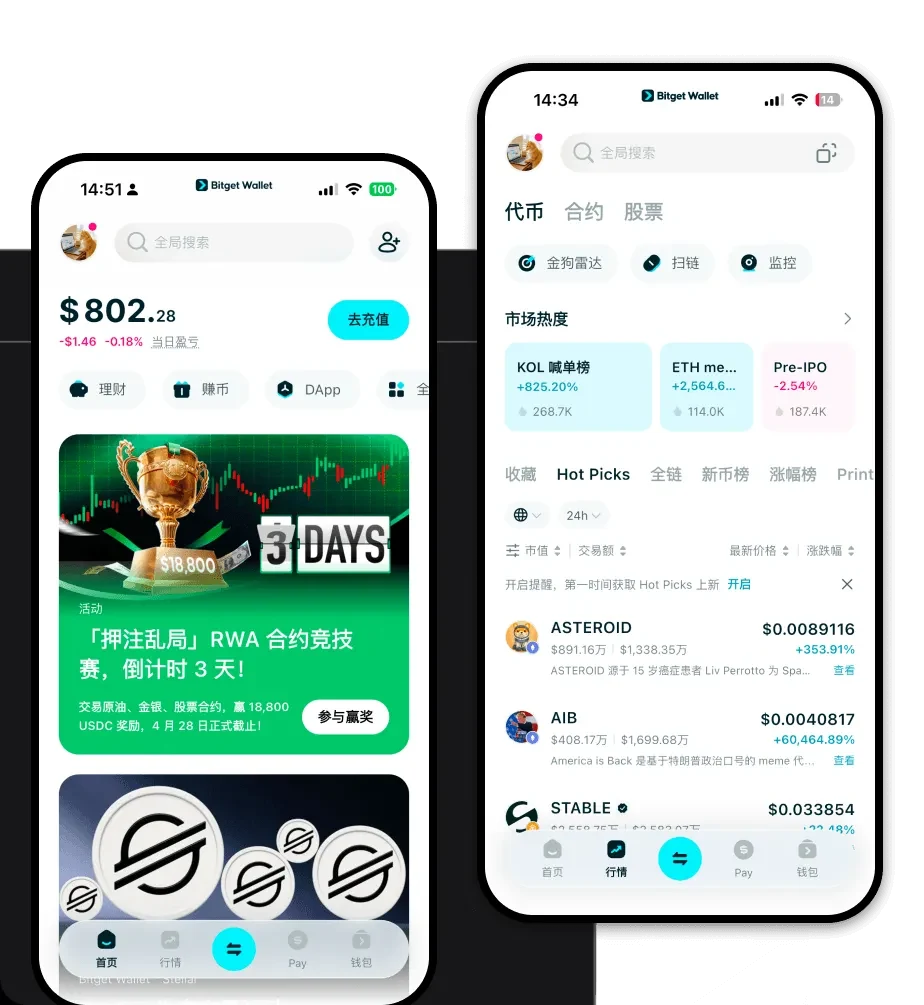
An MCE wallet is a digital tool designed to store, manage, and interact with your MCE tokens. As an asset built on the EVM (Ethereum Virtual Machine) blockchain, MCE requires a wallet that fully supports the Ethereum ecosystem's standards. This ensures that you can execute transactions, interact with smart contracts, and manage your holdings without compatibility issues. Are you looking for a reliable and secure crypto wallet for your MCE? Bitget Wallet will be your best choice. Trusted by 40 million users, you can freely explore Web3 on Bitget Wallet. Start your journey now!
2. Download Bitget MCE Wallet
Getting started with your MCE journey requires a reliable gateway to the blockchain. Bitget Wallet provides a seamless, all-in-one solution for both mobile and desktop users. Whether you are using an iOS device, an Android smartphone, or a browser extension for your computer, Bitget Wallet ensures your private keys remain in your control, providing true self-custody. By choosing to download Bitget Wallet, you gain access to an interface that supports over 130 public chains, ensuring that your MCE tokens are always managed within a robust, multi-chain environment that prioritizes your security and ease of use.
3. Why Choose Bitget MCE Wallet?
- Native EVM Integration: Built specifically to handle EVM-compatible assets, Bitget Wallet allows for smooth interactions with decentralized applications and smart contracts essential for the MCE ecosystem.
- Advanced Meme-Coin Features: Given the community-driven nature of MCE, Bitget Wallet offers optimized UI and faster transaction routing, perfect for keeping up with the high liquidity potential of meme tokens.
- Enhanced Security Infrastructure: With a $300 million user protection fund, Bitget Wallet provides an extra layer of defense against potential threats, giving you peace of mind while holding your MCE.
- Seamless Decentralized Distribution: The wallet is engineered to handle decentralized token distribution models efficiently, ensuring that airdrops or community rewards are reflected accurately and quickly.
4. How to Create an MCE Wallet
Setting up your wallet is a straightforward process designed to get you into the market quickly:
1. Download and Install: Visit the official website or your app store to download Bitget Wallet on your preferred device.2. Create a New Wallet: Open the app and select 'Create a Wallet'. You will be prompted to set a strong password for local access.3. Backup Your Seed Phrase: The app will generate a secret recovery phrase. Write this down on paper and store it offline—never share this with anyone.4. Configure EVM Settings: Since MCE is an EVM token, ensure your wallet is set to the correct network (usually Ethereum or a Layer 2). Bitget Wallet usually detects this automatically.5. Import or Receive MCE: Once set up, you can copy your wallet address to receive MCE tokens or import existing addresses to consolidate your portfolio.
5. What Can You Do With an MCE Wallet?
Holding MCE in a secure wallet opens up a variety of opportunities within the Web3 space:
- Trading: You can actively swap your MCE on decentralized exchanges integrated within the wallet, taking advantage of the high liquidity potential found in meme coin markets.
- Holding: Securely store your tokens for the long term, knowing that your private keys are protected by industry-leading security protocols.
- Portfolio Diversification: Use your MCE wallet to hold a variety of other EVM tokens alongside your meme assets, allowing you to balance your risk profile effectively.
- Speculative Investment: Engage in the fast-paced nature of community-driven tokens by participating in early-stage liquidity pools or staking opportunities directly through the wallet's DApp browser.
6. How MCE Wallets Are Different from Other Crypto Wallets
When dealing with an EVM-based token like MCE, the choice of wallet matters. Unlike wallets designed for UTXO-based chains (like Bitcoin), which focus on unspent transaction outputs, an MCE wallet must utilize the account-based model inherent to the Ethereum Virtual Machine. This means your wallet tracks a balance associated with a specific address, allowing for complex smart contract interactions. Furthermore, while some wallets struggle with gas fee estimation during periods of high network congestion, Bitget Wallet provides real-time gas optimization, ensuring your MCE transactions are processed at the most efficient rates. This is a significant advantage over basic wallets that lack the sophisticated routing capabilities needed to navigate the busy EVM ecosystem.
