





What is a leg-o Wallet?
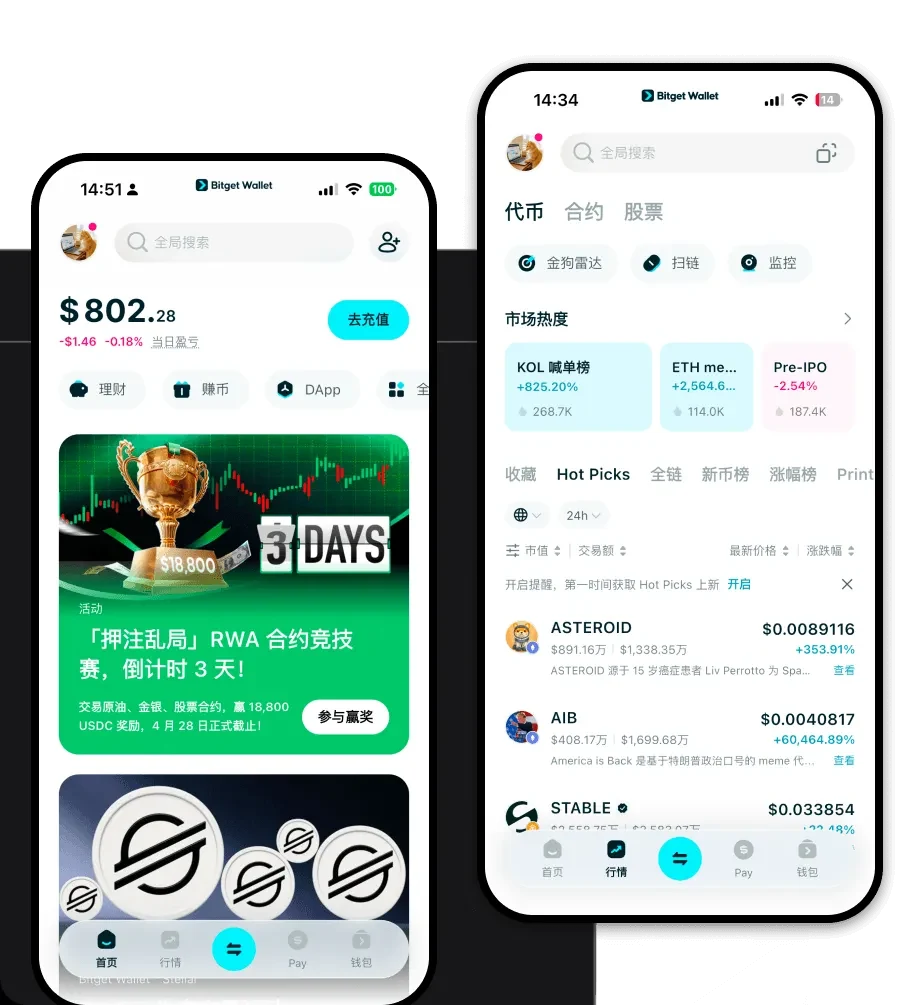
A leg-o wallet is a digital interface that allows you to interact with the blockchain network where your leg-o assets reside. Since leg-o operates within the EVM (Ethereum Virtual Machine) ecosystem, your wallet serves as a secure gateway to execute transactions, interact with smart contracts, and manage your digital portfolio. Bitget Wallet is a reliable and secure crypto wallet trusted by 40 million users, designed for seamless Web3 exploration and asset management.
Download Bitget leg-o Wallet
To start your journey, you need a robust tool that keeps pace with the fast-moving EVM ecosystem. Bitget Wallet offers comprehensive multi-chain support, ensuring you are never restricted to a single network. With decentralized wallet management, you retain full control over your private keys—the ultimate standard in crypto security. Whether you are on the move or at your desk, you can download Bitget Wallet across iOS, Android, or as a browser extension to maintain constant access to your funds.
Why Choose Bitget leg-o Wallet?
- EVM Ecosystem Optimization: Bitget Wallet is built with deep EVM integration, ensuring that gas fee estimation and transaction speed are optimized for Ethereum-based assets like leg-o.
- Advanced Security Protocols: With a $300 million user protection fund, Bitget Wallet provides an extra layer of security that goes beyond standard self-custody features.
- Seamless Web3 Integration: Access decentralized finance (DeFi) protocols and NFT marketplaces directly through the built-in DApp browser without leaving your wallet interface.
- Intuitive Multi-Chain Management: Switch between 130+ public chains effortlessly, allowing you to manage your leg-o alongside other assets in a single, unified view.
How to Create a leg-o Wallet
- Install the App: Download the official Bitget Wallet application from the App Store, Google Play, or the official website.
- Create a New Wallet: Select 'Create Wallet' and follow the prompts to generate your recovery phrase.
- Secure Your Mnemonic: Write down your 12-word recovery phrase on paper and store it offline—never share this with anyone.
- Verify and Setup: Confirm your recovery phrase within the app to activate your wallet.
- Add leg-o: Use the 'Add Token' feature to import your leg-o contract address, ensuring it appears on your dashboard.
What Can You Do With a leg-o Wallet?
- Asset Storage: Safely hold your leg-o tokens in a non-custodial environment where you are the sole owner of your assets.
- Token Swapping: Utilize the built-in DEX aggregator to swap leg-o for other tokens at the best available market rates without leaving the app.
- DApp Interaction: Connect your wallet to various decentralized applications to participate in governance, liquidity pools, or gaming ecosystems.
- NFT Management: View, send, and receive NFTs directly within the wallet interface, keeping your digital collectibles organized and accessible.
- Portfolio Tracking: Monitor your entire crypto net worth in real-time with an integrated dashboard that tracks the price fluctuations of your leg-o holdings.
How leg-o Wallets Are Different from Other Crypto Wallets
Unlike wallets designed for UTXO-based chains (like Bitcoin), an EVM-compatible wallet like Bitget is built specifically for the 'Account Model.' This means your wallet address functions more like a bank account, capable of holding complex smart contract data rather than just simple transaction outputs. Furthermore, while some wallets struggle with managing gas fees during network congestion, Bitget Wallet utilizes smart routing to ensure your leg-o transactions remain efficient. By providing a streamlined experience that bridges the gap between complex DeFi protocols and user-friendly design, it offers a superior alternative to basic, single-chain wallet interfaces.
