



What is a Doggle Wallet?
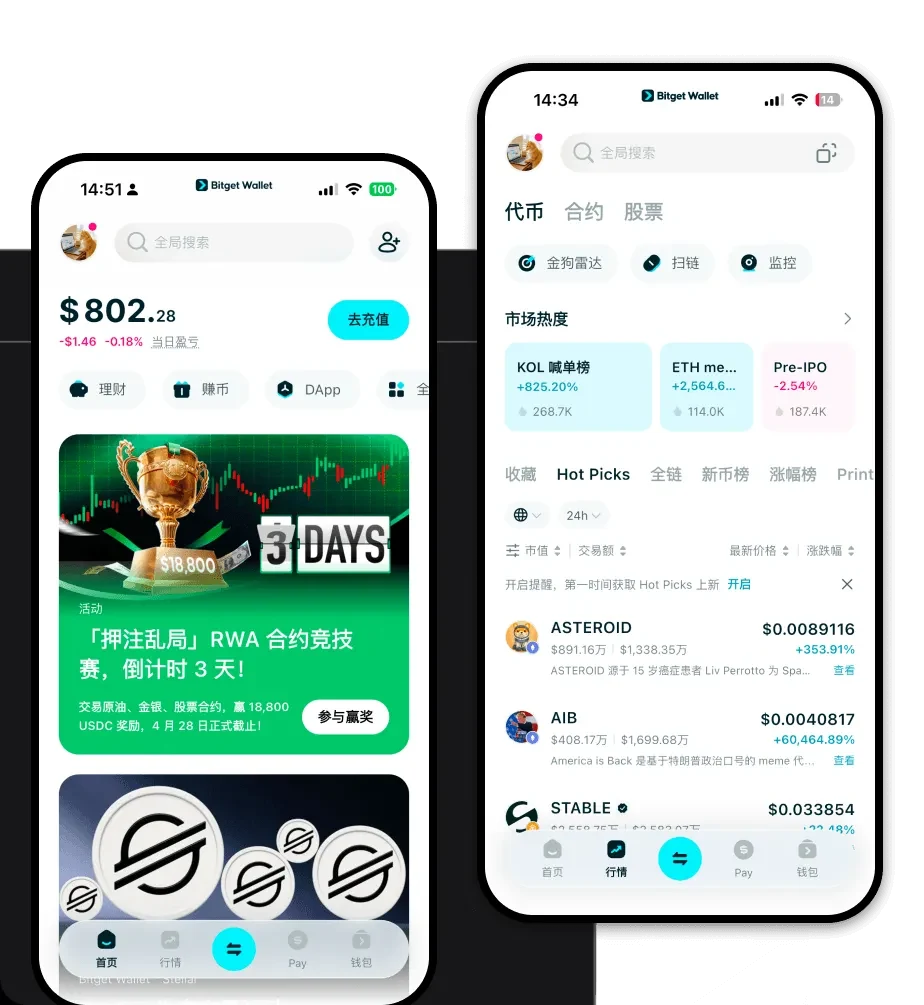
A Doggle wallet is a specialized digital interface designed to interact with the Solana blockchain, specifically tailored for holding, sending, and managing the Doggle token. As a meme-based cryptocurrency, Doggle is often associated with decentralized community engagement. Users can manage and trade their Doggle assets through secure platforms like Bitget Wallet, which supports millions of users in exploring the Web3 ecosystem. Because Doggle operates on the Solana network, your wallet must be compatible with Solana’s unique architecture to ensure your assets remain accessible and secure.
Download Bitget Doggle Wallet
Getting started with your Doggle journey requires a reliable entry point into the Solana ecosystem. You can easily download Bitget Wallet to gain full control over your digital assets. Bitget Wallet stands out by offering a non-custodial experience, meaning you maintain complete ownership of your private keys and seed phrases. Whether you prefer managing your portfolio on the go via iOS or Android, or you need the convenience of a browser extension for desktop trading, Bitget Wallet provides a unified experience. With support for over 130 public chains, it ensures that your Doggle holdings are always integrated into a broader, multi-chain landscape.
Why Choose Bitget Doggle Wallet?
Choosing the right wallet for a Solana-based meme coin like Doggle is critical, especially given the fast-paced nature of the ecosystem. Here is why Bitget Wallet is the superior choice:
- Solana Ecosystem Optimization: Designed specifically for high-speed transactions, Bitget Wallet ensures your Doggle trades execute instantly, keeping you ahead of market volatility.
- Minimal Transaction Costs: Benefit from Solana’s naturally low transaction fees, which are perfectly managed within the Bitget interface for cost-effective swapping.
- Robust Security Framework: Your assets are protected by a $300 million user protection fund, offering peace of mind that goes beyond standard wallet security.
- Seamless Meme Coin Management: The interface is built to handle the viral social nature of tokens like Doggle, making it easy to track community-driven assets alongside your mainstream portfolio.
- Intuitive DApp Browser: Access the decentralized ecosystem directly within the app, allowing you to participate in community platforms or decentralized exchanges without leaving your wallet.
How to Create a Doggle Wallet
Setting up your wallet is a straightforward process that takes only a few minutes. Follow these steps to get ready for your Doggle transactions:
Step 1: Visit the official Bitget Wallet website and download the application for your specific device (iOS, Android, or Browser Extension).
Step 2: Open the app and select 'Create a New Wallet' to generate a new set of private keys.
Step 3: Carefully back up your recovery phrase. Write it down on paper and store it in a secure, offline location; never share this with anyone.
Step 4: Once your wallet is set up, locate the 'Add Token' or 'Manage Assets' feature and search for 'Doggle' or paste the official Solana contract address to add it to your dashboard.
Step 5: Your wallet is now ready. You can receive Doggle by copying your Solana wallet address and sharing it with the sender.
What Can You Do With a Doggle Wallet?
Owning a Doggle wallet opens up a variety of possibilities within the Solana ecosystem. Here is how you can actively use your wallet:
- Speculative Trading: Use your wallet to connect to top-tier decentralized exchanges (DEXs) on Solana to swap assets and capitalize on Doggle market movements.
- Community Participation: Engage directly with Doggle’s decentralized ecosystem by using your wallet to verify your holdings and gain access to community-exclusive voting or events.
- Holding for Long-term Speculation: Securely store your Doggle tokens for long-term speculation, keeping them safe from centralized exchange risks while you wait for market shifts.
- Wallet Storage and Management: Keep all your assets organized in one place, allowing you to track your portfolio performance and manage multiple tokens alongside your Doggle holdings.
- Social Tipping: Utilize the speed of the Solana network to perform social tipping, sending small amounts of Doggle to community members or content creators instantly.
How Doggle Wallets Are Different from Other Crypto Wallets
Not all wallets are created equal, especially when dealing with high-performance chains like Solana. Unlike wallets built primarily for the Ethereum Virtual Machine (EVM), which focus on gas fee optimization and complex smart contract interactions, a Doggle wallet must prioritize speed and low-latency performance. Because Solana utilizes a unique Proof-of-History consensus mechanism, your wallet needs to handle high throughput without the congestion often seen in account-based models like Ethereum. Furthermore, while Bitcoin-based wallets focus heavily on UTXO management and cold storage security, your Doggle wallet is designed for the 'fast-money' culture of meme coins, ensuring you can sign transactions in milliseconds to capture fleeting market opportunities.


