




What is a DBM Wallet?
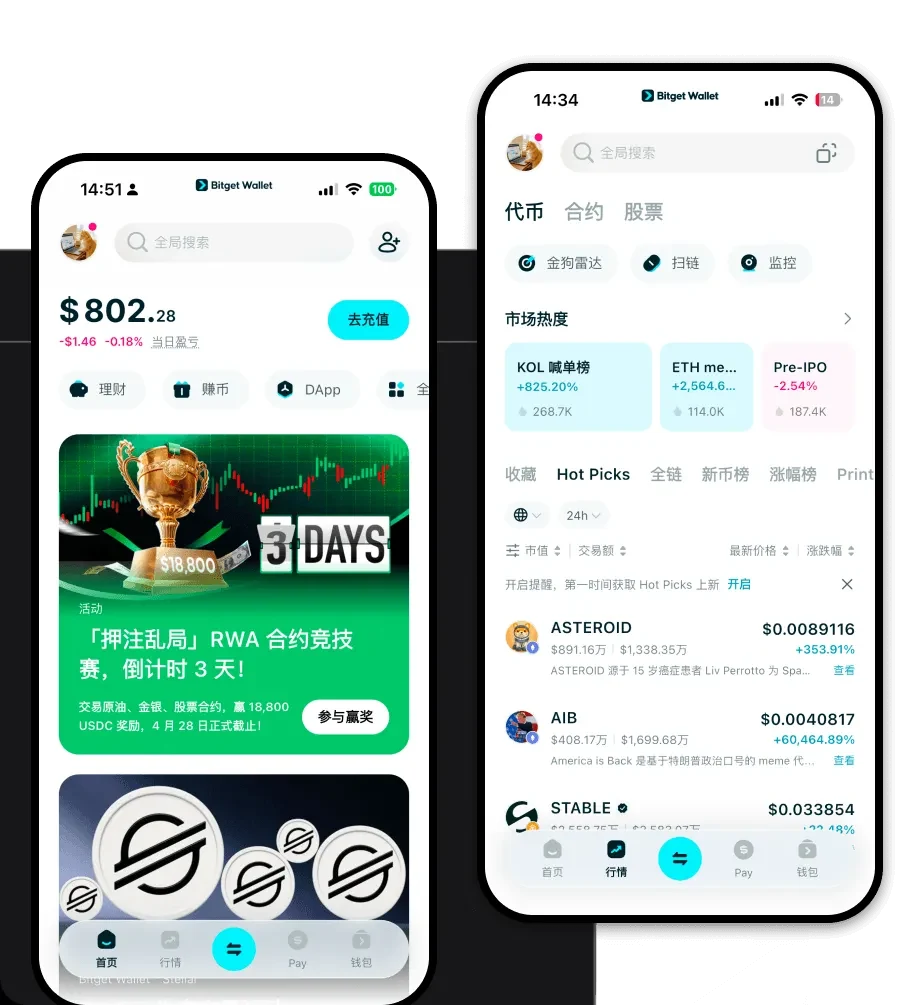
A DBM wallet is a digital interface designed to interact with the DBM (DeFi Business Management) token within the EVM-compatible blockchain ecosystem. Because DBM operates on EVM standards, it requires a wallet that supports smart contract interactions, token approvals, and decentralized application (DApp) connectivity. Are you looking for a reliable and secure crypto wallet for your DBM? Bitget Wallet will be your best choice. Trusted by 40 million users, you can freely explore Web3 on Bitget Wallet. Start your journey now!
Download Bitget DBM Wallet
Getting started with your DBM management is simple and secure. With Bitget Wallet, you maintain full custody of your private keys, ensuring you are the sole owner of your assets. The platform offers a seamless experience across devices, providing robust support for iOS, Android, and browser extensions. Whether you are on the go or trading from your desktop, you can access your DBM portfolio anytime. To begin, visit the official site to download Bitget Wallet and set up your multi-chain gateway in minutes.
Why Choose Bitget DBM Wallet?
Bitget Wallet stands out as a specialized tool for EVM-based assets like DBM. Here is why it is the optimal choice for your DeFi activities:
- EVM Compatibility: Designed specifically for the Ethereum Virtual Machine, ensuring smooth interaction with DBM smart contracts and token standards.
- Advanced Smart Contract Integration: Effortlessly manage complex transaction calls and interact with decentralized protocols without technical friction.
- Decentralized Governance Tools: Participate directly in DAO voting and proposal management within the wallet interface.
- Efficient Cross-Chain Interoperability: Utilize built-in bridges to move assets across different chains without relying on centralized exchanges.
- Robust Security Architecture: Benefit from a $300 million user protection fund and advanced encryption that keeps your DBM and other assets safe from unauthorized access.
How to Create a DBM Wallet
Follow these steps to set up your Bitget Wallet and start managing DBM:
- Install: Download the Bitget Wallet application from the official website or your mobile app store.
- Create/Import: Select 'Create a Wallet' to generate a new set of private keys or import an existing wallet using your seed phrase.
- Backup: Carefully write down and securely store your 12-word mnemonic phrase; never share this with anyone.
- Add Token: Navigate to the asset management section, click 'Add Token', and paste the DBM contract address to display your balance.
- Fund: Copy your wallet address to receive DBM or deposit ETH to cover the gas fees required for EVM transactions.
What Can You Do With a DBM Wallet?
Holding DBM in your Bitget Wallet unlocks the full potential of your DeFi participation:
- Staking: Lock your DBM tokens into approved smart contracts to earn passive rewards and contribute to network security.
- Trading on DEX: Access decentralized exchanges directly through the in-app browser to swap DBM for other tokens at competitive rates.
- Liquidity Mining: Provide liquidity to DBM-related pools and earn trading fees, effectively utilizing your assets to generate yield.
- Governance Voting: Use your wallet to authenticate your holdings and cast votes on important protocol updates and community proposals.
How DBM Wallets Are Different from Other Crypto Wallets
Unlike simple storage wallets, a specialized DBM wallet on the EVM network handles the unique complexities of smart contract interactions. Because DBM utilizes an account-based model, your wallet must constantly track nonces and gas limits to ensure transaction success. Unlike BTC wallets that use UTXO models, a DBM wallet manages token approvals—a critical security feature that allows you to grant specific permissions to DApps. Bitget Wallet optimizes these interactions, ensuring you pay the lowest possible gas fees while maintaining high execution speed for your DeFi strategies.
