今すぐダウンロードする
今すぐダウンロードする




nakamoto
Nakamoto Wallet: Best Wallet to Store, Send & Use Nakamoto (2026 Guide)
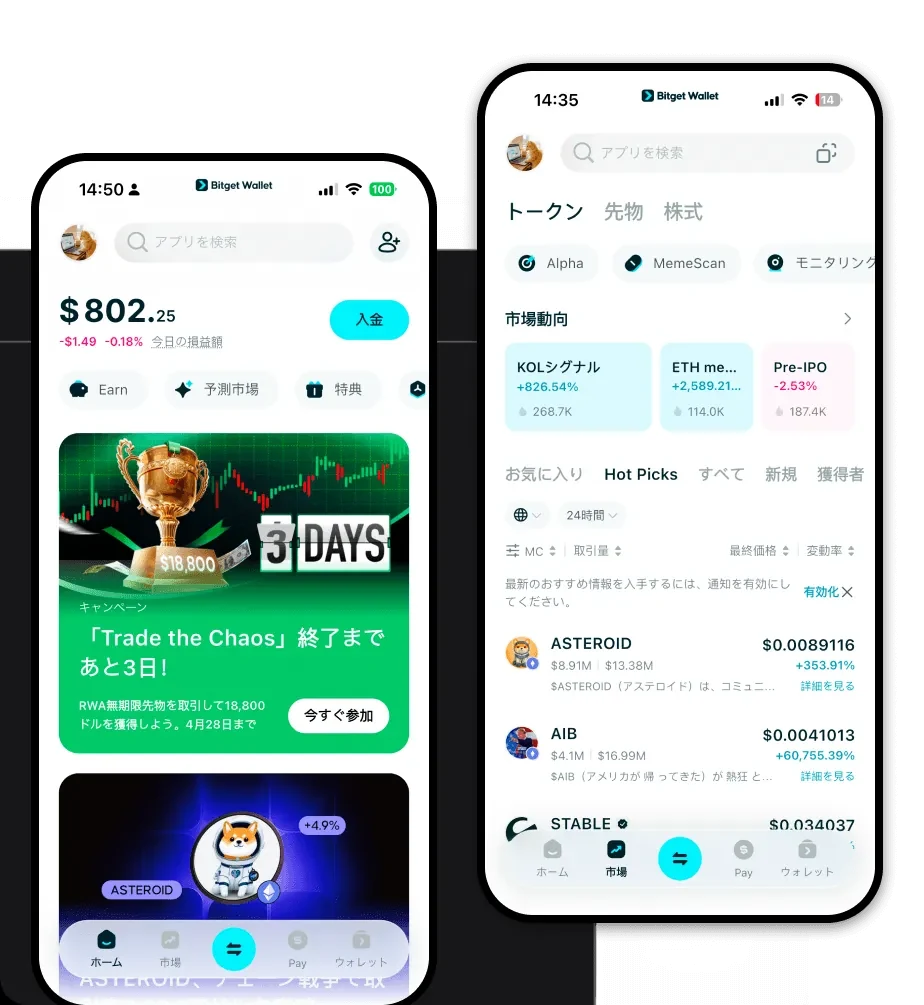
Nakamoto Memeの保管、送金、利用に最適なNakamoto Memeウォレットをダウンロードしましょう。Nakamoto Memeウォレットの作成方法、DAppsへのアクセス方法、そしてNakamoto Memeを安全に管理する方法について学びましょう。
よくあるご質問
よくある質問と回答
Is Nakamoto wallet safe?
Yes, security is a top priority. By using a self-custodial wallet like Bitget, you retain full control over your private keys, meaning no third party can access your funds. Additionally, Bitget utilizes advanced encryption and a $300 million protection fund to safeguard user assets against potential vulnerabilities.
How to get a Nakamoto wallet address?
To get your address, simply open the Bitget Wallet app after setup, tap on the 'Assets' tab, select your Nakamoto token, and click 'Receive.' The app will display your unique Nakamoto wallet address, which you can copy or share via QR code.
Can I store Nakamoto on Bitget Wallet?
Absolutely. Bitget Wallet provides robust support for millions of tokens across 130+ blockchains, including assets within the Bitcoin ecosystem. You can securely store, track, and manage your Nakamoto tokens directly within the application.

Bitget Wallet X
Products

Products
Bitget Wallet X