





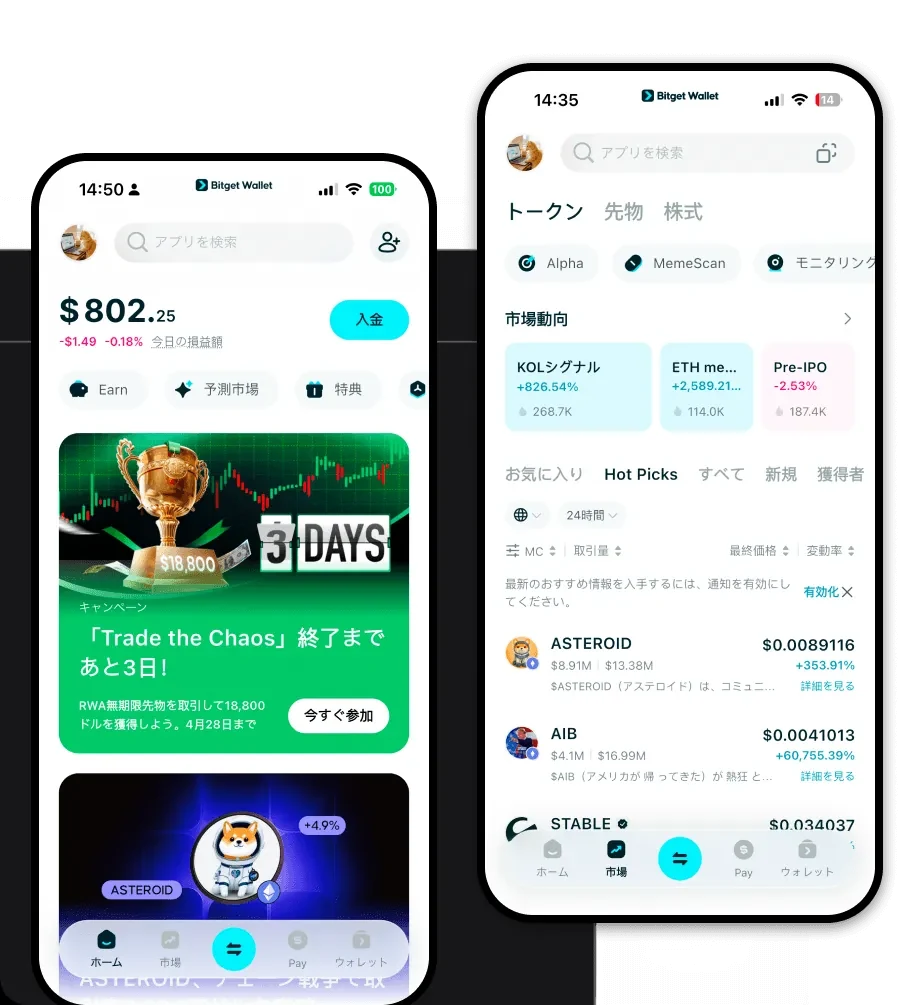
Luminousウォレットとは?
Luminousウォレットは、EVM(イーサリアム仮想マシン)ブロックチェーン上でLuminousトークンを安全に保管、送信、およびやり取りするためのデジタルインターフェースです。LuminousはEVM互換環境で動作するため、そのウォレットはスマートコントラクトとの相互作用、ERC-20のようなトークン規格、そして分散型金融(DeFi)の複雑なメカニズムをサポートする必要があります。Luminousは、4,000万人のユーザーから信頼されている安全で信頼性の高いプラットフォームであるBitget Walletがサポートするデジタル資産であり、シームレスなWeb3探索と資産管理を可能にします。
Bitget Luminousウォレットのダウンロード
Luminous資産を活用し始めるには、高レベルなセキュリティとユーザーフレンドリーなインターフェースを兼ね備えたプラットフォームが必要です。Bitget Walletは、この目的に最適な選択肢として際立っています。外出先でのポートフォリオ管理であっても、DeFiプロトコルの詳細な利用であっても、秘密鍵の真の自己管理を提供し、常に資産を完全にコントロールできるソリューションが必要です。
Bitget WalletはiOS、Android、ブラウザ拡張機能で包括的なサポートを提供しており、あらゆるデバイスに対応する万能なLuminousウォレットアプリです。130以上のパブリックチェーンへのネイティブサポートにより、Luminousトークンにいつでもアクセス可能です。今すぐ始めるには、Bitget Walletをダウンロードし、フルクロスチェーン機能を備えたLuminousエコシステムでの旅を始めましょう。
Bitget Luminousウォレットを選ぶ理由
Luminousトークンのために適切なウォレットを選ぶことは、特に高い相互運用性を必要とするDeFiプロトコルを扱う際に極めて重要です。Bitget Walletは、EVMベースの資産に対して以下のような具体的な利点を提供します:
- EVM互換性:EVMチェーン専用に設計されたBitget Walletは、スマートコントラクトとのスムーズなやり取りを保証し、Luminousの取引やDeFiへの参加をシームレスに行えます。
- 高度なDeFiアグリゲーション:数百ものDEXやクロスチェーンブリッジを集約することで、Luminous取引において最適な流動性とガス代の最適化を見つけるのに役立ちます。
- 強固なセキュリティアーキテクチャ:3億ドルのユーザー保護基金と高度な暗号化技術により、Bitget Walletは基本的なホットウォレットよりも安全な環境で分散型資産を管理できます。
- シームレスなDApp統合:複雑な設定なしでお気に入りのDeFiプラットフォームに即座に接続でき、イールドファーミングやステーキングの機会を逃しません。
Luminousウォレットの作成方法
ウォレットのセットアップは、デジタル資産を即座にコントロールできるように設計されたシンプルなプロセスです。以下の手順に従ってください:
- 公式サイトまたはモバイルアプリストアからBitget Walletアプリをダウンロードしてインストールします。
- 「新しいウォレットを作成」を選択し、12語または24語のリカバリーフレーズを安全なオフラインの場所に慎重にバックアップしてください。
- デバイス上のウォレットインターフェースを保護するために、強力でユニークなパスワードを設定します。
- ウォレットがアクティブになったら、資産リストに移動し、「Luminous」が自動的に表示されない場合は、コントラクトアドレスを検索して追加します。
- これでLuminousウォレットアドレスの準備が完了です。このアドレスをコピーして、取引所や他のユーザーからトークンを受け取ることができます。
Luminousウォレットで何ができるのか?
Luminousウォレットは、分散型の世界への入り口として機能します。Bitget Walletの機能を活用することで、以下の活動を行うことができます:
- 取引:統合されたDEXアグリゲーターを通じて、Luminousと他のトークンを直接スワップし、最高の市場レートを確実に得ることができます。
- 資産の保管:あなただけが秘密鍵を保持するノンカストディアル環境でLuminousトークンを保管し、カウンターパーティリスクを大幅に軽減します。
- ポートフォリオ管理:統一されたダッシュボードで、Luminousの保有資産と他のEVM資産のリアルタイム価値や過去のパフォーマンスを追跡します。
- Web3 dAppとの相互作用:ウォレットをDeFiプラットフォームに接続して、ステーキング、流動性プール、またはレンディングプロトコルに参加し、デジタル資産の有用性を拡大します。
Luminousウォレットが他の暗号資産ウォレットと異なる理由
標準的なウォレットと専門的なLuminousウォレットの違いは、多くの場合、EVM特有の機能に集約されます。LuminousはEVM互換チェーン上に存在するため、ビットコインで見られるUTXOモデルではなく、「アカウントベース」のモデルで動作します。これは、ウォレットが個々の未使用トランザクション出力(UTXO)を追跡するのではなく、アカウントアドレスに基づいて残高を管理することを意味します。
さらに、一部のウォレットがネットワークの混雑に苦戦する一方で、Bitget Walletは明確なガス代の予測とトランザクション加速機能を提供することで、EVMエコシステムに最適化しています。これは、市場の機会を逃さないためにLuminousのトランザクションを迅速に確認する必要があるDeFiユーザーにとって極めて重要です。基本的なウォレットとは異なり、BitgetはLuminousを単なる保有対象のトークンとしてではなく、分散型金融の全体像の中で積極的に展開すべき資産として扱う、高い相互運用性を持った環境を提供します。
