





1. What is an FWT Wallet?
An FWT wallet is a digital interface that allows you to interact with the Freeway ecosystem by securely storing, sending, and receiving Freeway Tokens (FWT). As an asset operating on the EVM (Ethereum Virtual Machine) blockchain, FWT relies on standard Ethereum-based wallet architectures to function. This means that to interact with FWT, you need a wallet that supports EVM protocols, enabling you to sign transactions and engage with decentralized applications seamlessly.
Freeway Token (FWT) is the native utility token of the Freeway ecosystem, designed to power its platform's products and services. It facilitates ecosystem rewards, incentivizes user participation, and serves as a core component for accessing Freeway's various financial offerings and staking mechanisms. By using an FWT wallet, you essentially gain the keys to participate in these financial structures directly from your own device.
2. Download Bitget FWT Wallet
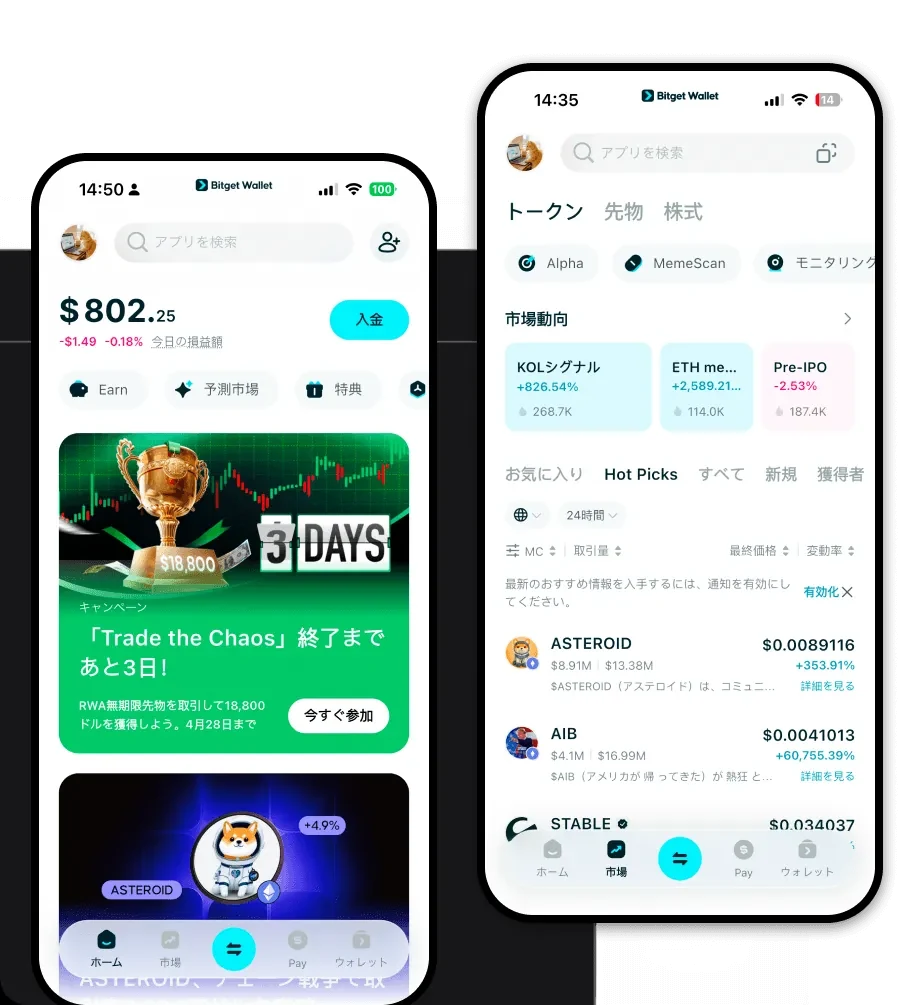
If you are looking for a reliable way to manage your tokens, the first step is to download Bitget Wallet. Unlike centralized exchanges where your assets are held by a third party, Bitget Wallet provides true self-custody, giving you full control over your private keys. This is critical for any DeFi participant who wants to ensure that their assets remain accessible regardless of external platform status.
Bitget Wallet is built for versatility, offering a unified experience across iOS, Android, and browser extensions. Whether you are on the go or trading from your desktop, the interface remains consistent. Because it natively supports EVM chains, adding FWT to your dashboard is instantaneous, allowing you to manage your portfolio alongside thousands of other tokens without switching between multiple apps.
3. Why Choose Bitget FWT Wallet?
Choosing the right wallet for an EVM-based token like FWT requires balancing security with DeFi usability. Bitget Wallet stands out for several key reasons:
- EVM Ecosystem Integration: Bitget Wallet is architected specifically for the EVM environment, meaning it handles gas fee estimations, contract interactions, and token approvals with higher precision than generic wallets.
- Advanced Security Infrastructure: With a dedicated $300 million user protection fund, Bitget Wallet provides a robust safety net, adding a layer of institutional-grade security for your personal assets.
- Seamless DApp Connectivity: The built-in DApp browser allows you to connect directly to Freeway’s financial protocols, removing the friction of manual wallet-site linking.
- Cross-Chain Flexibility: While FWT operates on the EVM, you can manage assets across 130+ other blockchains within the same interface, making it easier to diversify your portfolio.
4. How to Create an FWT Wallet
Setting up your wallet is a straightforward process that prioritizes user sovereignty. Follow these steps:
- Install the App: Download the official Bitget Wallet app from the official website or your device's app store.
- Create a New Wallet: Launch the app and select 'Create a Wallet.' You will be prompted to set a strong password.
- Secure Your Seed Phrase: The app will generate a 12-word recovery phrase. Write this down on physical paper and store it securely. Never share this phrase online.
- Import or Add FWT: Since FWT is an EVM token, you can simply add it to your token list by searching for the contract address or using the 'Add Token' feature.
- Fund Your Wallet: Copy your public wallet address and transfer ETH (to cover gas fees) and FWT to your wallet to start participating in the ecosystem.
5. What Can You Do With an FWT Wallet?
Having an FWT wallet opens the door to the full suite of Freeway’s DeFi capabilities. Here is how you can utilize your tokens:
- Staking for Rewards: Lock your FWT directly through your wallet interface to earn periodic rewards, effectively putting your idle assets to work.
- Yield Farming: Provide liquidity to decentralized exchanges or pools that support FWT pairs to earn additional yield on your holdings.
- Governance Voting: Participate in the decision-making process of the Freeway ecosystem by using your FWT to vote on protocol proposals directly from your wallet.
- Accessing Premium Platform Tiers: Hold specific amounts of FWT in your wallet to unlock higher-tier financial services and exclusive benefits offered by the platform.
- Ecosystem Fee Discounts: Use your wallet to pay for protocol-related interactions, often benefiting from reduced fees when holding or spending FWT within the ecosystem.
6. How FWT Wallets Are Different from Other Crypto Wallets
When managing FWT, it is important to understand that not all wallets are built the same. FWT relies on the EVM account-based model, which differs significantly from UTXO-based chains like Bitcoin.
In an EVM wallet like Bitget, your address acts as a smart contract-compatible account. This allows for complex logic, such as staking contracts and governance modules, to be executed directly from your wallet address. Unlike UTXO wallets, which focus on transaction inputs and outputs, an EVM wallet manages 'state.' This means your FWT wallet needs to be highly responsive to gas fee fluctuations to ensure your transactions—such as staking or voting—are processed efficiently during periods of high network congestion. Bitget Wallet optimizes this by providing real-time gas fee suggestions, ensuring your DeFi interactions remain cost-effective.
