





What is a CW Wallet?
A CW wallet is a digital interface designed to interact with the blockchain network where your CW tokens reside. Because CW operates within the EVM (Ethereum Virtual Machine) ecosystem, your wallet acts as a bridge to smart contracts, decentralized applications (DApps), and the broader DeFi landscape. Choosing the right wallet is crucial for maintaining control over your private keys and ensuring your assets are accessible whenever you need to transact.
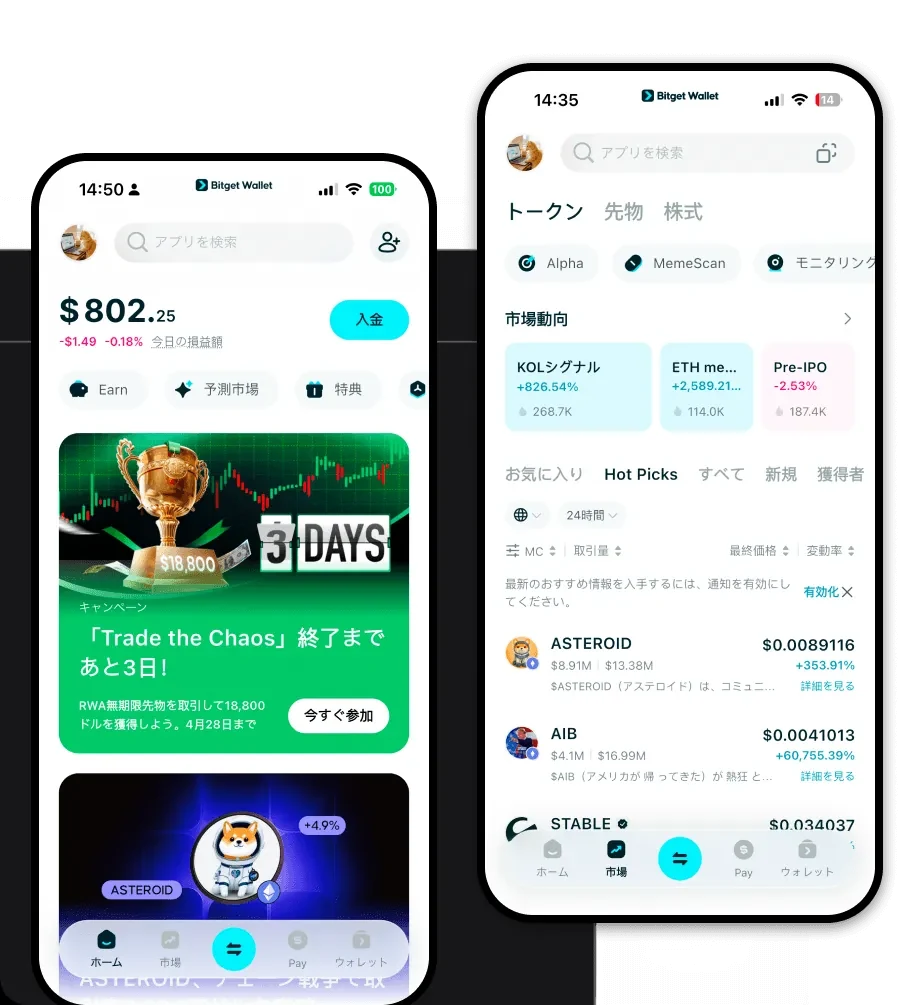
Are you looking for a reliable and secure crypto wallet for your CW? Bitget Wallet will be your best choice. Trusted by 40 million users, you can freely explore Web3 on Bitget Wallet. Start your journey now!
Download Bitget CW Wallet
Getting started with your CW journey is straightforward. As a comprehensive crypto management tool, Bitget Wallet provides a seamless experience across all platforms. Whether you are using a desktop browser or a mobile device, the wallet ensures your assets are always synchronized.
Key features include:
- Multi-chain support: Manage CW alongside thousands of other tokens across 130+ blockchains.
- Non-custodial security: You hold your private keys, ensuring you have total ownership of your funds.
- Universal access: Available on iOS, Android, and as a browser extension for desktop users.
To begin, you can download Bitget Wallet directly from the official website to ensure you are installing the genuine, secure application.
Why Choose Bitget CW Wallet?
For users holding EVM-based assets like CW, the choice of wallet significantly impacts the overall experience. Bitget Wallet is engineered to optimize the performance of the EVM ecosystem.
- Seamless EVM Compatibility: Bitget Wallet is designed to interact natively with EVM-based networks, allowing for instant connection to DeFi protocols without configuration headaches.
- Advanced Cross-Chain Interoperability: Effortlessly swap your CW across different chains using integrated cross-chain bridges, eliminating the need for centralized exchange transfers.
- Non-Custodial Asset Control: Unlike centralized exchanges, Bitget Wallet keeps your private keys on your device, providing true self-sovereignty over your CW.
- Smart Contract Interaction: The DApp browser is optimized for EVM smart contracts, ensuring high-speed transaction execution and clear gas fee estimation.
How to Create a CW Wallet
Creating your wallet is a security-first process. Follow these steps to set up your CW wallet safely:
- Download and Install: Get the official app via the download Bitget Wallet link.
- Create a New Identity: Open the app and select 'Create Wallet'. You will be asked to set a strong password to protect your local device access.
- Backup Your Seed Phrase: The app will generate a 12 or 24-word recovery phrase. Write this down on paper and store it in a secure, offline location. Never share this with anyone.
- Verify and Setup: Confirm your recovery phrase to finish the setup. Your wallet is now active.
- Add CW: Locate the 'Add Token' button, search for CW, and toggle it on to see your balance and address on your home screen.
What Can You Do With a CW Wallet?
Beyond simply holding tokens, a modern wallet acts as your gateway to the entire Web3 ecosystem. Here is how you can utilize your CW wallet effectively:
- Asset Storage: Keep your CW secure in a non-custodial environment where only you control the private keys.
- Token Swapping: Use the built-in DEX aggregator to exchange CW for other tokens at the best available market rates without leaving the app.
- DApp Interaction: Connect your wallet to your favorite DeFi platforms to participate in staking, lending, or liquidity provisioning.
- Portfolio Tracking: Monitor the real-time value and performance of your CW holdings with the built-in analytics dashboard.
- NFT Management: View, store, and transfer your NFTs directly within the same interface used for your CW tokens.
How CW Wallets Are Different from Other Crypto Wallets
Not all wallets are created equal, especially when dealing with EVM-compatible tokens like CW. While some wallets are built for simple storage, an EVM-optimized wallet like Bitget Wallet focuses on the complexity of the Ethereum ecosystem. Unlike UTXO-based wallets (like those for Bitcoin) which focus on transaction inputs and outputs, your CW wallet utilizes the 'Account Model'. This means your wallet tracks a balance associated with an address, which is essential for interacting with complex smart contracts. Furthermore, Bitget Wallet provides superior gas fee management tools, helping you navigate the sometimes volatile gas prices of the EVM network, ensuring your transactions are processed efficiently and cost-effectively.
