





What is an Ultra Wallet?
An Ultra wallet is a specialized digital interface designed to store, manage, and interact with the Ultra (UOS) token, the native utility asset powering the Ultra ecosystem. Ultra is a unique, gaming-focused blockchain infrastructure designed to revolutionize the video game industry by creating a seamless bridge between developers, players, and content creators. Unlike standard crypto assets, UOS functions as the primary medium of exchange across a decentralized ecosystem where digital games, in-game items, and platform services are traded. Because Ultra operates on its own specialized chain architecture, choosing the right wallet is crucial for maintaining direct access to your assets while ensuring compatibility with the network's specific gaming features.
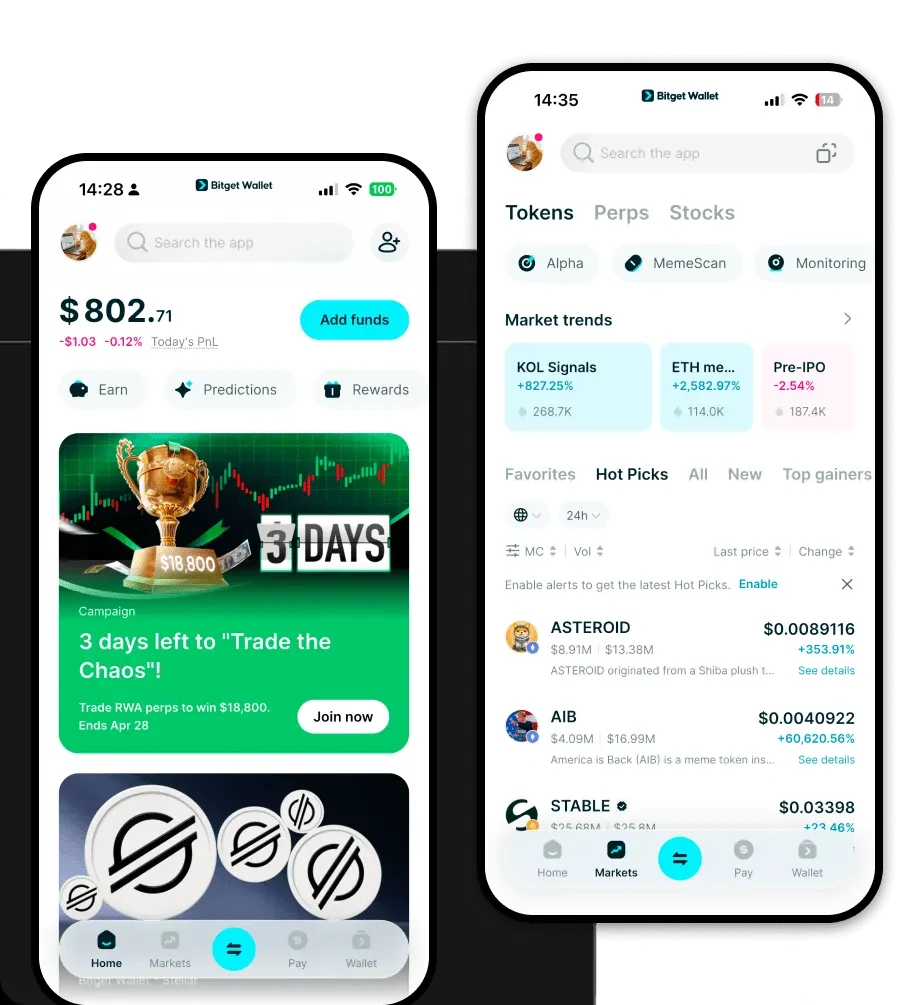
Are you looking for a reliable and secure crypto wallet for your Ultra? Bitget Wallet will be your best choice. Trusted by 40 million users, you can freely explore Web3 on Bitget Wallet. Start your journey now!
Download Bitget Ultra Wallet
To begin managing your UOS assets securely, you need a robust, non-custodial solution that puts you in total control of your private keys. Bitget Wallet provides a comprehensive gateway to the Web3 world, offering an intuitive interface for both beginners and experienced users. Whether you are constantly on the move or prefer managing your portfolio from a desktop, Bitget Wallet has you covered with cross-platform support.
You can easily download Bitget Wallet as a mobile app for iOS and Android, or install it as a browser extension for Chrome and other compatible browsers. By choosing Bitget Wallet, you benefit from a platform that supports over 130 mainstream blockchains and millions of tokens, ensuring that your Ultra holdings are always accessible alongside the rest of your crypto portfolio. With non-custodial ownership, you—and only you—hold the keys to your funds, providing the peace of mind required for high-frequency gaming asset transactions.
Why Choose Bitget Ultra Wallet?
Bitget Wallet stands out as the best wallet for Ultra because it is engineered to handle the specific demands of high-performance infrastructure projects and gaming ecosystems. Here is why it is the preferred choice for Ultra users:
- High-Performance Infrastructure Integration: Bitget Wallet is optimized to interact with scalable, gaming-focused blockchains, ensuring that your transactions are processed with minimal latency, which is critical when dealing with time-sensitive in-game asset trades.
- Zero-Fee Optimization: The wallet architecture is designed to support networks that prioritize user experience, helping you navigate environments that focus on zero-fee transactions or low-cost execution models.
- Built-in NFT Marketplace: Since Ultra is heavily centered on digital ownership, Bitget Wallet’s native NFT marketplace allows you to view, manage, and trade your in-game assets directly within the app without needing external platforms.
- Developer-Friendly Compatibility: For users interacting with dApps and platform services, Bitget Wallet provides a seamless connection, ensuring that signing transactions and connecting to developer-friendly tools is a frictionless experience.
- Enhanced Security Infrastructure: With over 300 million USD in the Bitget User Protection Fund, your assets are shielded by industry-leading security protocols, protecting you against malicious actors and potential network vulnerabilities.
How to Create an Ultra Wallet
Setting up your wallet is a straightforward process designed to get you into the ecosystem within minutes. Follow these steps to get started:
- Download and Install: Visit the official website or your app store to download Bitget Wallet. Install the application on your mobile device or browser.
- Create a New Wallet: Open the app and select the option to create a new wallet. You will be prompted to set a strong, unique password for your device.
- Backup Your Seed Phrase: The app will generate a 12- or 24-word recovery phrase. Write this down on paper and store it in a secure, offline location. Never share this with anyone, as it acts as the master key to your funds.
- Verify and Activate: Confirm your seed phrase within the app to ensure it has been recorded correctly. Once verified, your wallet is initialized.
- Manage Your Assets: Use the search feature within the wallet to locate "Ultra" or "UOS." Add it to your main dashboard to view your balance and transaction history.
What Can You Do With an Ultra Wallet?
Holding your UOS in a Bitget Wallet opens up a wide range of utility functions within the Ultra ecosystem. Beyond simple storage, you can actively participate in the network's growth:
- Trading In-game Assets: You can use your wallet to securely trade rare items, skins, and virtual goods on the Ultra marketplace, ensuring your ownership is verified on-chain.
- Staking for Network Rewards: By locking your tokens through your wallet, you can participate in staking programs to earn network rewards, effectively growing your holdings while supporting the blockchain's security.
- Participating in Token Sales: Your wallet serves as your identity, allowing you to participate in exclusive early-access token sales or initial game offerings (IGOs) hosted on the platform.
- Paying for Platform Services: Use your UOS to pay for subscription services, game purchases, or premium features within the Ultra ecosystem directly from your wallet interface.
- Governance Voting: As a token holder, you can use your wallet to vote on key governance proposals, influencing the future development and direction of the Ultra protocol.
How Ultra Wallets Are Different from Other Crypto Wallets
Unlike standard wallets designed solely for generic DeFi tokens, an Ultra-compatible wallet must be built to handle the unique demands of a gaming-centric blockchain. While many wallets focus on simple account-based models like Ethereum, an Ultra wallet must be highly efficient to support high-frequency interactions. Because Ultra utilizes a scalable architecture, the wallet software is optimized for speed and low-latency performance. This differs significantly from older, slower chains that might struggle with the instant confirmation times required for in-game asset transfers. Furthermore, because Ultra prioritizes developer tools and a zero-fee experience for the end-user, the Bitget Wallet interface is streamlined to handle these specific protocol interactions, ensuring that you don't face the "gas fee shock" common in congested EVM-based networks.
