






1
/
4
How do I apply for the Bitget Wallet Card?
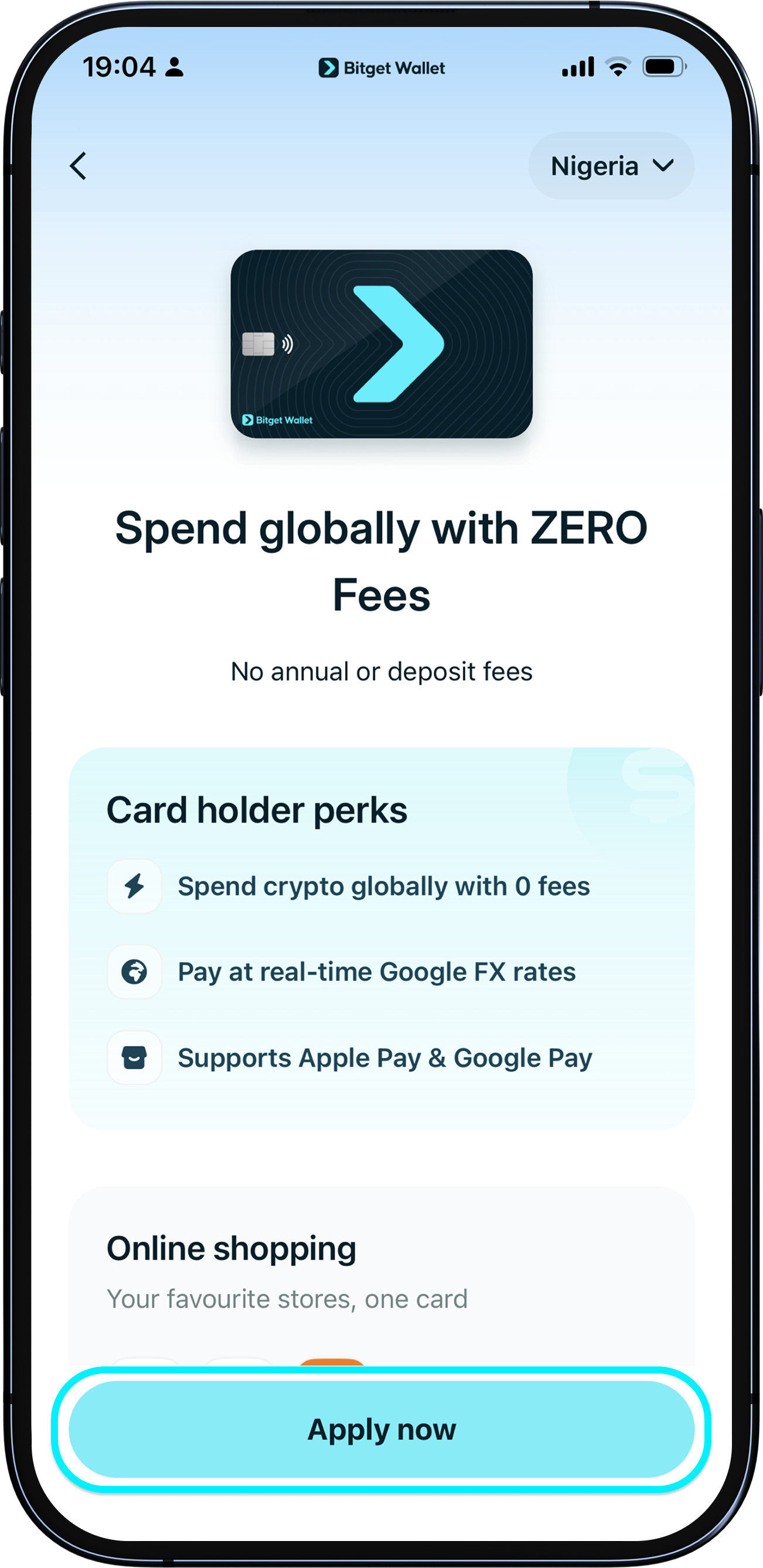
Bitget Wallet Card lets you spend your crypto on everyday purchases. To apply, update your Bitget Wallet app to the latest version, go to "Wallet" > "Card", and tap "Apply now". <br><b>Only seed phrase wallets or MPC wallets are supported. Private key wallets are not currently supported.</b>
Bitget Wallet Card lets you spend your crypto on everyday purchases. To apply, update your Bitget Wallet app to the latest version, go to "Wallet" > "Card", and tap "Apply now". <br><b>Only seed phrase wallets or MPC wallets are supported. Private key wallets are not currently supported.</b>
1
/
4
Who can apply?
The Bitget Wallet Card is available for residents of Bangladesh. Eligible ID documents:<br><br>National ID Card (NID), Passport, or Driving License.
1
/
4
How to apply and verify your identity
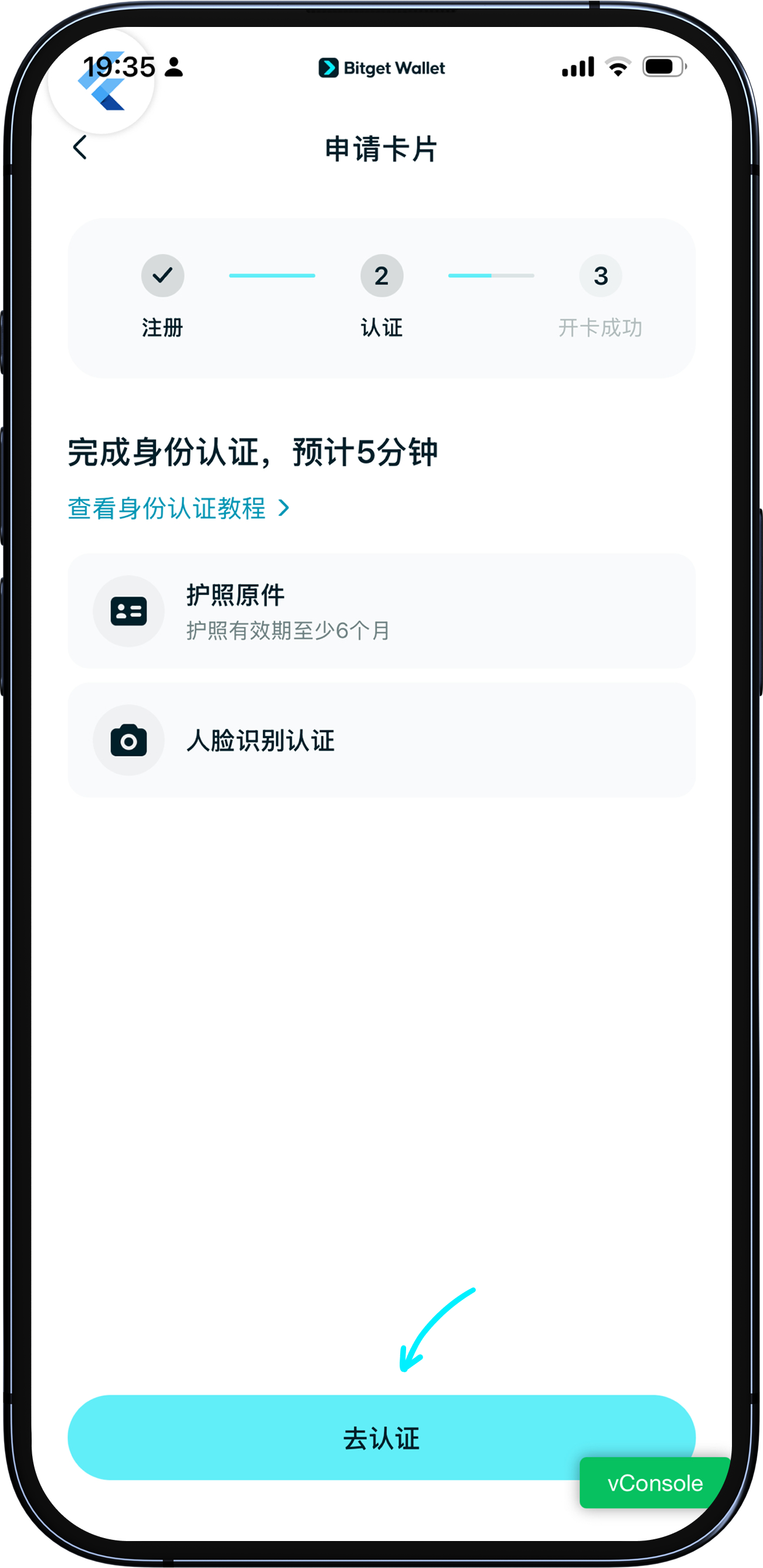
The application process has three steps: 1. Account registration (verify your email and phone number); 2. Identity verification via Sumsub (submit your ID and complete a face scan); 3. Card activation (sign the authorization to complete activation).<br><br>KYC results are typically available within 5–10 minutes. You will be notified by email once a decision is made.
1
/
4
Identity verification problems
If KYC is not approved, you will receive an email notification. If a retry is permitted, you can re-enter the KYC page to view the reason for rejection and resubmit your documents. If permanently rejected, please contact customer support.
