
1
/
7
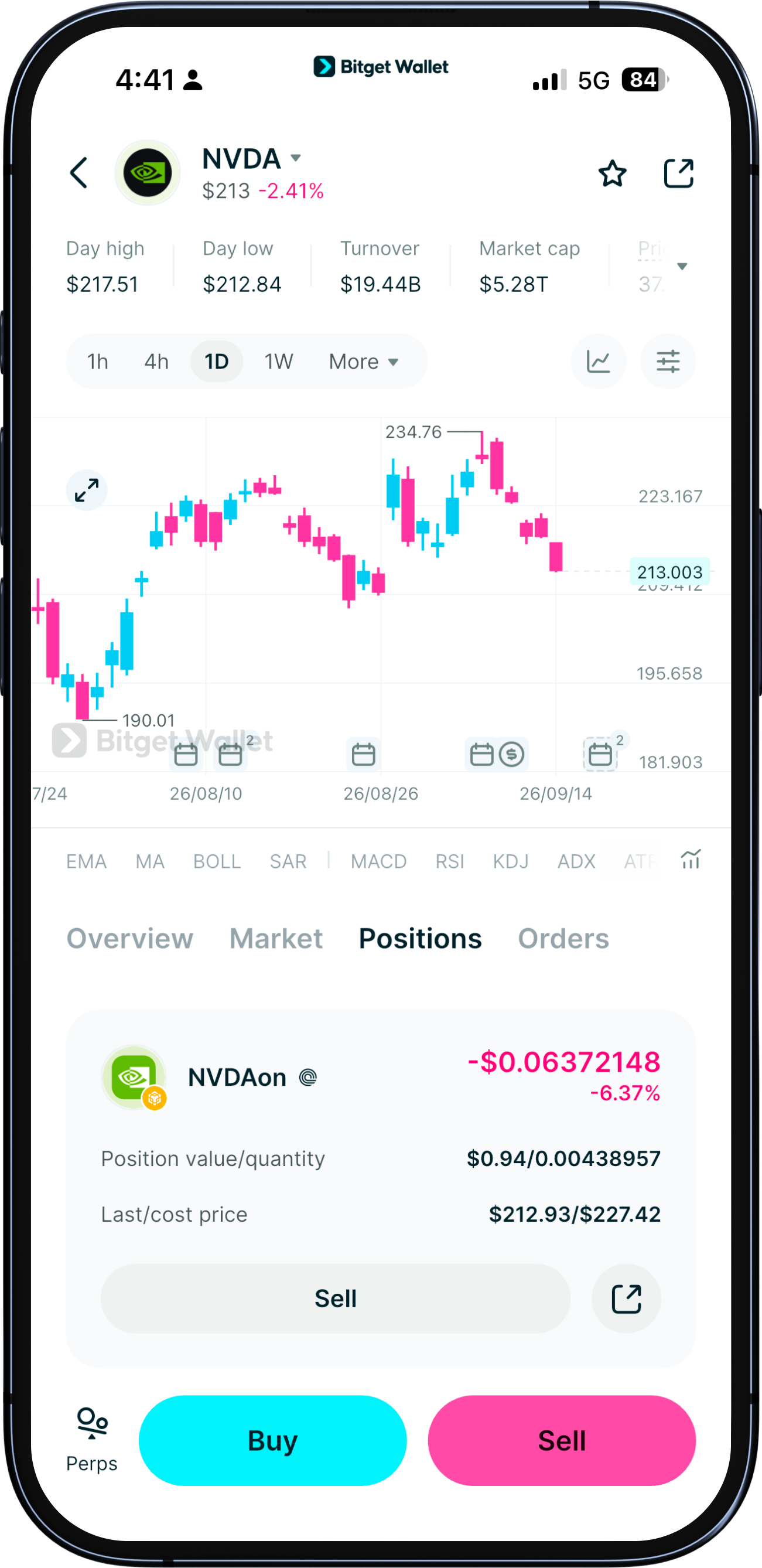
Viewing open orders
On the "Stocks" page, you can view your positions and active open orders.<br><br>From the same page, open your order history to view all submitted limit orders, including open and expired orders.
1
/
7
Viewing dividends
Dividends are handled differently across protocols.<br><br>For Ondo, dividends are automatically reinvested and reflected in the token value. For xStocks, dividends are automatically reinvested and reflected in your token balance.<br><br>For Reality, eligible dividends are paid directly to your Bitget Wallet in USDT. Your rToken balance does not change as a result of the dividend. Check your dividends under "Wallet" > "History" or "Trade" > "Stocks" > "Positions".
1
/
7
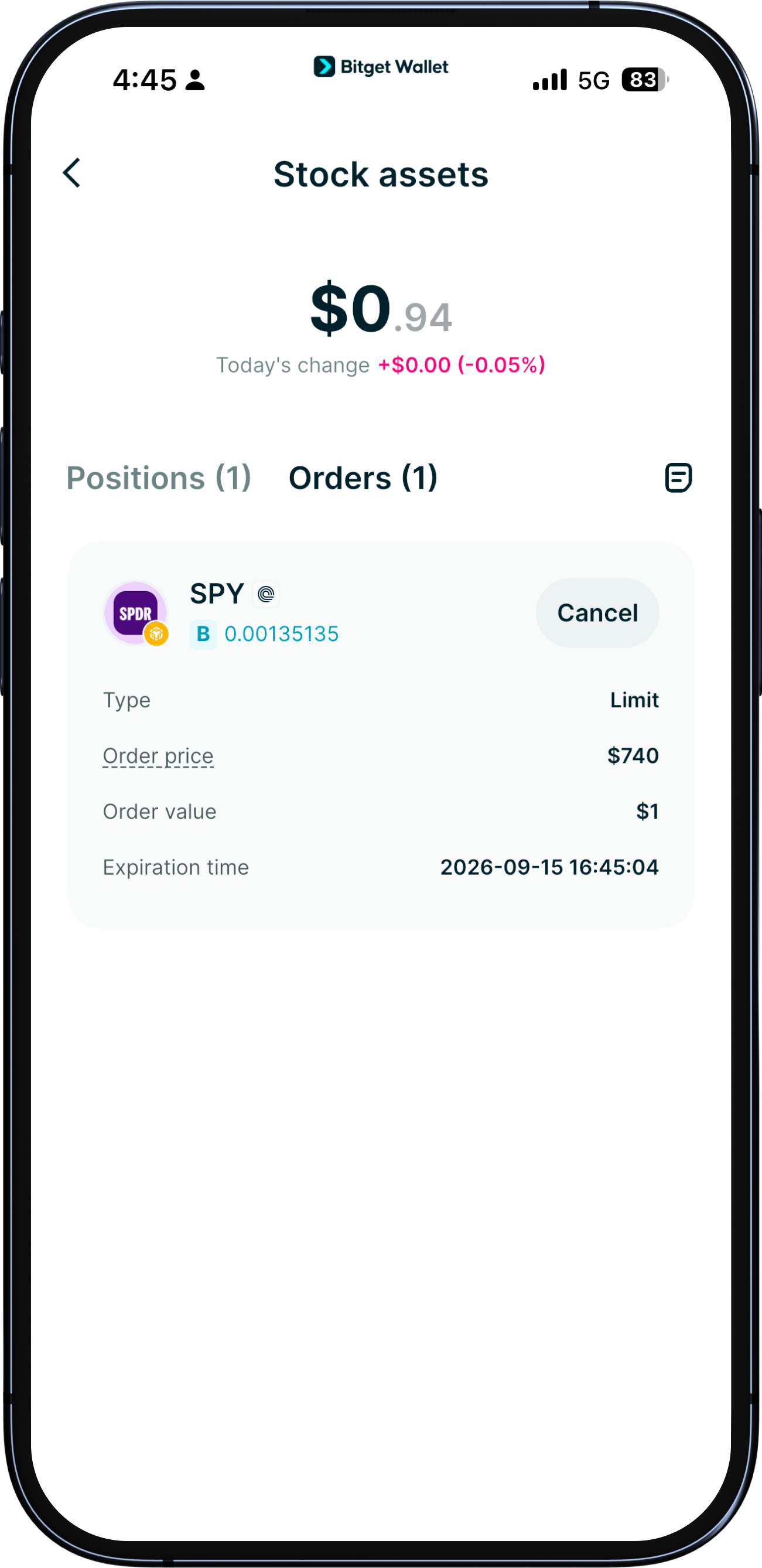
Canceling an order
If you want to cancel an order, look for the order at the bottom portion of the "Stocks" page or in "Order History," then tap "Cancel."
1
/
7
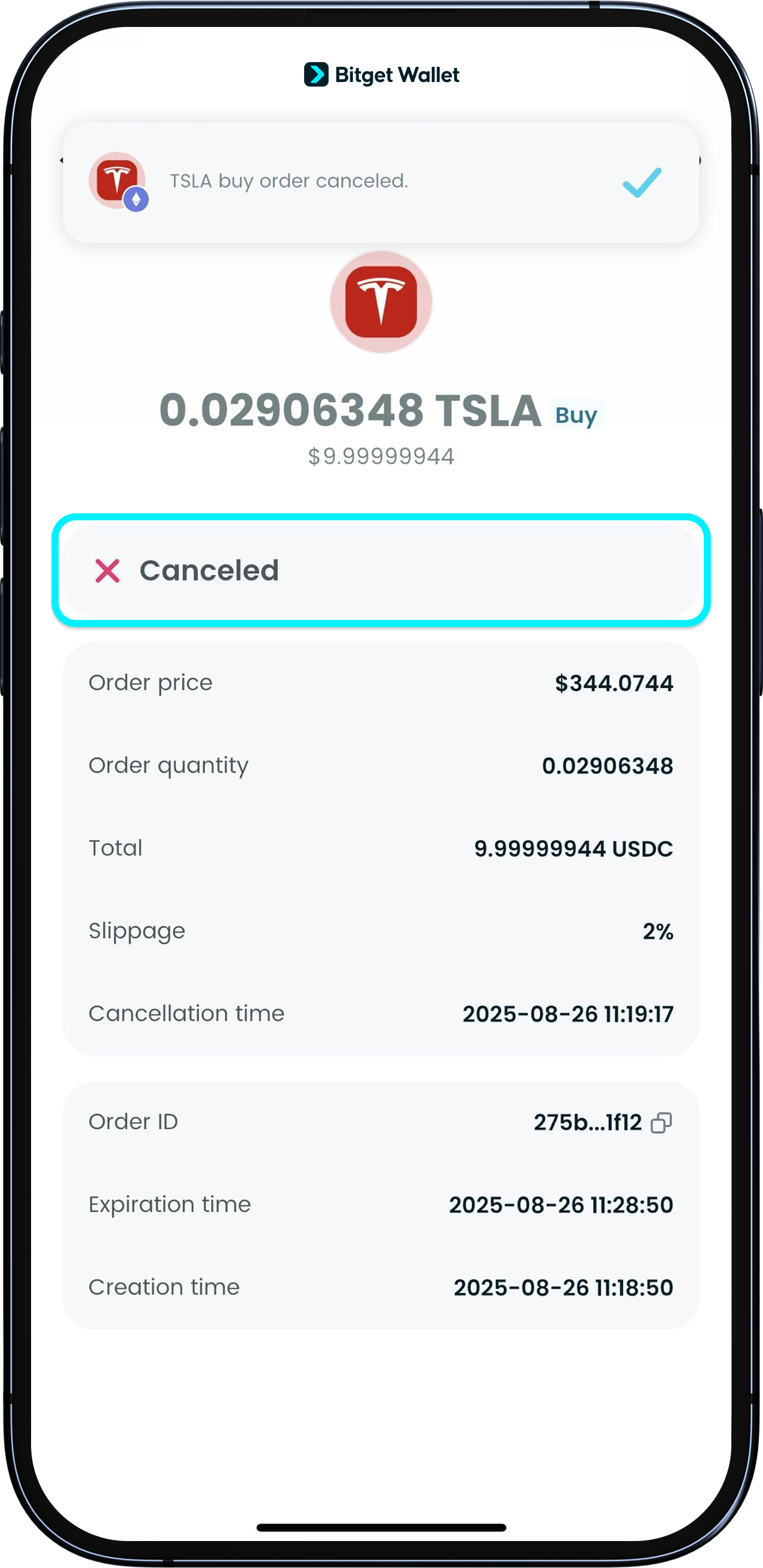
How to view orders, dividends, or cancel orders
After a successful cancellation, the status will change to "Canceled". <b>You can cancel an order at any time before it is fully filled.</b>
1
/
7
Gas fees for cancellation
Even when you cancel, the action is recorded on-chain, so gas is required. Since no trade has been made, no trading fees will be charged.
1
/
7
If cancellation fails
Check that you have enough native coins to pay for the gas; canceling an order still needs a small amount of gas.
1
/
7
Cancel orders you no longer want
Please cancel any unneeded limit orders in time. If your wallet later has enough funds and the market meets your order conditions, the order may execute and cause unintended losses.
Trade stock tokens now