





What is a Morph Wallet?
A Morph wallet is a digital interface that allows users to interact with the Morph blockchain, an innovative, consumer-focused Layer 2 solution. Morph is a consumer-focused Layer 2 blockchain designed to bridge the gap between Web2 and Web3. It utilizes a unique hybrid ZK-Rollup and Optimistic Rollup architecture to provide scalable, secure, and developer-friendly infrastructure for mass adoption. Because Morph operates on an EVM (Ethereum Virtual Machine) compatible chain, your wallet acts as your gateway to this high-performance L2 network, enabling you to manage assets and execute transactions seamlessly.
Download Bitget Morph Wallet
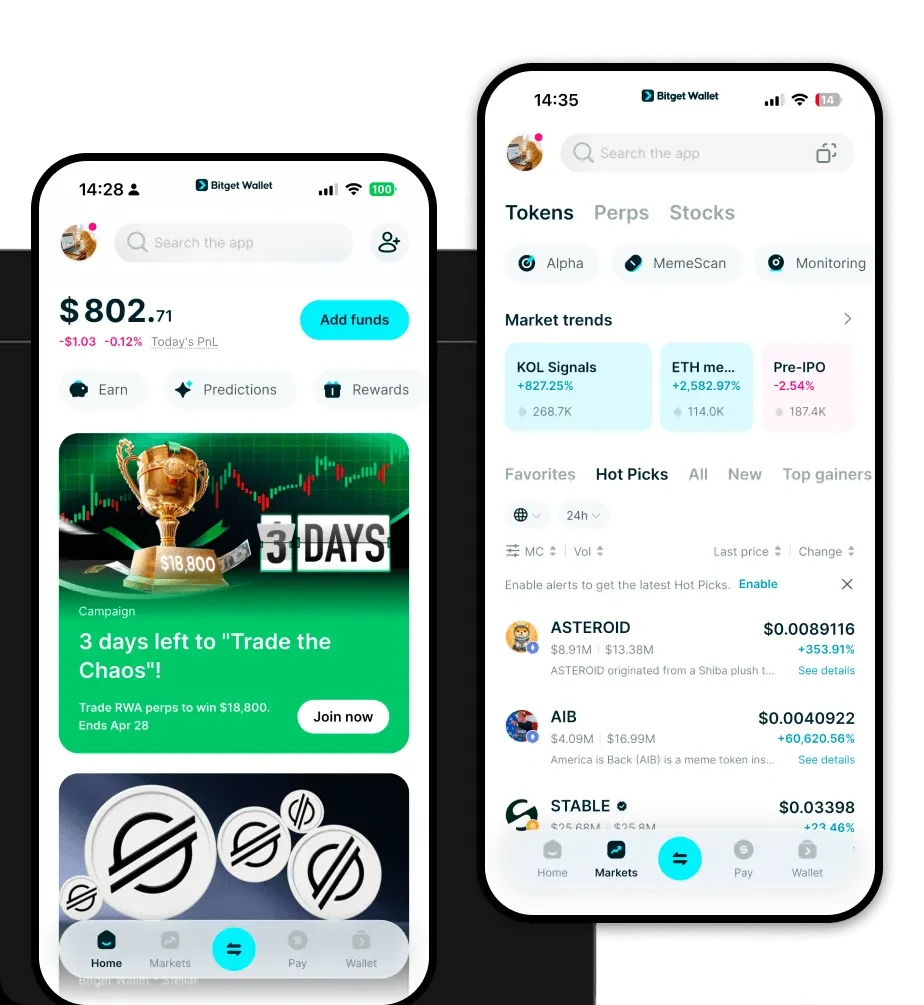
To fully engage with the Morph ecosystem, you need a versatile tool that prioritizes both security and accessibility. The Bitget Wallet app provides a unified gateway to the multi-chain world, ensuring that your Morph assets are always within reach. Whether you are using an iOS or Android device, or prefer the convenience of a browser extension, Bitget Wallet offers a consistent, user-friendly experience.
By choosing to download Bitget Wallet, you are opting for a non-custodial solution where you retain full control over your private keys and seed phrases. With support for over 130 public chains and millions of tokens, it is the ideal companion for managing your Morph holdings alongside your broader crypto portfolio.
Why Choose Bitget Morph Wallet?
Navigating L2 infrastructures requires a wallet that understands the nuances of modular blockchain design and EVM compatibility. Bitget Wallet stands out as the best wallet for Morph for several key reasons:
- Native EVM Compatibility: Bitget Wallet is built to handle the complexities of EVM chains, ensuring that interacting with Morph’s unique hybrid architecture is as straightforward as using Ethereum mainnet.
- Seamless Infrastructure Integration: With direct support for decentralized sequencers and modular designs, the wallet ensures that your transactions on Morph are processed efficiently without friction.
- Advanced Security Protocols: Backed by a $300 million user protection fund, Bitget Wallet provides institutional-grade security, shielding your assets from common Web3 vulnerabilities.
- Comprehensive DApp Browser: The built-in DApp browser allows you to connect directly to Morph-based decentralized applications, enabling instant interaction with the ecosystem's latest protocols.
How to Create a Morph Wallet
Setting up your wallet to manage Morph assets is a straightforward process designed for both beginners and experienced users. Follow these steps:
Step 1: Visit the official website or your app store to download Bitget Wallet.
Step 2: Open the application and select 'Create a New Wallet' to generate a new set of private keys. Ensure you store your mnemonic phrase in a secure, offline location.
Step 3: Once your wallet is set up, verify that the EVM network is active. Since Morph is EVM-compatible, your primary Ethereum address will function as your Morph wallet address.
Step 4: To view your tokens, you may need to add the Morph network details manually if they do not appear automatically, ensuring you are connected to the correct L2 RPC node.
Step 5: You are now ready to receive, store, and manage your assets on the Morph network.
What Can You Do With a Morph Wallet?
A Morph wallet is more than just a storage tool; it is your command center for the entire L2 ecosystem. Here is how you can utilize your wallet effectively:
- Staking for network security: You can participate in the network's consensus mechanisms by staking your Morph tokens, helping to secure the L2 architecture while earning potential rewards.
- Deploying decentralized applications: Developers can use the wallet to manage smart contract deployments, interacting directly with the Morph testnet or mainnet environments.
- Paying gas fees on the L2 network: Your wallet allows you to manage the native tokens required to execute transactions, ensuring you have enough liquidity to cover gas fees on the Morph L2 network.
- Governance voting: If you hold governance tokens, you can use your wallet to participate in on-chain voting, helping to shape the future direction of the Morph project.
- Bridging assets from Ethereum mainnet: Use your wallet interface to interact with official bridges, allowing you to move assets seamlessly between the Ethereum mainnet and the Morph L2 ecosystem.
How Morph Wallets Are Different from Other Crypto Wallets
Understanding the distinction between wallet types is crucial for optimizing your experience. Unlike legacy wallets designed for simple BTC transactions using the UTXO model, a Morph wallet is specifically optimized for an account-based, EVM-compatible environment. While BTC wallets focus on unspent transaction outputs, a Morph-compatible wallet like Bitget is designed to track account balances and manage complex smart contract states.
Furthermore, because Morph utilizes a hybrid ZK-Rollup and Optimistic Rollup architecture, your wallet must be capable of handling the high-speed, low-cost transaction throughput that this modular design provides. Standard wallets may struggle with the specific RPC requirements of modern L2s, but Bitget Wallet is engineered to handle these high-performance environments, providing a smoother experience with significantly lower fees compared to mainnet Ethereum.
