





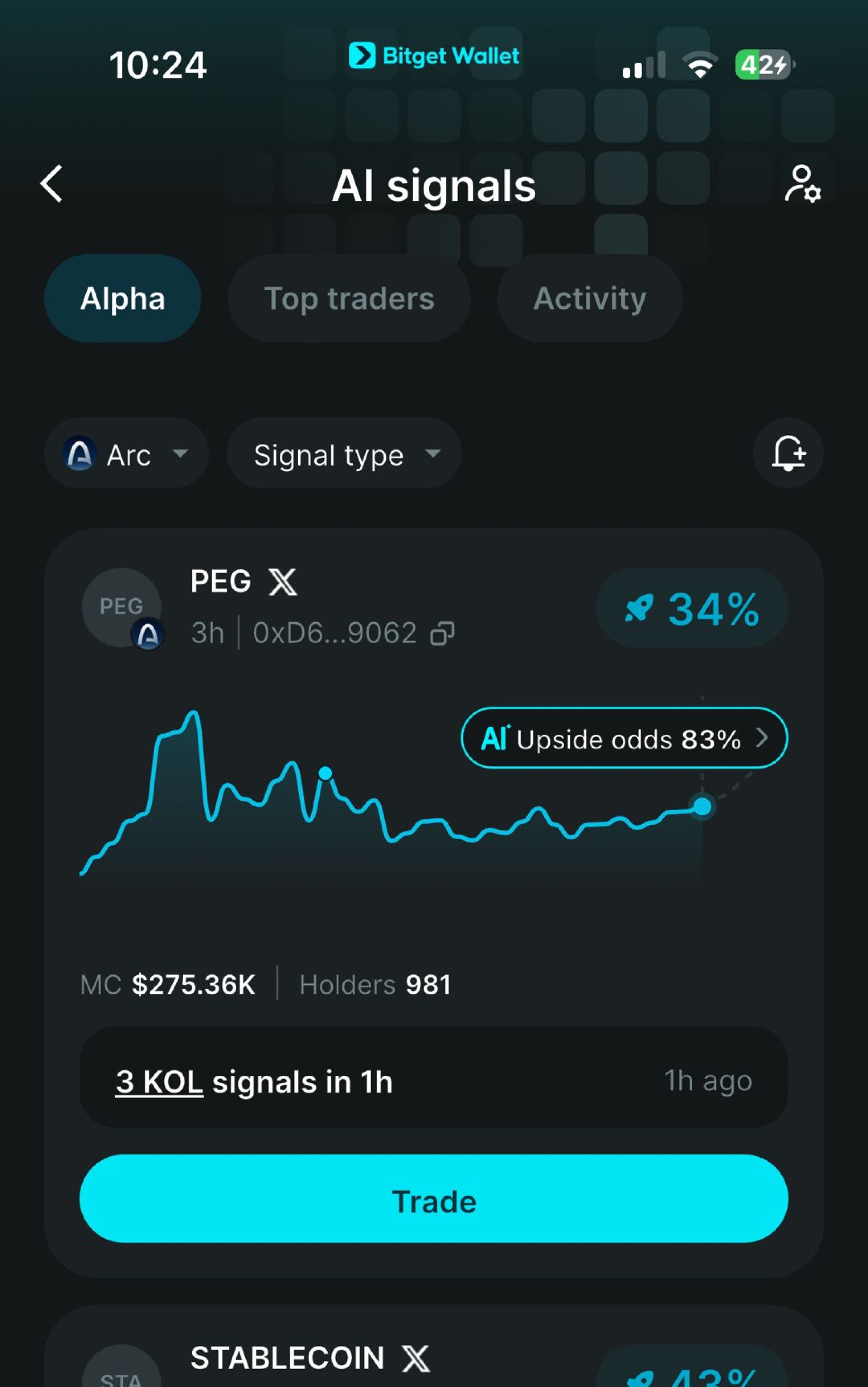
Arc Wallet
An Arc wallet lets you manage, trade, and swap supported Arc tokens, access stablecoin-native financial applications, move assets cross-chain, connect to dApps, and explore the growing Arc ecosystem. Download Bitget Wallet to access Arc Mainnet with a self-custodial crypto wallet trusted by over 100 million users.






How to Create an Arc Wallet?
- 1. Download and install Bitget Wallet, then create a new wallet or import an existing one.
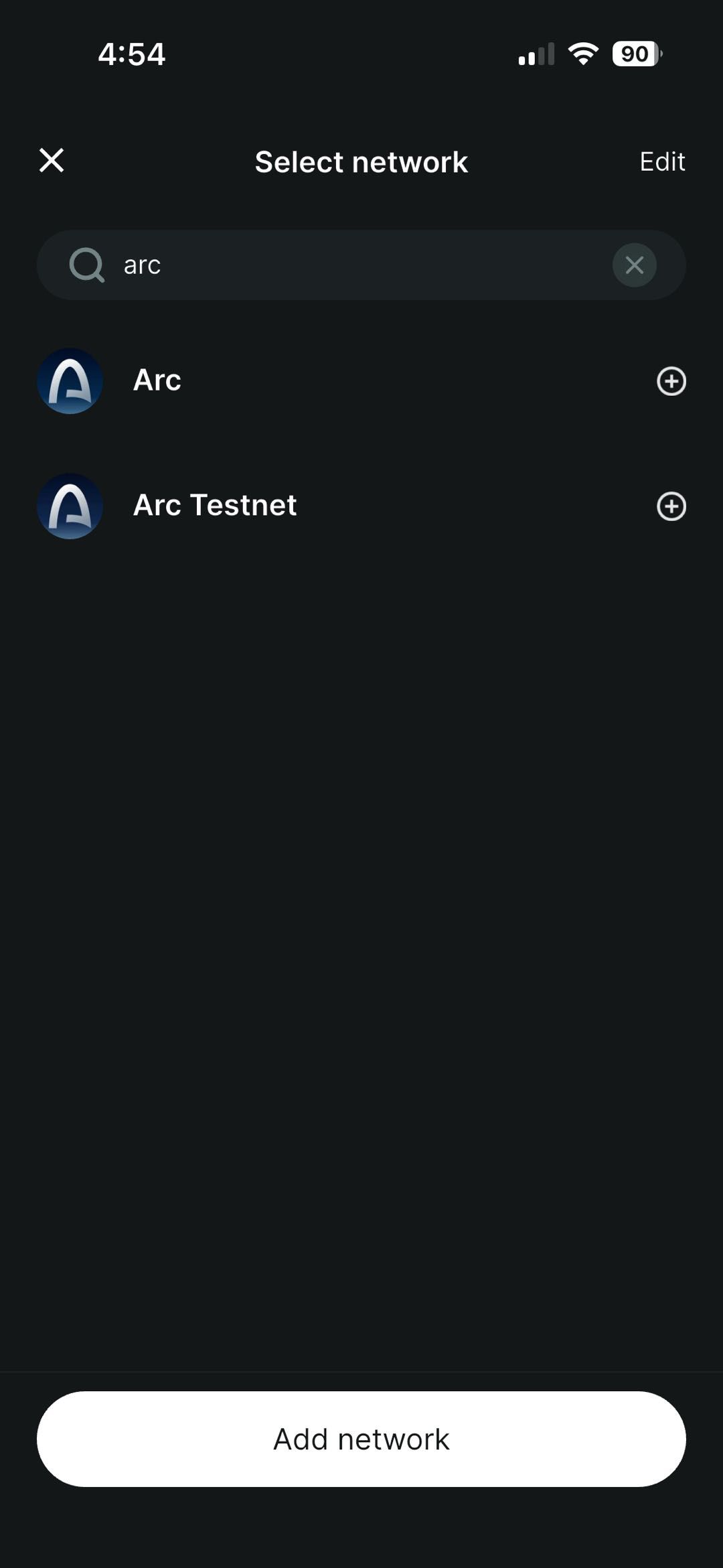
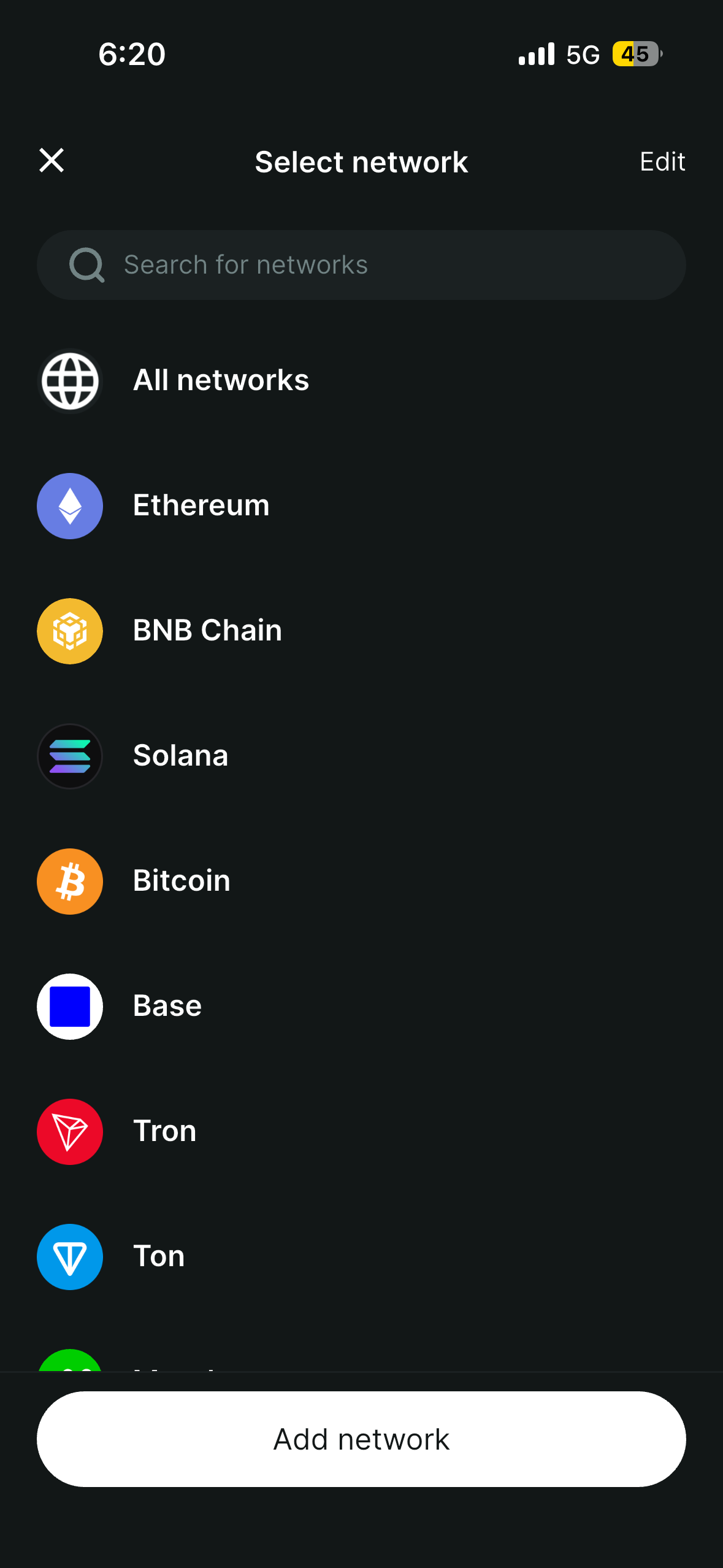
- 2. Add Arc. Open Bitget Wallet and tap Wallet and click the icon in the top-right corner.
- 3. Select Arc. Tap the Arc network icon and click Add network.
Your Bitget Wallet is now ready for Arc Chain. Add USDC to your wallet, then use features like buy, sell, swap, and more to access the Arc ecosystem.
Arc Wallet Features
Swap on Arc
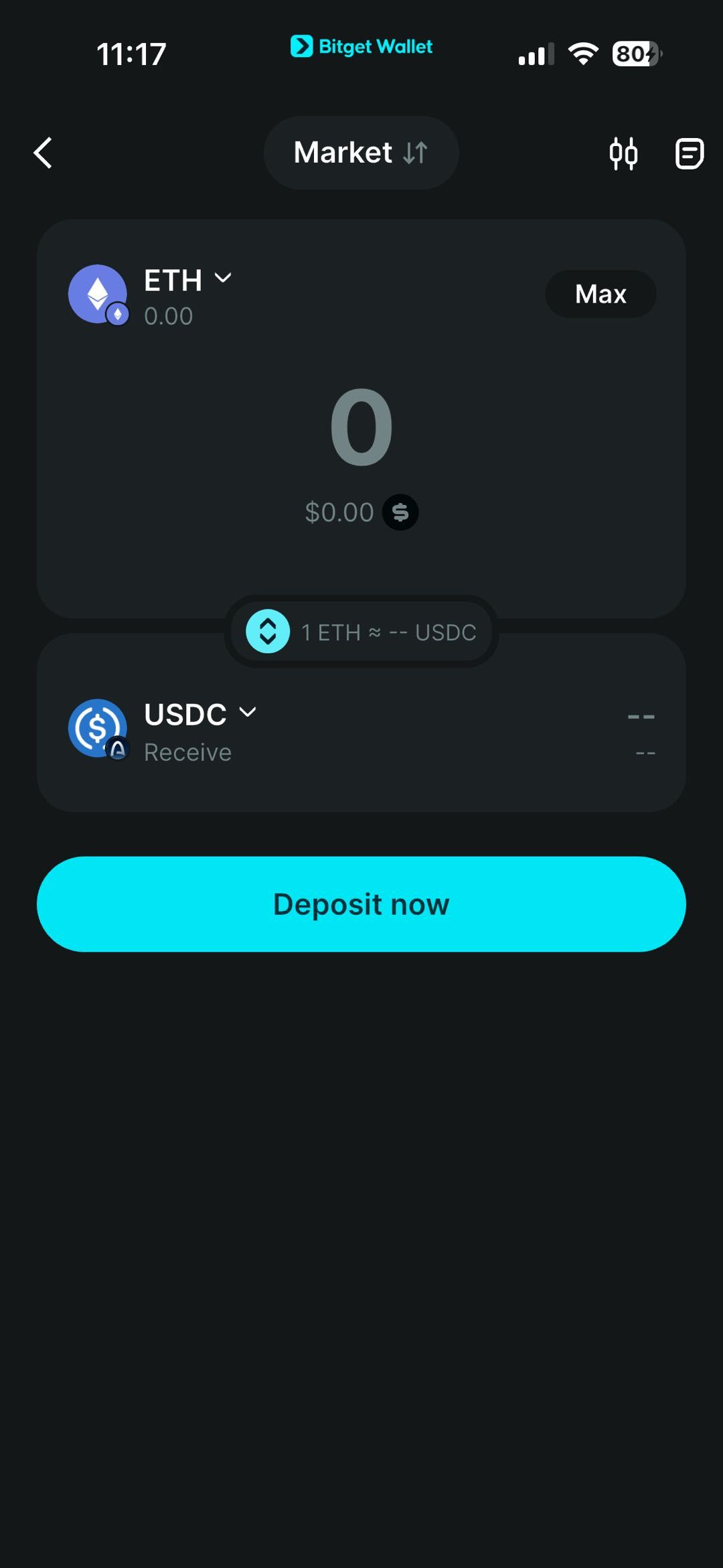
1. Open the Swap feature. Open Bitget Wallet, go to Swap → Market, and select the Arc token you want to swap and the token you want to receive.
2. Enter the amount. Input the amount you want to swap.
3. Review the transaction. Check the swap details, including the estimated amount received and applicable network fees.
4. Confirm and submit. Make sure your wallet balance and USDC balance are sufficient, review the transaction fee, then confirm and submit the transaction.
Bitget Wallet gives you a simple way to swap supported Arc tokens and access emerging Arc memecoins and assets across the Arc ecosystem.
Зайдите на Bitget Swap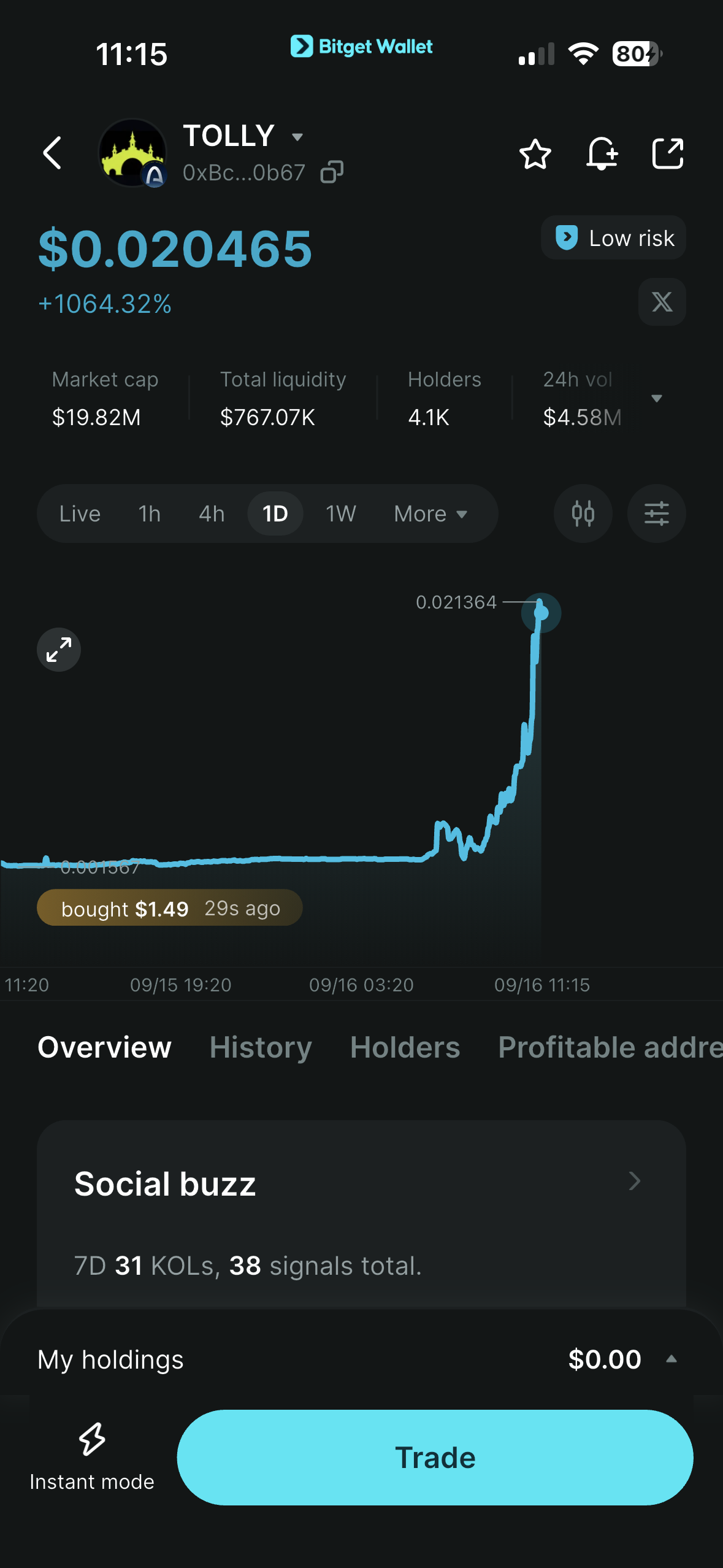
FAQ
What is an Arc Wallet on Bitget Wallet?
How to Trade Arc Memecoins on Bitget Wallet?
What is the Best Arc Wallet?

About Arc
What Is Arc?
Arc is Circle's stablecoin-native Layer-1 blockchain built to support real-world financial activity onchain, including payments, foreign exchange, capital markets, treasury management, lending, and asset tokenization. Arc is designed around stablecoin-native financial infrastructure, with predictable dollar-based transaction costs, deterministic finality in under a second, and direct integration with Circle's ecosystem, including USDC, CCTP, Gateway, and institutional on/offramps. USDC is used to pay transaction fees on Arc, so users do not need to hold a separate volatile gas token. Arc's fees are denominated in USDC, making transaction costs more predictable and easier to budget. Arc is also designed as a multichain liquidity and interoperability hub, allowing financial applications to connect with ecosystems such as Ethereum and Solana while keeping core financial workflows on Arc. With Bitget Wallet, you can add Arc, manage supported assets, buy and trade Arc tokens, move assets across supported networks, connect to compatible dApps, and explore the Arc ecosystem and emerging Arc memecoins.What Is USDC on Arc?
USDC is the native gas token on Arc and is used to pay transaction fees on the network. Unlike blockchains that require a separate volatile token for gas, Arc uses USDC for predictable, dollar-denominated transaction costs. USDC also plays a central role in Arc's stablecoin-native financial infrastructure. The network is designed to support payments, foreign exchange, lending, treasury operations, capital markets, and other financial applications built around stablecoin liquidity. Because Arc is integrated with Circle's broader ecosystem, including CCTP and Gateway, it is designed to connect stablecoin liquidity across multiple blockchain ecosystems.What Are Tokenized Real-World Assets on Arc?
Tokenized real-world assets (RWAs) are blockchain-based representations of real-world assets and financial instruments. Arc is designed to support the issuance, management, and trading of tokenized real-world assets as part of its broader financial infrastructure. Its official use cases include asset tokenization, capital markets settlement and collateral, and other applications that bring real-world financial activity onchain. With Bitget Wallet, users can access supported tokenized assets and other onchain assets through compatible trading, swap, and dApp experiences.What Can You Do on Arc?
- Stablecoin Payments: Arc is designed to support peer-to-peer payments, cross-border payments, and payouts using stablecoins, with fast settlement and predictable dollar-based transaction costs. - Onchain Trading & DeFi: Arc supports financial applications across lending, borrowing, trading, prediction markets, and other onchain use cases. With Bitget Wallet, users can trade and swap supported Arc tokens and access compatible dApps. - Cross-Chain Asset Transfers: Arc is designed to connect with other blockchain ecosystems through Circle's interoperability infrastructure, including CCTP and Gateway. Bitget Wallet users can move supported assets from other networks to Arc through available cross-chain routes. - Onchain FX: Arc supports stablecoin-based foreign exchange applications, including 24/7 onchain FX with programmable execution and predictable fees. - Asset Tokenization: Arc supports applications for issuing, managing, and trading tokenized real-world assets, with infrastructure designed for real-time settlement and financial workflows. - Access Arc: With a compatible self-custodial wallet such as Bitget Wallet, users can add Arc, manage supported assets, buy and trade supported tokens, connect to compatible dApps, and explore the network's growing ecosystem.How to Fund an Arc Wallet?
You can fund your Arc wallet in two ways with Bitget Wallet: 1. Buy crypto with fiat: Use Bitget Wallet to buy crypto with 100+ fiat currencies, then get USDC to fund your Arc wallet and pay transaction fees. 2. Bridging: Transfer supported assets from other networks to Arc through Bitget Wallet, then swap them for USDC when needed. Because USDC is used for gas on Arc, keeping USDC in your wallet gives you the balance needed to pay transaction fees while trading, swapping, and using supported onchain applications.How to Trade Arc Memecoins on Bitget Wallet?
To trade supported Arc memecoins and other onchain assets with Bitget Wallet: 1. Open the Bitget Wallet app. 2. Find the token you want to trade: - Go to Markets → Crypto → Arc Memes, then select a token; or - Go to Trade and choose the token you want to swap and the token you want to use for the trade. 3. Review your trade settings. Check the swap details, including slippage, estimated amount received, and network fee. 4. Confirm the trade. Review the order details and confirm the transaction. Bitget Wallet supports Arc market data and onchain trading, giving users access to emerging Arc assets and Arc market alpha from day one.

Компания
Безопасность
Products
Юридическая информация

Компания
Products
Безопасность
Юридическая информация