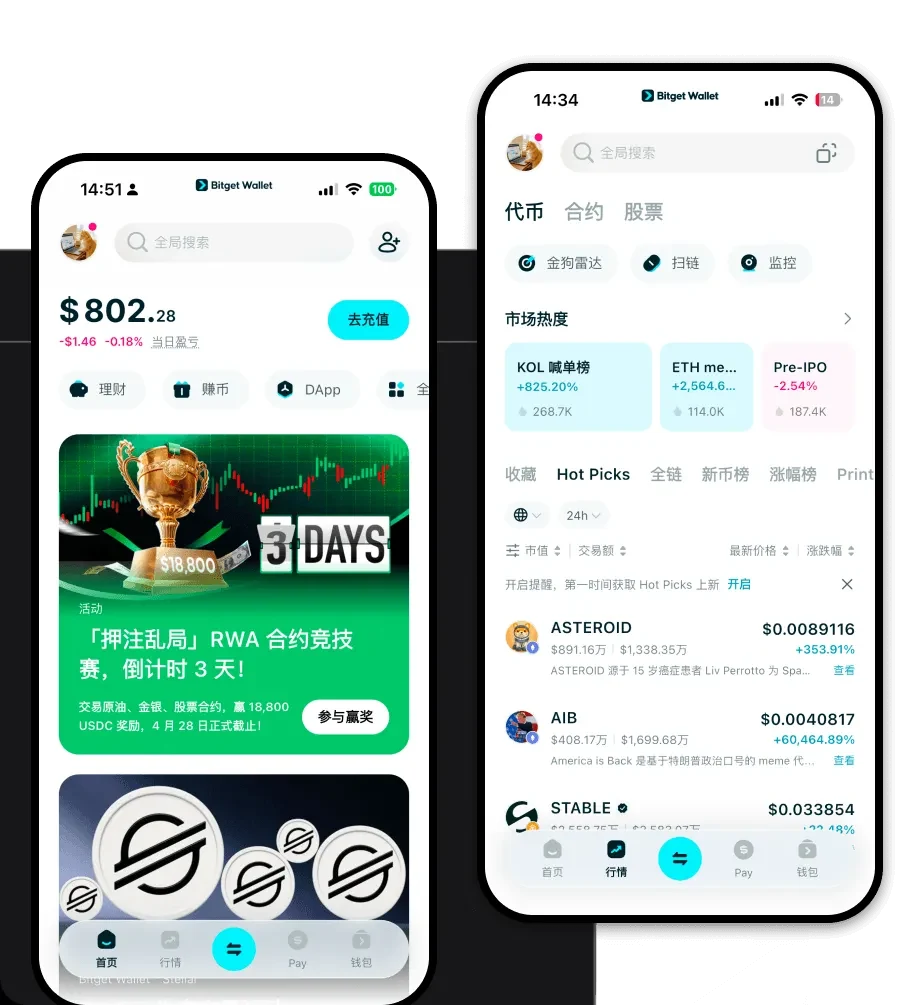
What is a ttff Wallet?
A ttff wallet is a digital interface designed to interact with the ttff token, which operates primarily on the EVM (Ethereum Virtual Machine) ecosystem. Because ttff is built on EVM-compatible chains, it requires a wallet that can handle smart contract interactions, gas fee management, and dApp connectivity seamlessly. TTFF is an asset supported by the Bitget Wallet ecosystem, designed for users to explore Web3 securely and reliably within a platform trusted by over 40 million users.
Download Bitget ttff Wallet
To start your journey with ttff, you need a robust, non-custodial solution that puts you in full control of your private keys. Bitget Wallet provides a seamless experience across desktop and mobile devices, ensuring you can manage your assets wherever you go. Whether you are an iOS user, an Android enthusiast, or someone who prefers browser extensions, the platform offers a tailored experience for every device type. You can download Bitget Wallet today to gain immediate access to an interface that prioritizes both security and user experience, allowing for instant portfolio tracking and multi-chain management.
Why Choose Bitget ttff Wallet?
- Native EVM Integration: As an EVM-based token, ttff benefits from Bitget Wallet’s deep compatibility, ensuring you never encounter issues with chain IDs or smart contract interactions.
- Advanced Liquidity Aggregation: The wallet aggregates hundreds of DEXs, ensuring that when you trade ttff, you are always getting the best available market price and high liquidity.
- Robust Security Protocols: With a $300 million user protection fund and non-custodial storage, your assets remain under your sole control, shielded from centralized exchange risks.
- Seamless DApp Browser: Easily connect to decentralized finance platforms and community portals to participate in the ttff ecosystem without leaving your wallet interface.
- Cross-Chain Flexibility: If you need to move your assets across different EVM-compatible networks, the built-in cross-chain bridges make the process instantaneous and cost-effective.
How to Create a ttff Wallet
1. Download and Install: Visit the official Bitget Wallet website or your device's app store to download the application.
2. Create a New Wallet: Open the app, select 'Create Wallet,' and ensure you back up your recovery phrase in a secure, offline location.
3. Configure Network Settings: Since ttff operates on the EVM, ensure your wallet is set to the correct network (e.g., Ethereum or BNB Chain) where your ttff tokens reside.
4. Secure Your Account: Set up biometric authentication or a strong PIN to add an extra layer of protection to your wallet interface.
5. Import or Receive: Once set up, you can either import an existing wallet using your private key or select the 'Receive' button to get your unique ttff wallet address.
What Can You Do With a ttff Wallet?
Trading: Utilize the integrated DEX aggregator to swap ttff tokens for other assets with minimal slippage and optimal gas fee management.
Holding: Store your ttff tokens securely in a non-custodial environment, ensuring you maintain full ownership while keeping your assets ready for market opportunities.
Wallet Storage: Manage your entire portfolio, including ttff and other EVM-based tokens, in one consolidated dashboard that supports real-time balance tracking.
Community Participation: Use your Bitget Wallet to connect to community-driven dApps and voting platforms, allowing you to actively engage with the ttff ecosystem governance.
How ttff Wallets Are Different from Other Crypto Wallets
When dealing with a Meme token like ttff on the EVM, the choice of wallet fundamentally changes your experience. Unlike BTC-based wallets that utilize the UTXO (Unspent Transaction Output) model, a ttff wallet uses the account-based model characteristic of Ethereum. This means your wallet acts like a bank account with a balance, rather than a collection of transaction inputs. Furthermore, Bitget Wallet optimizes for the EVM gas fee structure, allowing you to manually adjust your gas settings to ensure your transactions are processed quickly during periods of high network congestion, a feature often lacking in more basic wallet applications.