





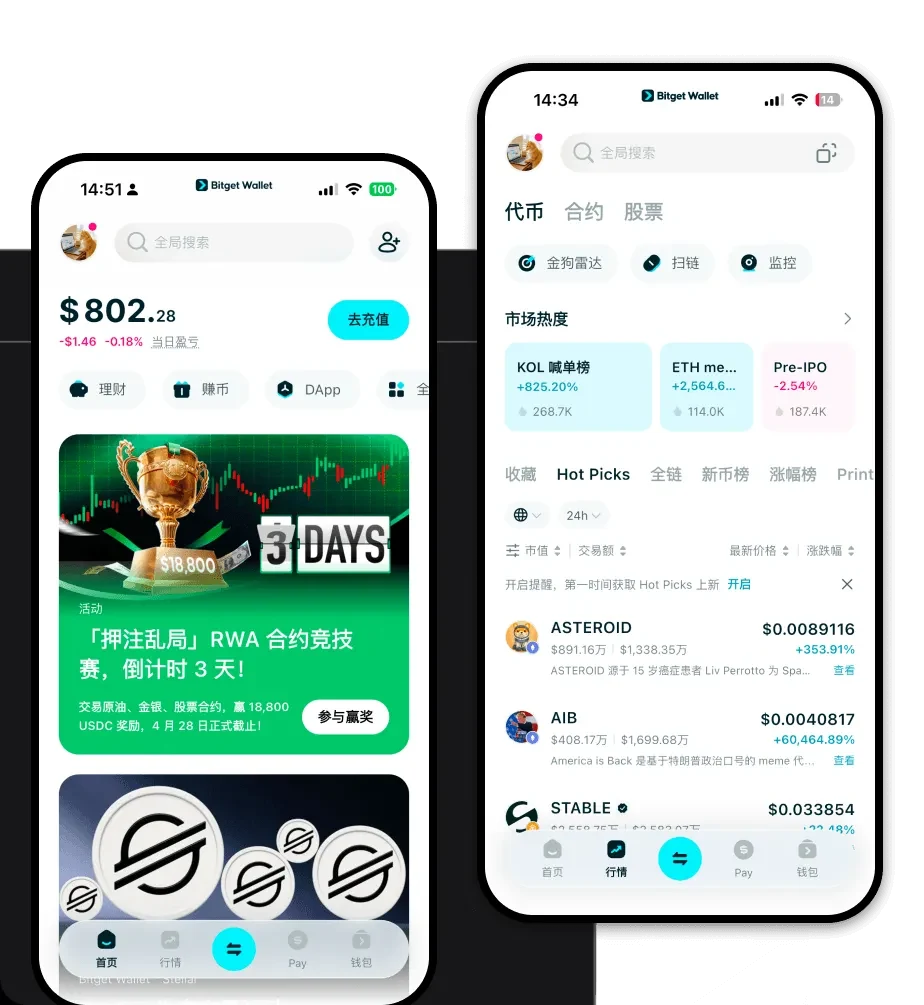
What is a Takuya Wallet?
A Takuya wallet is a digital interface designed to help you store, send, and manage your Takuya tokens, which operate on the Solana blockchain. Because Takuya is built on Solana, your wallet needs to be compatible with the Solana program library to interact seamlessly with the network. Are you looking for a reliable and secure crypto wallet for your Takuya? Bitget Wallet will be your best choice. Trusted by 40 million users, you can freely explore Web3 on Bitget Wallet. Start your journey now!
Download Bitget Takuya Wallet
Getting started with your Takuya assets requires a reliable portal to the blockchain. Bitget Wallet provides a unified interface that supports over 130 blockchains, ensuring that your Takuya tokens are always accessible. Whether you prefer managing your assets on the move via iOS or Android, or you need a robust browser extension for desktop interactions, Bitget Wallet has you covered. It operates on a non-custodial model, meaning you maintain full ownership and control of your private keys at all times. To begin your journey, you can download Bitget Wallet and instantly sync your assets across multiple devices.
Why Choose Bitget Takuya Wallet?
- Solana Performance Optimization: Designed specifically for the high-throughput Solana ecosystem, ensuring your transactions are processed instantly even during periods of network congestion.
- Ultra-Low Transaction Costs: Benefit from the inherent efficiency of the Solana blockchain, allowing you to swap and transfer Takuya tokens with minimal gas fees.
- Seamless Meme Coin Exploration: The integrated DApp browser allows you to connect instantly to Solana-based DEXs where Takuya is actively traded, making it easier to participate in viral trends.
- Institutional-Grade Security: With over $300 million in user protection funds, Bitget Wallet provides a secure environment for your community-driven assets, protecting you against common Web3 vulnerabilities.
How to Create a Takuya Wallet
1. Download and Install: Visit the official Bitget Wallet website to download Bitget Wallet on your preferred device.
2. Create a New Wallet: Open the application, select 'Create Wallet,' and ensure you back up your recovery phrase in a secure, offline location.
3. Set Your Password: Establish a strong, unique password to add a layer of biometric or PIN protection to your app access.
4. Add Takuya Token: Since Takuya runs on Solana, simply use the 'Manage Tokens' feature to search for the Takuya contract address and toggle it to 'On' to make it visible in your dashboard.
5. Receive Funds: Click on the 'Receive' button, select Solana, and copy your public address to deposit your Takuya tokens.
What Can You Do With a Takuya Wallet?
Speculative Trading: Use the built-in DEX aggregator within Bitget Wallet to monitor price movements and execute rapid trades to capitalize on Takuya's high volatility.
Community Participation: Engage directly with Takuya's community-driven initiatives by connecting your wallet to governance portals or participating in community-led airdrops.
Holding for Potential Appreciation: Utilize the secure non-custodial storage to hold your Takuya tokens over the long term, ensuring they are shielded from centralized exchange risks.
Liquidity Provision: Connect your wallet to Solana-based decentralized exchanges to provide liquidity for Takuya pairs, earning potential rewards from trading fees generated by the protocol.
How Takuya Wallets Are Different from Other Crypto Wallets
The primary difference lies in the underlying architecture of the blockchain. Unlike wallets focused on EVM (Ethereum) chains that rely on complex gas estimation for smart contract interactions, a wallet for Takuya must be optimized for the Solana architecture. Solana utilizes a unique Proof of History (PoH) consensus mechanism, which allows for significantly faster transaction speeds and lower fees compared to Ethereum-based wallets. Furthermore, while some legacy wallets struggle with high-volume token transfers, a dedicated Solana wallet like Bitget ensures that your Takuya transactions are finalized in sub-second times, providing a superior experience for meme coin traders who require immediate execution.
