



zel
ZEL Wallet: The Best Way to Manage Your Flux Assets (2026 Guide)
Download the best zel wallet to store, send, and use zel. Learn how to create a zel wallet, access DApps, and manage your zel securely.
FAQ
Questions, answered.
Is ZEL wallet safe?
Yes, using Bitget Wallet to manage your ZEL is highly secure. Bitget Wallet provides full self-custody, meaning you are the only one with access to your private keys. Additionally, the platform is protected by a 300 million USD user protection fund, which adds a significant layer of security against potential threats.
How to get a ZEL wallet address?
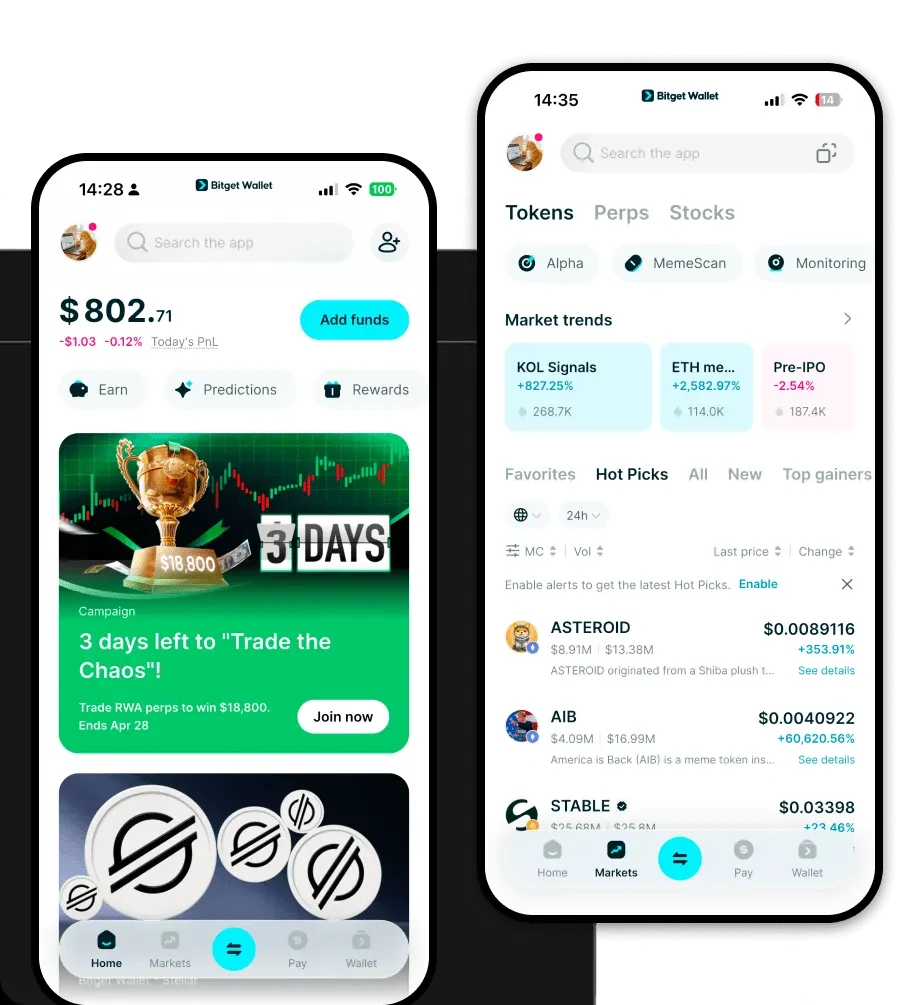
To get a ZEL wallet address, simply download and install the Bitget Wallet app. After creating your wallet and backing up your recovery phrase, tap on the 'Receive' button in the main dashboard. Select the relevant asset or chain, and your unique wallet address will be displayed for you to copy or share.
Can I store ZEL on Bitget Wallet?
Yes, you can absolutely store ZEL and its parallel assets on Bitget Wallet. As a multi-chain wallet that supports over 130+ blockchains, Bitget Wallet is designed to handle a wide variety of assets, providing a safe and organized environment for your Flux holdings.

About us
Bitget Wallet X
Products

About us
Products
Bitget Wallet X