




What is an Upwards Wallet?
An Upwards wallet is a secure digital interface designed to store, manage, and interact with the Upwards token. Upwards is a community-driven meme token that originated from a viral tweet posted by the account 'Pump' on June 21, 2026, featuring the rallying cry, 'The only direction is upwards.' Built on the Cosmos ecosystem, the project emphasizes a narrative of continuous growth and upward momentum.
Because Upwards operates within the Cosmos ecosystem, it requires a wallet that supports the specific architecture of this chain rather than standard EVM-compatible wallets. The project itself is managed by an anonymous team with prior experience in project migration and development. Upwards aims to achieve value compounding through a unique tokenomic design and sustained community momentum, making it a primary interest for crypto users who actively follow trend-based narratives.
Download Bitget Upwards Wallet
To start your journey with Upwards, you need a robust, multi-chain application that prioritizes user sovereignty. The Bitget Wallet is widely recognized as the best wallet for Upwards due to its seamless integration with diverse blockchain ecosystems and its user-friendly interface.
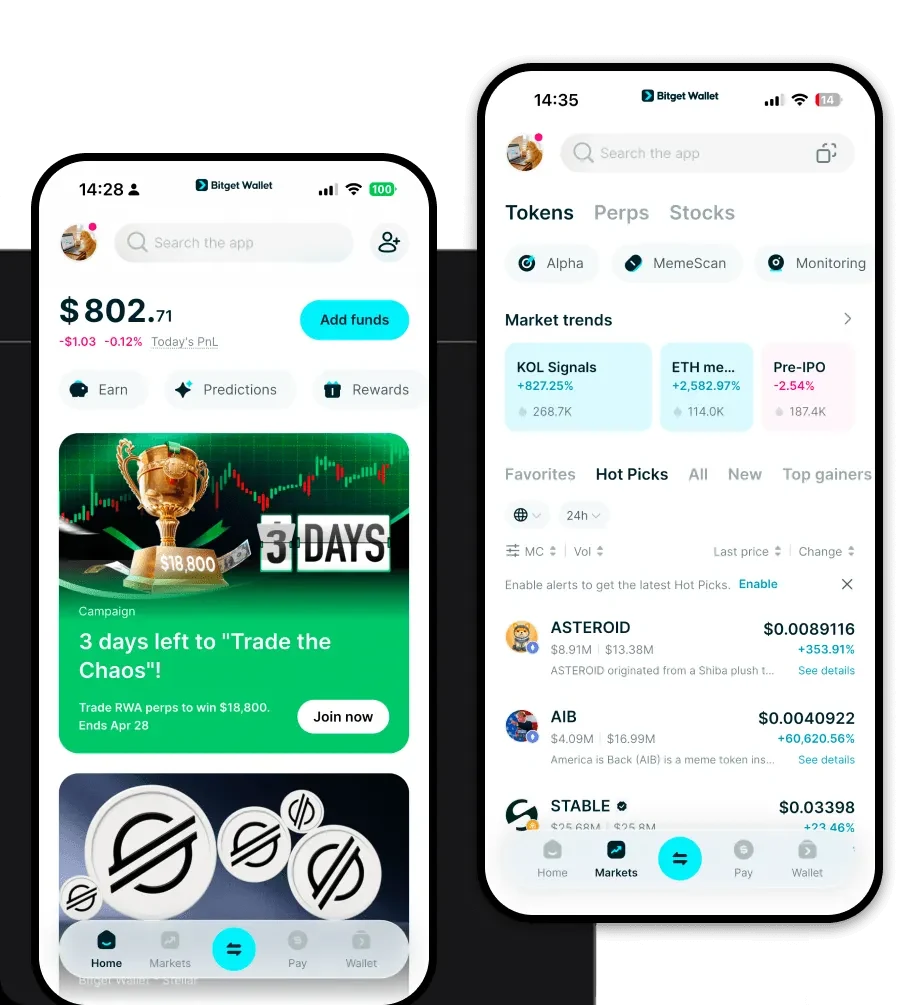
You can easily download Bitget Wallet to access your assets across iOS, Android, and browser extensions. By using a self-custodial wallet like Bitget, you ensure that you—and only you—hold the private keys to your Upwards tokens, providing a critical layer of security against centralized exchange risks. Whether you are using a mobile device for on-the-go trading or a desktop extension for deeper ecosystem interaction, Bitget Wallet provides a unified experience for managing your meme token portfolio.
Why Choose Bitget Upwards Wallet?
Selecting the right wallet for a meme token like Upwards is crucial for handling volatility and participating in community trends. Bitget Wallet stands out for several key reasons:
- Cosmos Ecosystem Compatibility: Unlike generic wallets, Bitget provides native support for the specific chain architecture Upwards utilizes, ensuring smooth asset transfers and accurate balance tracking.
- Advanced Security Protocols: With a 300 million USD user protection fund, Bitget offers an extra layer of safety, giving you peace of mind while holding community-driven assets.
- Optimized for Meme Trading: The interface is designed for high-frequency interaction, allowing you to react quickly to social sentiment shifts and market trends without lag.
- Multi-Chain Synergy: As your portfolio grows beyond Upwards, Bitget’s ability to bridge and swap across hundreds of different blockchains makes it a versatile hub for all your crypto assets.
How to Create an Upwards Wallet
Setting up your Upwards wallet address is a straightforward process. Follow these steps to secure your assets:
- Download and Install: Visit the official site to download the Bitget Wallet application for your preferred device.
- Create a New Wallet: Open the app and select 'Create a Wallet.' Ensure you are in a private environment.
- Backup Your Seed Phrase: The app will generate a recovery phrase. Write this down on paper and keep it offline. Never share this with anyone.
- Verify Access: Confirm your seed phrase to activate your wallet.
- Access Your Address: Navigate to the main dashboard, search for your specific chain, and click 'Receive' to display your unique Upwards wallet address for incoming transactions.
What Can You Do With an Upwards Wallet?
Owning an Upwards wallet opens the door to full participation in the community's growth. Here is how you can utilize it:
- Trading: Use the built-in DEX aggregator within Bitget Wallet to swap assets for Upwards at the best possible market rates.
- Community Speculation: Monitor token movements and participate in the broader ecosystem discussions that drive the 'rise/growth' narrative.
- Social Engagement: Connect your wallet to community platforms or DApps that recognize your holdings, allowing you to prove your involvement in the Upwards movement.
- Trend Following: Use the wallet’s real-time market data tools to track the momentum of Upwards, enabling you to make informed decisions based on the current social sentiment.
How Upwards Wallets Are Different from Other Crypto Wallets
When dealing with tokens like Upwards, the underlying blockchain architecture dictates how your wallet functions. Unlike Ethereum-based wallets that rely on the EVM (Ethereum Virtual Machine) and gas-heavy models, a wallet optimized for the Cosmos ecosystem operates differently. Cosmos-based wallets utilize the IBC (Inter-Blockchain Communication) protocol, which allows for faster, more interoperable transfers compared to the traditional bridge models found in EVM chains.
Furthermore, because Upwards is a meme token, the speed of your wallet’s transaction processing is paramount. Bitget Wallet optimizes the interaction between your interface and the blockchain, ensuring that your transactions are broadcasted efficiently to capitalize on the rapid market movements inherent in meme coin cycles. Unlike basic wallets that might struggle with high traffic, a specialized Upwards wallet app ensures you remain synced with the latest network updates.
