



What is a quiver Wallet?
A quiver wallet is a secure digital interface designed to interact with the quiver (QVR) ecosystem, a revolutionary DePIN (Decentralized Physical Infrastructure Network) project built on the Solana blockchain. Specifically, Quiver DePIN functions as a convergent routing and settlement layer for decentralized GPUs, seamlessly integrating networks such as Akash, io.net, and Nosana without the need to hold physical hardware. By leveraging Solana’s high-speed on-chain settlement and an open-source SDK, the $QVR token drives critical network functions, including routing priority, reputation scoring, and token burning. The project aims to provide low-cost, verifiable GPU access and fulfillment guarantees for AI agents, independent developers, and complex batch jobs.
Download Bitget quiver Wallet
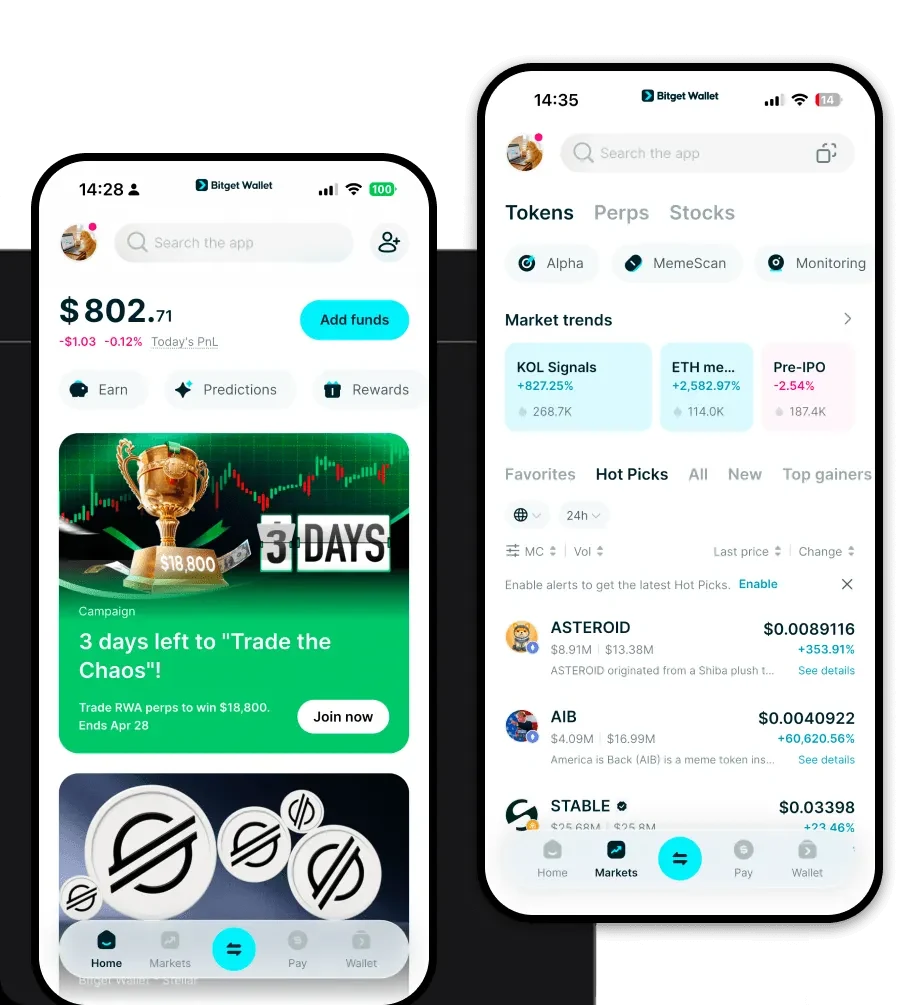
To manage your QVR tokens with maximum efficiency, you need a robust, non-custodial gateway. We recommend you download Bitget Wallet to experience the best-in-class interface for Solana-based assets. Bitget Wallet provides full self-custody over your private keys, ensuring that you maintain complete control over your assets at all times. Whether you prefer managing your portfolio on the go via iOS or Android, or you require a browser extension for seamless interaction with dApps, Bitget Wallet offers a unified, multi-chain experience. It is designed to be the only app you need, supporting over 130 public chains and millions of tokens, making it the ideal companion for your QVR journey.
Why Choose Bitget quiver Wallet?
Choosing the right tool for an infrastructure-heavy asset like QVR is vital. Bitget Wallet stands out by providing a specialized environment tailored for the high-performance nature of the Solana ecosystem:
- Solana Optimization: Built with deep integration for the Solana network, ensuring that your QVR transactions are processed with the sub-second latency and negligible fees that the chain is known for.
- Comprehensive Asset Management: Beyond just QVR, Bitget Wallet allows you to manage native Solana assets and SPL tokens in a single, intuitive interface, eliminating the need to juggle multiple apps.
- DApp Ecosystem Access: Directly connect to the protocols powering the DePIN revolution. Bitget Wallet’s integrated browser lets you interact with GPU marketplaces and AI agent platforms securely.
- Industry-Leading Security: With over $300 million in the Bitget Protection Fund, your assets are shielded against unforeseen threats, providing peace of mind while you stake or trade.
- Aggregated DEX Liquidity: Access the best prices for QVR swaps by tapping into Bitget Wallet’s smart aggregation engine, which pulls liquidity from hundreds of decentralized exchanges.
How to Create a quiver Wallet
Setting up your wallet is a straightforward process designed to get you ready for the DePIN economy in minutes:
- Download and Install: Visit the official site to download Bitget Wallet for your preferred device (mobile or desktop).
- Initialize Your Wallet: Open the app and select "Create Wallet." You will be provided with a 12 or 24-word recovery phrase.
- Backup Your Phrase: Write down your recovery phrase on paper and store it in a secure, offline location. Never share this with anyone.
- Verify Solana Access: Once set up, ensure the Solana network is enabled in your asset list. You can now view your QVR wallet address.
- Fund Your Wallet: Use the "Receive" button to copy your Solana address and transfer QVR or SOL (for gas fees) from an exchange or another wallet.
What Can You Do With a quiver Wallet?
Holding QVR in your Bitget Wallet unlocks the full potential of the Quiver infrastructure. Here is how you can utilize your tokens:
- GPU Resource Procurement: Use your QVR tokens to directly pay for and secure decentralized GPU computing power across integrated networks.
- Routing Priority Access: Stake or hold your QVR to gain routing priority, ensuring your AI-driven tasks and batch jobs are processed ahead of others.
- Staking for Network Reputation: Participate in the reputation scoring system by staking QVR, which helps verify the quality and reliability of GPU providers.
- AI Agent Job Fulfillment: Enable your autonomous AI agents to pay for compute resources in real-time, facilitating seamless, automated job fulfillment.
- Token Burning for Fee Reduction: Utilize the native burning mechanism within the wallet interface to reduce transaction and routing fees across the Quiver ecosystem.
How quiver Wallets Are Different from Other Crypto Wallets
Unlike wallets designed for legacy EVM chains that rely on complex gas estimations and high fees, a wallet optimized for QVR on Solana focuses on performance and scale. While Ethereum wallets prioritize compatibility with complex smart contract standards, a Solana-based quiver wallet is built to handle high-throughput transactions with minimal costs. Because Solana utilizes a unique account model rather than the UTXO model found in Bitcoin, your Bitget Wallet manages QVR balances as part of a highly scalable, parallel-processed ledger, allowing for near-instant confirmation times that are essential for real-time GPU routing and AI job fulfillment.
