



What is a QCAT Wallet?
A QCAT wallet is a digital storage solution designed to securely manage QCAT (Quantum Cat) tokens, which operate on the Bitcoin (BTC) blockchain. QCAT is an experimental derivative token inspired by the 'Quantum Cat' image discovered in scientific archives. The project focuses on integrating quantum/laser-generated visual samples with on-chain verifiable metadata and generative art. It is a community-driven initiative aimed at digital art collectors and tech enthusiasts, seeking to build an ecosystem for scientific image authentication and decentralized collaboration. Because QCAT exists within the Bitcoin ecosystem, your wallet must be compatible with Bitcoin-based standards to ensure you can interact with these unique assets safely.
Download Bitget QCAT Wallet
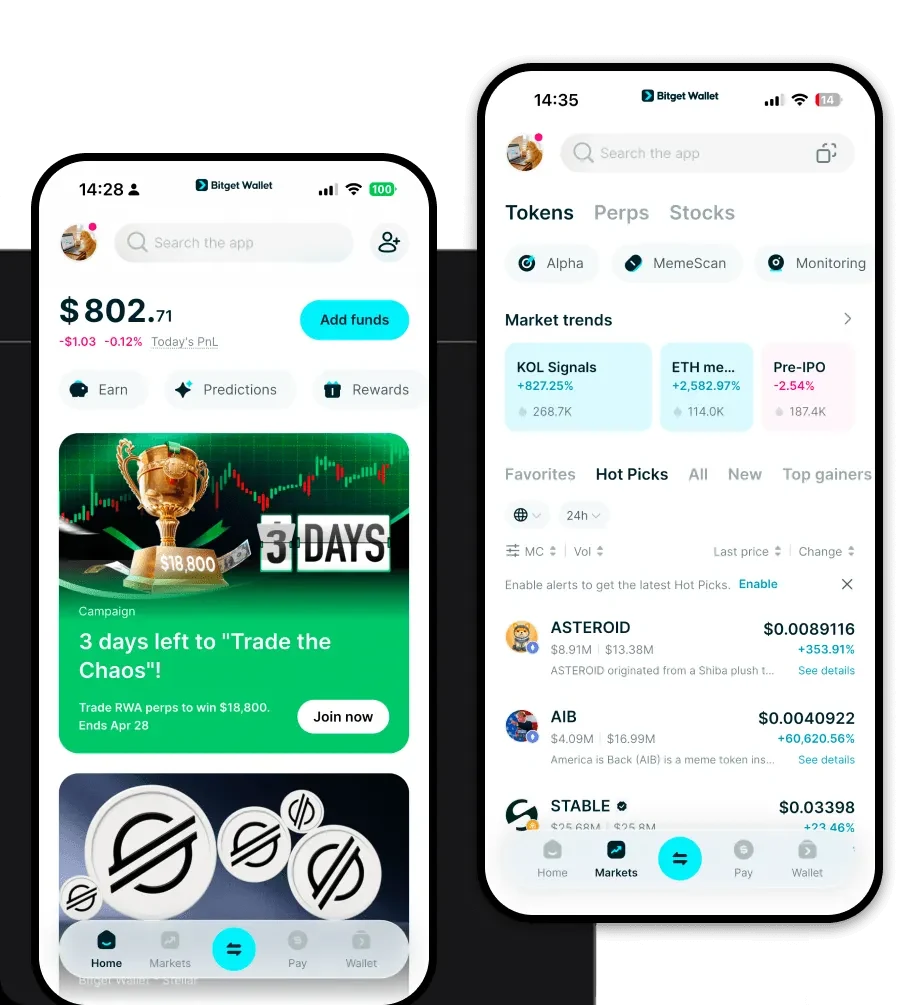
Finding the right home for your QCAT tokens is the first step in your journey. Bitget Wallet offers a seamless, non-custodial experience that puts you in complete control of your private keys. Whether you are constantly on the move or prefer managing your portfolio from a desktop, Bitget has you covered with robust apps for iOS and Android, alongside a powerful browser extension.
By choosing to download Bitget Wallet, you gain access to an interface that simplifies the complexity of the Bitcoin network. It supports over 130 public chains and millions of tokens, ensuring that your QCAT assets are always accessible alongside your broader crypto portfolio. With self-custody as the core principle, you own your assets, not the exchange.
Why Choose Bitget QCAT Wallet?
When dealing with Bitcoin-based meme tokens like QCAT, security and network compatibility are paramount. Bitget Wallet stands out for several reasons:
- Bitcoin Ecosystem Integration: Unlike generic wallets, Bitget provides native support for the UTXO model, ensuring your QCAT transactions are broadcast efficiently and securely on the Bitcoin network.
- Advanced Asset Protection: With a $300 million protection fund, Bitget Wallet provides a safety net for users, offering peace of mind while you explore experimental tokens.
- Seamless Multi-Chain Experience: While QCAT is BTC-based, Bitget allows you to manage assets across hundreds of chains in one place, perfect for collectors who hold diverse crypto portfolios.
- Intuitive Interface for Meme Tokens: The wallet is designed to make trading and tracking volatile meme tokens simple, with real-time market data and streamlined transaction flows.
How to Create a QCAT Wallet
Setting up your wallet is a straightforward process that takes only a few minutes. Follow these steps to get started:
- Download and Install: Visit the official website or your app store to download Bitget Wallet and install it on your device.
- Create a New Wallet: Open the app and select 'Create Wallet.' You will be prompted to set a strong password for your local device security.
- Backup Your Seed Phrase: This is the most critical step. Write down your mnemonic phrase (12 or 24 words) and store it in an offline, secure location. Never share this with anyone.
- Verify Your Backup: Enter the seed phrase as prompted to ensure you have recorded it correctly.
- Access Your Bitcoin Address: Once initialized, navigate to the asset list, select Bitcoin, and your wallet will generate a unique address for receiving QCAT and other BTC-based assets.
What Can You Do With a QCAT Wallet?
Owning a QCAT wallet opens the door to engaging with the Quantum Cat ecosystem in meaningful ways:
- Trading: Use your wallet to participate in the open market, swapping your QCAT tokens with other enthusiasts looking to capture the latest meme trends.
- Collecting Digital Art: Leverage your wallet to store and showcase your quantum/laser-generated visual samples, treating them as unique on-chain digital assets.
- Community Participation: Use your wallet address to verify your holdings, allowing you to participate in community-driven governance or exclusive QCAT project discussions.
- Scientific Image Authentication: Utilize the on-chain verifiable metadata features to confirm the authenticity and provenance of your generative art pieces, ensuring they are verified originals within the QCAT ecosystem.
How QCAT Wallets Are Different from Other Crypto Wallets
Managing QCAT requires a wallet that understands the nuances of the Bitcoin network. Unlike wallets designed primarily for Ethereum (EVM) or Solana, a QCAT-compatible wallet like Bitget focuses on the UTXO (Unspent Transaction Output) accounting model. While EVM wallets focus on gas fees and smart contract interactions, BTC wallets prioritize the security of transaction inputs and outputs. Bitget Wallet bridges this gap by providing a sophisticated interface that handles the specific requirements of Bitcoin-based tokens without sacrificing the ease of use found in modern decentralized applications.
