




What is an oui Wallet?
An oui wallet is a digital interface designed to interact with the Solana blockchain, specifically to store, send, and manage your oui tokens. The oui project itself originates from a tweet by jimothy on 2026-06-21, triggering a tribute to Solana's early tradition of 'buying anonymous animals/random memes.' The project advocates for simple, frictionless circulation with 'no fees, no siphoning.' It is positioned as an experimental, community-driven derivative memecoin, maintained by anonymous developers and the community, focusing on lightweight on-chain collectibles and organic community interaction. By using a wallet that supports Solana, you are tapping into one of the fastest and most cost-effective ecosystems in the crypto space.
Download Bitget oui Wallet
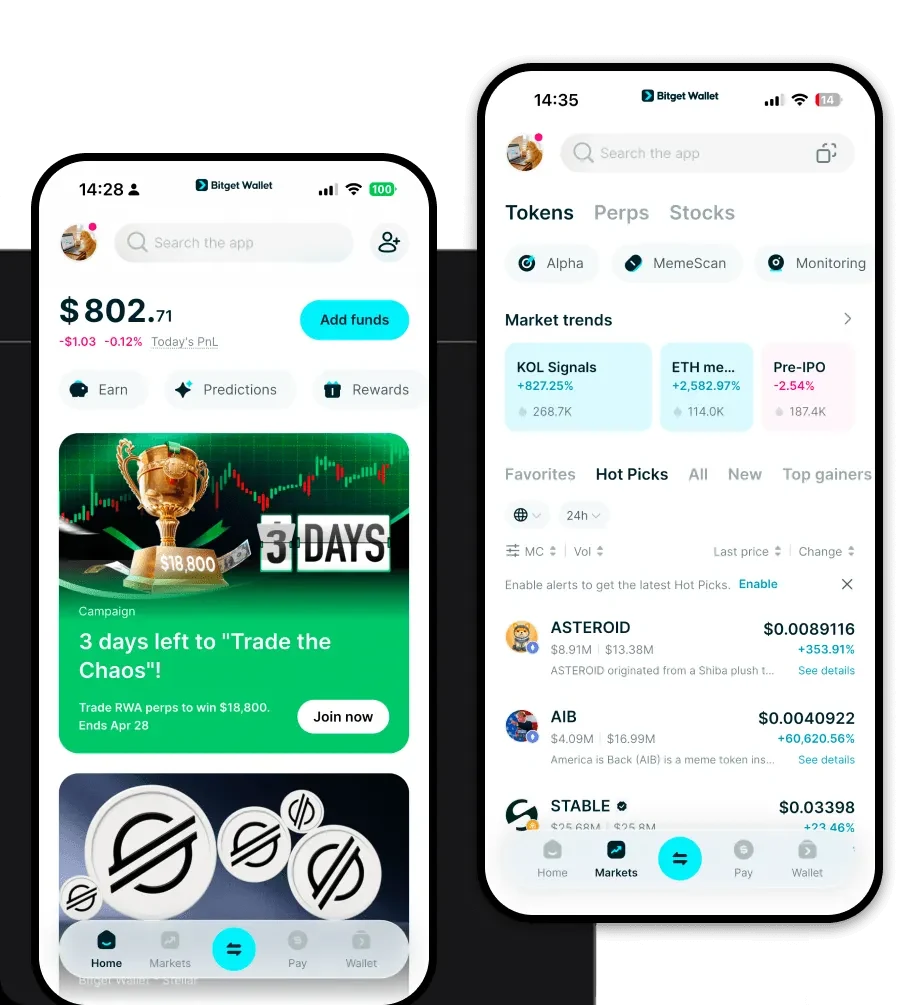
To begin your journey with this meme token, you need a reliable tool. When you download Bitget Wallet, you are choosing a comprehensive solution that offers multi-chain support and true self-custody of your private keys. Whether you are using the mobile oui wallet app on iOS or Android, or the browser extension, the interface is designed to be intuitive for both new and experienced users. To get started, you can access the download Bitget Wallet page to install the application. It is widely considered the best wallet for oui due to its seamless integration with the Solana ecosystem.
Why Choose Bitget oui Wallet?
Choosing the right oui wallet is critical for a smooth experience. Bitget Wallet stands out for several reasons:
- Native Solana Performance: Benefit from the high-throughput, low-latency nature of Solana, ensuring your meme trades are executed in milliseconds.
- Zero-Fee Ethos Alignment: The wallet interface is optimized to handle low-cost transactions, aligning perfectly with oui's goal of frictionless circulation.
- Advanced Security: With a 300 million USD user protection fund, your assets are shielded against unforeseen risks, providing peace of mind while you participate in the meme economy.
- DApp Browser Integration: Easily connect to decentralized exchanges and community platforms to engage with the oui ecosystem directly.
How to Create an oui Wallet
Setting up your wallet is a straightforward process:
- Download the Bitget Wallet application from the official website.
- Open the app and select 'Create a New Wallet' to generate your unique recovery phrase.
- Back up your recovery phrase securely—never share it with anyone.
- Navigate to the asset management section and search for the Solana network.
- Your wallet is now ready; you can import or receive your oui tokens using your unique address.
What Can You Do With an oui Wallet?
Once your wallet is set up, you can fully participate in the ecosystem:
- Trading: You can execute rapid swaps on decentralized exchanges, allowing you to enter or exit positions in the oui market instantly.
- Community Speculation: Use your wallet to participate in the organic price discovery and community-driven movements that define this meme project.
- On-chain Meme Participation: Engage directly with the Solana-based meme culture, participating in trends and community milestones without friction.
- Collecting Digital Assets: Securely store your lightweight on-chain collectibles and unique meme-related assets within your wallet interface.
How oui Wallets Are Different from Other Crypto Wallets
Using an oui wallet on the Solana network provides a distinct experience compared to EVM-based chains like Ethereum. While Ethereum wallets are often burdened by high gas fees during periods of network congestion, an oui wallet on Solana focuses on high speed and minimal transaction costs. This makes it ideal for the frequent, small-value transactions typical of meme coins. Unlike UTXO-based chains that require complex balance management, Solana utilizes an account-based model, which simplifies the user experience when interacting with decentralized applications and swapping tokens.
