


1. What is a NITYA Wallet?
A NITYA wallet is a digital interface that allows you to interact with the Solana blockchain to store, send, and receive your NITYA tokens. NITYA originates from a viral tweet by Castillo Willie: the injured bird Nitya was given a custom drone flight cabin by its owner Marc Joseph Colando to regain flight. The token is an experimental community token derived from this event. As a narrative-driven project, it combines real-life rescue stories with digital commemoration, targeting animal protection enthusiasts and story-based collectors. Because NITYA operates on the Solana blockchain, your wallet acts as your personal gateway to accessing this community-owned asset, enabling you to participate in a project that envisions long-term public welfare collaboration linked by a real-world event.
2. Download Bitget NITYA Wallet
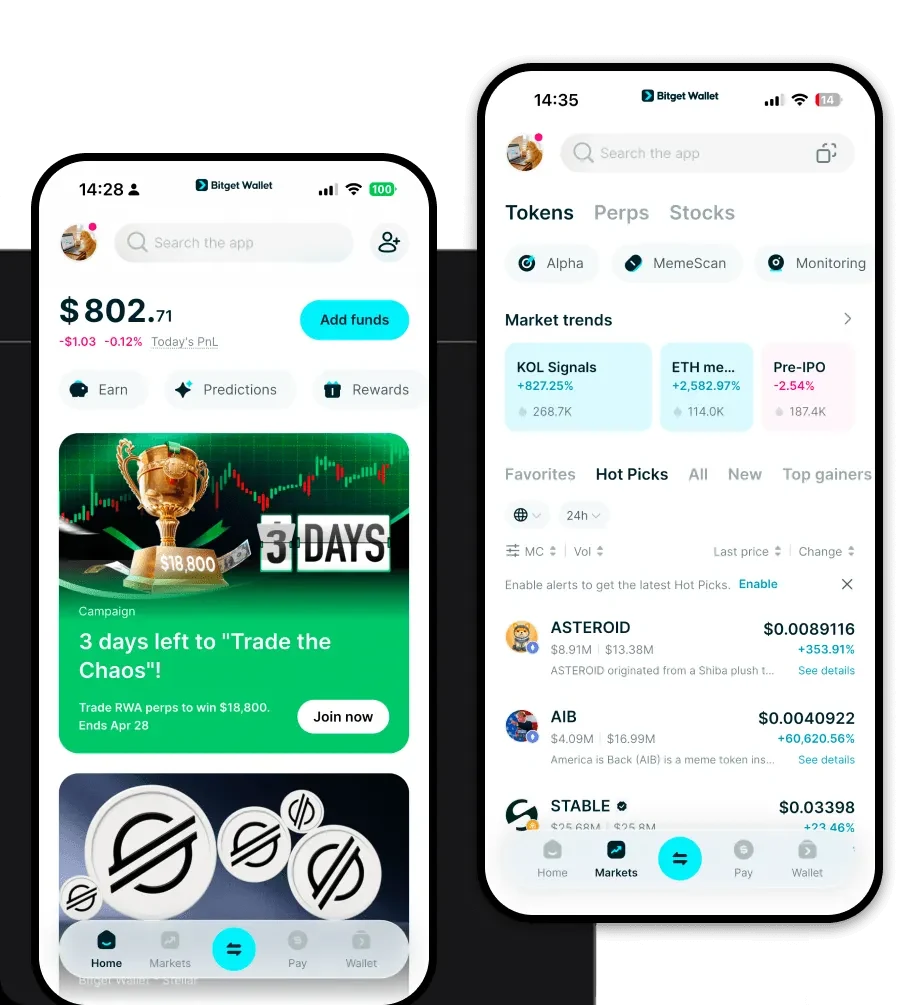
To fully experience the potential of the NITYA token, you need a robust, non-custodial gateway. We recommend you download Bitget Wallet to manage your assets with confidence. Bitget Wallet provides a comprehensive, user-centric environment that supports over 130+ blockchains and millions of assets, ensuring you never have to switch applications to manage your portfolio. Whether you are using an iOS device, an Android smartphone, or a desktop browser extension, Bitget Wallet offers a consistent, high-performance experience. By choosing self-custody with Bitget, you maintain complete control over your private keys, ensuring that your NITYA tokens remain securely under your ownership while enjoying seamless access to decentralized markets.
3. Why Choose Bitget NITYA Wallet?
Managing Solana-based meme tokens requires speed and reliability. Bitget Wallet is optimized for the high-throughput nature of the Solana ecosystem, offering distinct advantages for NITYA holders:
- Solana Ecosystem Integration: Enjoy native support for the Solana blockchain, ensuring that your NITYA transactions are processed rapidly with minimal fees, a necessity for fast-paced meme token trading.
- Advanced DEX Aggregation: Bitget Wallet aggregates liquidity from hundreds of decentralized exchanges, allowing you to find the best swap rates for NITYA instantly without leaving the app.
- Robust Security Architecture: With an industry-leading $300 million protection fund, Bitget Wallet provides an extra layer of security, safeguarding your assets against potential vulnerabilities.
- NFT & Meme Friendly: Given NITYA's narrative-driven nature, the wallet’s intuitive DApp browser makes it easy to explore related NFT collections or community platforms directly.
- User-Friendly Interface: Designed for both beginners and veterans, the clean UI allows you to track market trends and manage your NITYA holdings without complex technical overhead.
4. How to Create a NITYA Wallet
Setting up your wallet is a straightforward process designed to get you ready for the Solana ecosystem in minutes:
- Download and Install: Visit the official website to download the Bitget Wallet app for your specific device (iOS, Android, or browser extension).
- Create a New Wallet: Open the app and select 'Create Wallet.' You will be prompted to set a strong password to secure your local access.
- Backup Your Seed Phrase: The app will generate a 12- or 24-word recovery phrase. Write this down on paper and store it in a secure, offline location; this is the only way to recover your funds.
- Add NITYA Token: Once your wallet is active, use the 'Add Token' or '+' feature, search for the NITYA contract address on the Solana network, and import it to your dashboard.
- Deposit Funds: Copy your public wallet address to receive SOL (for gas fees) and your NITYA tokens from an exchange or another wallet.
5. What Can You Do With a NITYA Wallet?
Owning NITYA is more than just holding a digital asset; it is about active participation in a unique narrative. Here is how you can utilize your wallet:
- Speculative Trading: Use your wallet to trade NITYA on decentralized exchanges, taking advantage of Solana's low latency to execute buys and sells during market volatility.
- Community Participation: Connect your wallet to community-governed platforms or voting portals to voice your support for future public welfare collaborations.
- Social Media Engagement: Link your wallet address to social platforms to verify your status as a holder, gaining access to exclusive community discussions and viral marketing campaigns.
- Digital Collecting: Use your wallet to store and showcase digital commemorations or NFTs related to the Nitya rescue story, building a personal collection that mirrors your interest in the project.
6. How NITYA Wallets Are Different from Other Crypto Wallets
When dealing with Solana tokens like NITYA, the underlying blockchain architecture differs significantly from EVM-based chains like Ethereum. Unlike Ethereum's account model which often suffers from high gas fees during congestion, Solana utilizes a high-performance architecture that keeps transaction costs extremely low—often a fraction of a cent. While Ethereum wallets focus on compatibility with complex smart contract interactions, a NITYA wallet on Solana is designed for high-frequency, low-latency transactions. Additionally, whereas some wallets on older chains might struggle with network bloat, the Bitget Wallet for Solana is optimized to handle the rapid state changes required for meme-token trading, ensuring your NITYA transactions are processed almost instantly.
