What is an MBP Wallet?
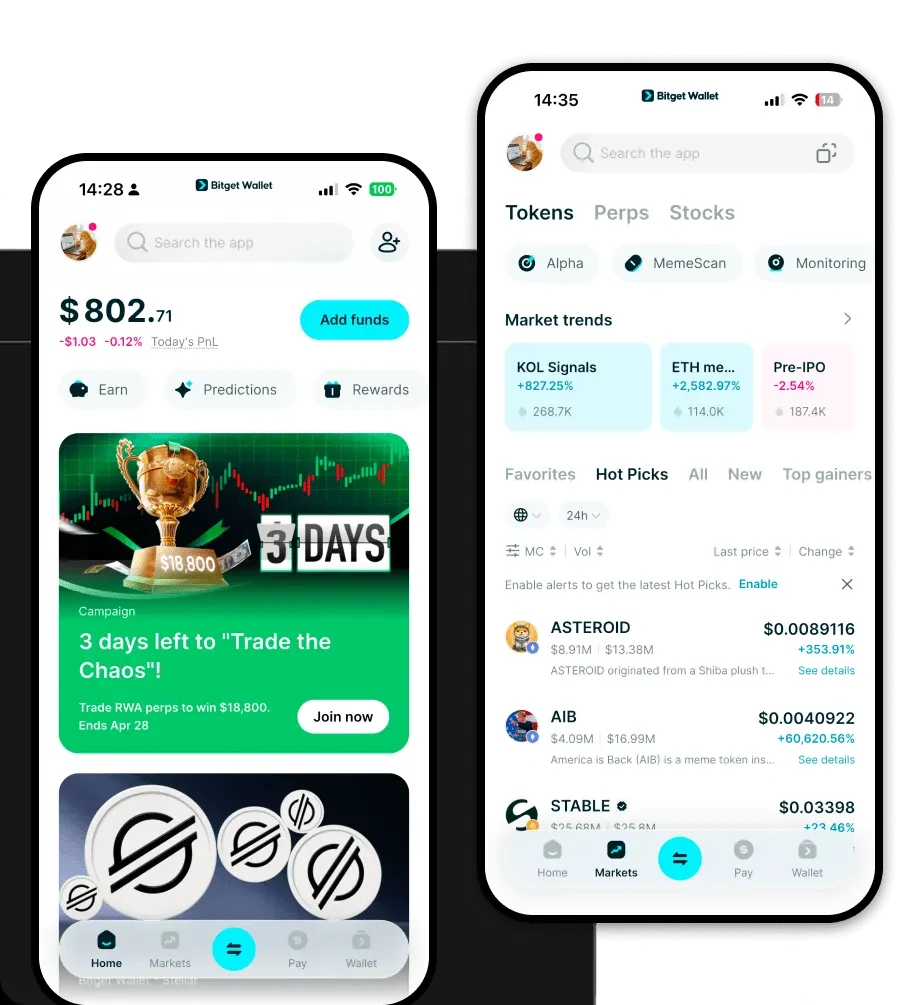
An MBP wallet is a specialized digital tool designed to store, send, and interact with the MBP token within the EVM (Ethereum Virtual Machine) ecosystem. Because MBP operates on EVM-compatible networks, you require a wallet that supports the specific technical standards of these chains, ensuring your assets are compatible with smart contracts and decentralized protocols. Bitget Wallet is a reliable and secure crypto wallet trusted by 40 million users, allowing users to freely explore Web3, manage assets, and interact with decentralized applications.
Download Bitget MBP Wallet
Getting started with your MBP journey requires a secure entry point. You can easily download Bitget Wallet across multiple platforms, including iOS, Android, and as a browser extension. Unlike centralized exchanges, Bitget Wallet provides true self-custody, meaning you are the sole owner of your private keys and recovery phrases. With comprehensive multi-chain support, you aren't limited to just one network; the wallet acts as a unified gateway to the entire Web3 space, ensuring you can manage your MBP alongside thousands of other digital assets with ease.
Why Choose Bitget MBP Wallet?
- EVM Ecosystem Mastery: Built with deep integration for Ethereum and other EVM chains, the wallet offers seamless interaction with DeFi protocols, allowing you to manage your MBP with native compatibility.
- Advanced Smart Contract Interaction: The wallet is designed to interpret and execute complex smart contract calls smoothly, reducing errors when you are swapping tokens or participating in liquidity pools.
- Optimized Gas Fee Management: Bitget Wallet provides real-time gas fee insights, helping you time your transactions to save on network costs during peak activity.
- Robust Security Architecture: With a $300 million protection fund and audited code, the wallet prioritizes the safety of your MBP tokens through decentralized key management and multi-layered encryption.
How to Create an MBP Wallet
Setting up your wallet is a straightforward process designed for both beginners and power users:
1. Install: Visit the official site to download Bitget Wallet and install the app on your mobile device or browser.
2. Initialize: Open the app and select 'Create a New Wallet'. Ensure you are in a private environment.
3. Secure Recovery Phrase: You will be given a 12-word seed phrase. Write this down on paper and store it offline; never share it with anyone.
4. Network Configuration: Since MBP is an EVM token, your wallet will automatically support the necessary network parameters upon creation.
5. Import or Receive: Once active, you can import existing wallets via private key or simply copy your public address to receive your MBP tokens.
What Can You Do With an MBP Wallet?
Your MBP wallet is more than just a storage device; it is a full-featured infrastructure tool for the Web3 economy:
Managing Digital Assets: You can view, track, and transfer your MBP holdings in real-time with a clear, intuitive dashboard that organizes your portfolio by value and asset type.
Interacting with dApps: Use the integrated Web3 browser to connect directly to decentralized finance platforms, allowing you to stake your MBP or provide liquidity without leaving the app interface.
Token Swapping: Leverage the wallet's built-in DEX aggregator to exchange MBP for other tokens at the best market rates, benefiting from deep liquidity pools.
NFT Storage: Securely hold and view your NFT collection, as the wallet provides a dedicated gallery view optimized for EVM-based digital collectibles.
Cross-chain Bridging: Easily move your assets across different chains using the integrated bridge functionality, ensuring that your MBP can be utilized across the broader multi-chain ecosystem.
How MBP Wallets Are Different from Other Crypto Wallets
When dealing with an EVM-based token like MBP, the wallet architecture matters significantly. Unlike older wallets that may struggle with complex smart contract interactions, Bitget Wallet utilizes an account-based model designed specifically for EVM chains. This means it efficiently handles the 'Gas' model, where users pay for computational work on the network. While UTXO-based wallets (like those for Bitcoin) focus on unspent transaction outputs, your MBP wallet focuses on state changes and contract execution. This makes Bitget Wallet faster and more responsive when you are executing high-frequency DeFi actions or interacting with complex decentralized applications.