What is a $GNGT Wallet?
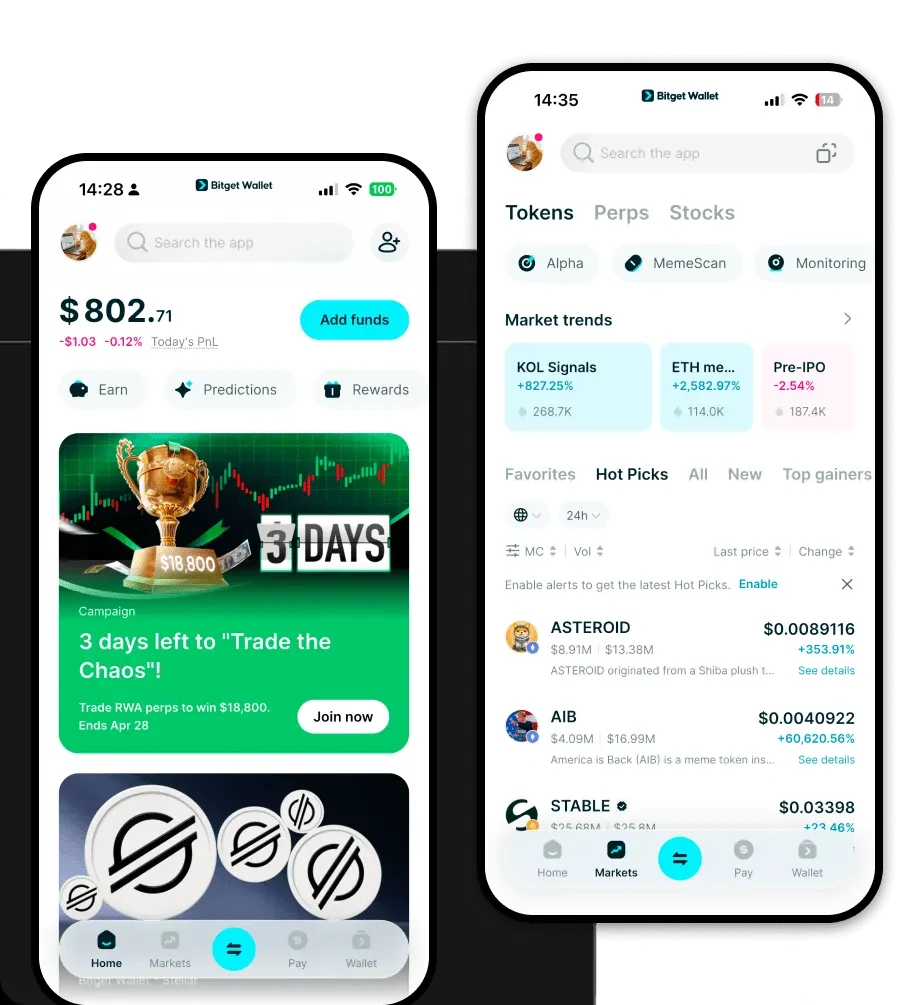
A $GNGT wallet is a digital interface that allows you to securely store, manage, and interact with your $GNGT tokens. Since $GNGT operates on the EVM (Ethereum Virtual Machine) chain, it requires a wallet that fully supports the ERC-20 standard and the broader EVM ecosystem. Bitget Wallet provides a reliable and secure environment for managing $GNGT, allowing users to freely explore Web3 and access crypto assets trusted by 40 million users.
Download Bitget $GNGT Wallet
If you are looking for the most efficient way to access the decentralized web, you should download Bitget Wallet. Designed for both power users and beginners, it offers a seamless experience across devices. Whether you prefer the mobility of iOS and Android apps or the desktop convenience of a browser extension, Bitget Wallet ensures your assets remain under your control.
The platform emphasizes non-custodial security, meaning you retain complete ownership of your private keys and recovery phrases. With support for over 130+ blockchains, it is the only app you need to manage your $GNGT alongside a diverse portfolio of other digital assets.
Why Choose Bitget $GNGT Wallet?
- EVM Compatibility: Built natively for the EVM ecosystem, the wallet ensures instant interaction with any $GNGT-compatible dApp or smart contract without compatibility hurdles.
- Community-Driven Focus: As a Meme token, $GNGT thrives on community activity; Bitget Wallet offers the fastest swap speeds to help you stay ahead of market trends.
- High Liquidity Access: The wallet aggregates hundreds of DEXs, ensuring that when you trade $GNGT, you get the best price execution and minimal slippage.
- Advanced Security Infrastructure: With a $300 million protection fund, your assets are shielded against potential threats, providing peace of mind while you participate in the ecosystem.
How to Create a $GNGT Wallet
- Download and Install: Visit the official website to download Bitget Wallet for your mobile device or browser.
- Create a New Wallet: Open the app, select "Create Wallet," and follow the prompts to secure your mnemonic phrase. Store this phrase offline; it is your only way to recover your $GNGT.
- Backup Your Seed Phrase: Never share your 12-word recovery phrase with anyone. Verify your backup to ensure you have written it down correctly.
- Set a PIN/Biometrics: Add an extra layer of security by enabling FaceID or a strong PIN code for quick, secure access.
- Add $GNGT Token: Navigate to the asset management section, click the "+" icon, and add $GNGT using its contract address to view your balance on the main dashboard.
What Can You Do With a $GNGT Wallet?
- Trading: Execute rapid swaps for $GNGT directly within the app, leveraging integrated liquidity aggregators to get the best market rates.
- Holding: Store your $GNGT tokens securely in a non-custodial environment where you are the sole owner of your private keys.
- Wallet Storage: Utilize the wallet as a central hub to track your $GNGT portfolio performance in real-time alongside other EVM-based assets.
- Community Participation: Directly connect your wallet to community-driven dApps and governance platforms to participate in the $GNGT ecosystem's growth.
How $GNGT Wallets Are Different from Other Crypto Wallets
When managing $GNGT, the underlying chain architecture matters. Unlike UTXO-based chains like Bitcoin, which rely on transaction inputs and outputs, $GNGT exists on an EVM chain that utilizes an account-based model. This means that instead of managing unspent outputs, your wallet tracks a single balance associated with your address. Bitget Wallet is optimized for this account-based structure, allowing for complex smart contract interactions that simple wallets cannot handle.
Furthermore, while some wallets struggle with the high-frequency nature of Meme token trading, Bitget Wallet manages gas fees dynamically. It calculates the optimal gas price in real-time, ensuring your transactions are processed quickly during periods of high network congestion without overpaying.