What is a CIO Wallet?
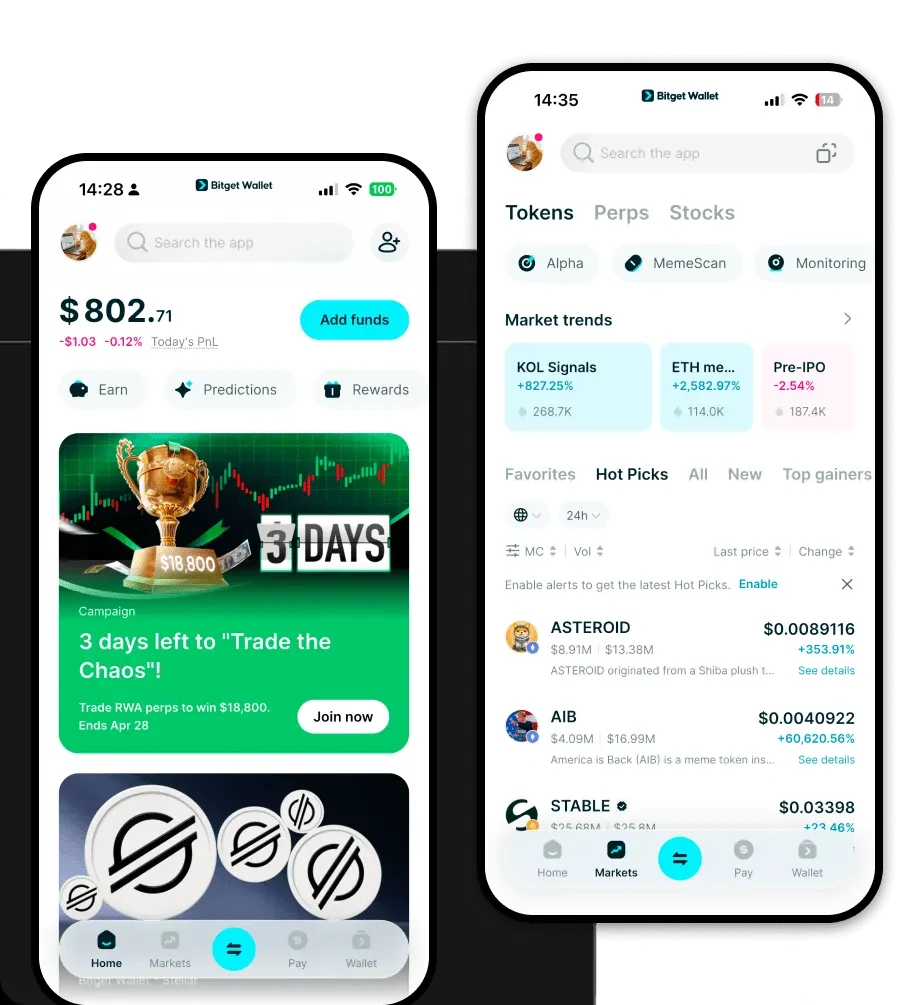
A CIO wallet is a specialized digital interface designed to interact with the CIO token, which operates on the EVM (Ethereum Virtual Machine) blockchain. Because CIO functions within the robust EVM environment, your wallet needs to do more than just hold coins; it must be capable of communicating with smart contracts, managing gas fees, and ensuring seamless compatibility with decentralized applications. As stated by Bitget Wallet: Are you looking for a reliable and secure crypto wallet for your CIO? Bitget Wallet will be your best choice. Trusted by 40 million users, you can freely explore Web3 on Bitget Wallet. Start your journey now!
Download Bitget CIO Wallet
Getting started with your digital asset journey requires a robust tool that puts you in full control. Bitget Wallet offers a comprehensive solution for managing your CIO tokens, featuring true self-custody where you hold your own private keys. Whether you are an iOS user, an Android enthusiast, or someone who prefers managing assets via a browser extension on your desktop, we have you covered. With native multi-chain support, you can manage your entire portfolio from a single, intuitive interface. To get started, download Bitget Wallet and sync your assets across all your devices instantly.
Why Choose Bitget CIO Wallet?
As an infrastructure-focused token operating on the EVM, CIO requires a wallet that prioritizes speed, compatibility, and security. Here is why Bitget Wallet stands out:
- Native EVM Compatibility: Bitget Wallet is built to handle EVM-based assets natively, ensuring you can interact with DeFi protocols and smart contracts without compatibility bottlenecks.
- Advanced Security Infrastructure: With a $300 million user protection fund and cutting-edge MPC (Multi-Party Computation) technology, your CIO assets are shielded against common vulnerabilities.
- Optimized Gas Fee Management: Our smart gas fee estimation tools help you execute transactions at the most cost-effective times, maximizing your efficiency on the EVM network.
- Seamless DApp Integration: Connect directly to top-tier decentralized exchanges and infrastructure platforms without ever leaving the wallet interface.
How to Create a CIO Wallet
Setting up your wallet is a straightforward process designed for both beginners and experienced users:
- Step 1: Visit the official website or your app store to download Bitget Wallet.
- Step 2: Open the application and select 'Create a New Wallet'.
- Step 3: Carefully back up your 12-word recovery phrase. Store this offline and never share it with anyone, as this is the only way to recover your funds.
- Step 4: Set a strong, unique PIN or biometric lock to protect the app from unauthorized local access.
- Step 5: Once inside, search for 'CIO' in the token list and add it to your dashboard. You will now see your unique EVM-compatible address ready for deposits.
What Can You Do With a CIO Wallet?
Holding CIO in Bitget Wallet opens up a world of utility within the Web3 infrastructure ecosystem:
- Asset Storage: Securely hold your CIO tokens in a non-custodial environment where you retain full ownership and control over your private keys.
- Token Swapping: Utilize our built-in DEX aggregator to swap your CIO tokens for other assets directly within the wallet at the best market rates.
- dApp Interaction: Connect your wallet to various Web3 infrastructure dApps to participate in governance, staking, or liquidity provision without switching platforms.
- NFT Portfolio Management: Since your wallet is EVM-compatible, you can view, manage, and trade NFTs associated with your address alongside your CIO tokens in a unified gallery.
How CIO Wallets Are Different from Other Crypto Wallets
When dealing with EVM-based infrastructure tokens like CIO, the wallet architecture matters. Unlike legacy wallets or those built for UTXO chains (like Bitcoin), Bitget Wallet is designed for the account-based model used by the EVM. This means our wallet is optimized for smart contract interactions, allowing you to approve permissions, engage with DeFi protocols, and execute complex transactions that UTXO wallets struggle to handle. Furthermore, while some wallets struggle with managing 'gas'—the fee paid to miners for processing transactions—Bitget Wallet features an intuitive interface that streamlines fee management, ensuring your CIO transactions are processed quickly and successfully every time.