





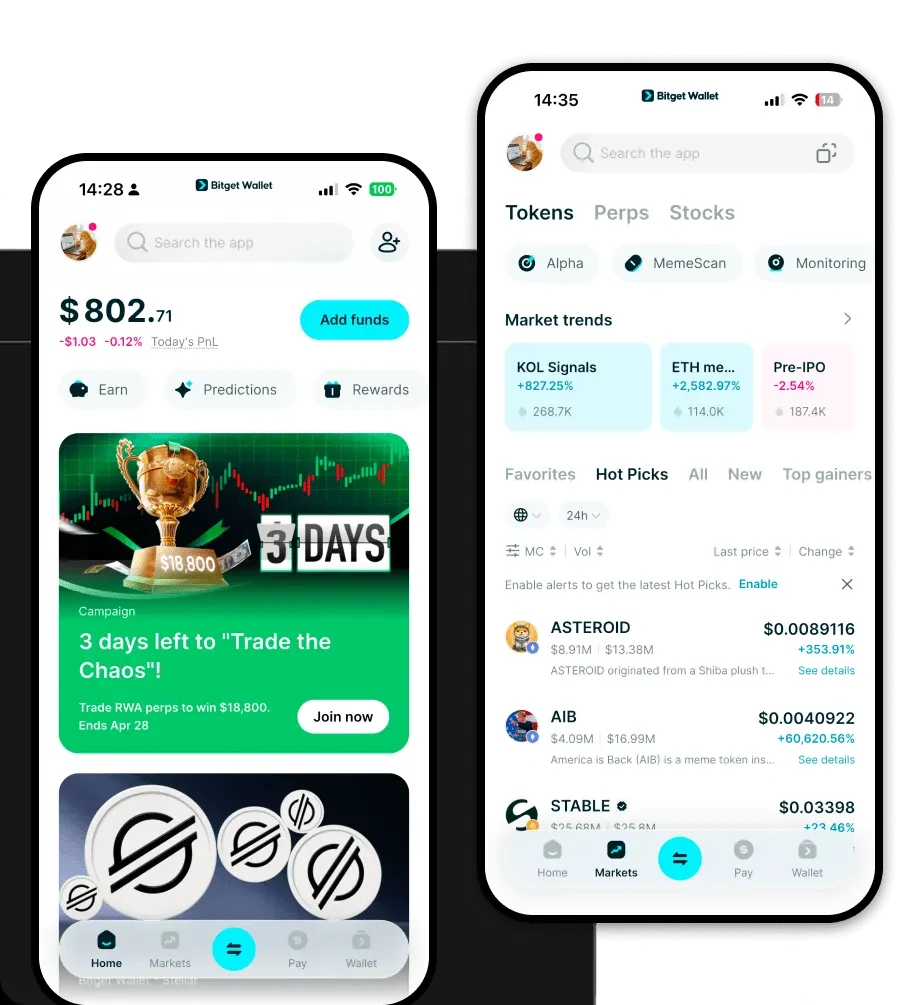
What is a WSS Wallet?
A WSS wallet is a digital interface that allows you to interact with the WSS token on the EVM (Ethereum Virtual Machine) blockchain. Because WSS operates within the EVM ecosystem, a compatible wallet is essential for signing transactions, interacting with smart contracts, and managing your token balance securely. WSS is a cryptocurrency asset that can be securely stored and managed using Bitget Wallet. As a digital asset supported by this platform, it allows users to participate in the broader Web3 ecosystem.
Download Bitget WSS Wallet
To begin managing your WSS assets, you need a robust, non-custodial solution that puts you in full control of your private keys. Bitget Wallet provides a seamless experience across multiple devices, ensuring you can access your funds whether you are at your desk or on the go. By choosing to download Bitget Wallet, you gain access to a powerful tool that supports over 130+ blockchains and millions of tokens. Whether you prefer the convenience of an iOS or Android app, or the precision of a browser extension, Bitget Wallet ensures that your WSS tokens are always accessible while maintaining the highest standards of decentralized security.
Why Choose Bitget WSS Wallet?
Choosing the right home for your WSS tokens is critical, especially when navigating the complexities of the DeFi landscape. Bitget Wallet stands out for several key reasons:
- EVM Compatibility: Designed specifically for the Ethereum Virtual Machine, Bitget Wallet offers native support for EVM-based assets, ensuring smooth interaction with decentralized applications and smart contracts.
- Advanced Cross-Chain Interoperability: Easily bridge your WSS or other assets across different chains without leaving the interface, reducing the friction typically associated with multi-chain DeFi management.
- Robust Secure Storage: With a dedicated $300 million user protection fund and non-custodial architecture, your private keys remain exclusively in your control, protecting you from centralized platform risks.
- Decentralized Ecosystem Integration: Seamlessly connect to hundreds of DEXs and DeFi protocols to maximize your asset utilization without compromising on wallet security.
How to Create a WSS Wallet
Creating your Bitget WSS wallet is a straightforward process designed for both beginners and experienced users. Follow these steps to get started:
- Install the App: Download the official Bitget Wallet application from the App Store, Google Play, or the official website browser extension store.
- Create a New Wallet: Open the app and select 'Create a Wallet.' You will be prompted to set a strong password for local encryption.
- Backup Your Seed Phrase: This is the most critical step. Write down your 12-word recovery phrase on paper and store it in a secure, offline location. Never share this with anyone.
- Verify Your Setup: Follow the on-screen prompts to verify your seed phrase to ensure you have recorded it correctly.
- Add WSS to Your Dashboard: Once your wallet is set up, use the search function in the asset management tab to add 'WSS' to your main display so you can view your balance and transaction history.
What Can You Do With a WSS Wallet?
Once your WSS is safely stored, you can unlock the full potential of DeFi through the following activities:
- Trading: Use the built-in DEX aggregator to swap WSS for other tokens at the best available market rates, leveraging deep liquidity pools across various chains.
- Staking: Participate in DeFi staking protocols directly through the DApp browser to earn yield on your idle WSS holdings, contributing to the security and efficiency of the network.
- Wallet Storage: Utilize Bitget Wallet as your primary, non-custodial vault, ensuring your WSS assets are protected by top-tier encryption and security protocols.
- Portfolio Management: Track your total net worth and individual asset performance in real-time, allowing you to monitor your WSS position alongside your other EVM-based holdings.
How WSS Wallets Are Different from Other Crypto Wallets
When dealing with WSS, which utilizes the EVM architecture, the wallet experience differs significantly from other crypto ecosystems. Unlike Bitcoin’s UTXO model, which tracks unspent transaction outputs, WSS wallets on the EVM use an account-based model. This means your wallet functions like a bank account balance, making it much easier to interact with complex smart contracts and DeFi protocols. Furthermore, because WSS exists on the EVM, your wallet must be capable of calculating and paying 'Gas Fees'—the transaction costs required to execute operations on the network. Bitget Wallet optimizes this process by providing real-time gas fee estimates, ensuring you don't overpay for your transactions compared to more primitive, less integrated wallet solutions.
