





1. What is a Pixie Wallet?
A Pixie wallet is a digital interface that allows you to interact with the Pixie ecosystem, a decentralized social media platform built on Web3 technology. Designed to empower creators, Pixie allows users to monetize their content and social interactions directly on the blockchain. Because Pixie operates on the EVM (Ethereum Virtual Machine) chain, it requires a wallet capable of handling EVM-compatible tokens and smart contracts efficiently. Bitget Wallet provides secure storage and management support for Pixie tokens, enabling users to explore its ecosystem seamlessly, ensuring your assets are accessible whenever you need them.
2. Download Bitget Pixie Wallet
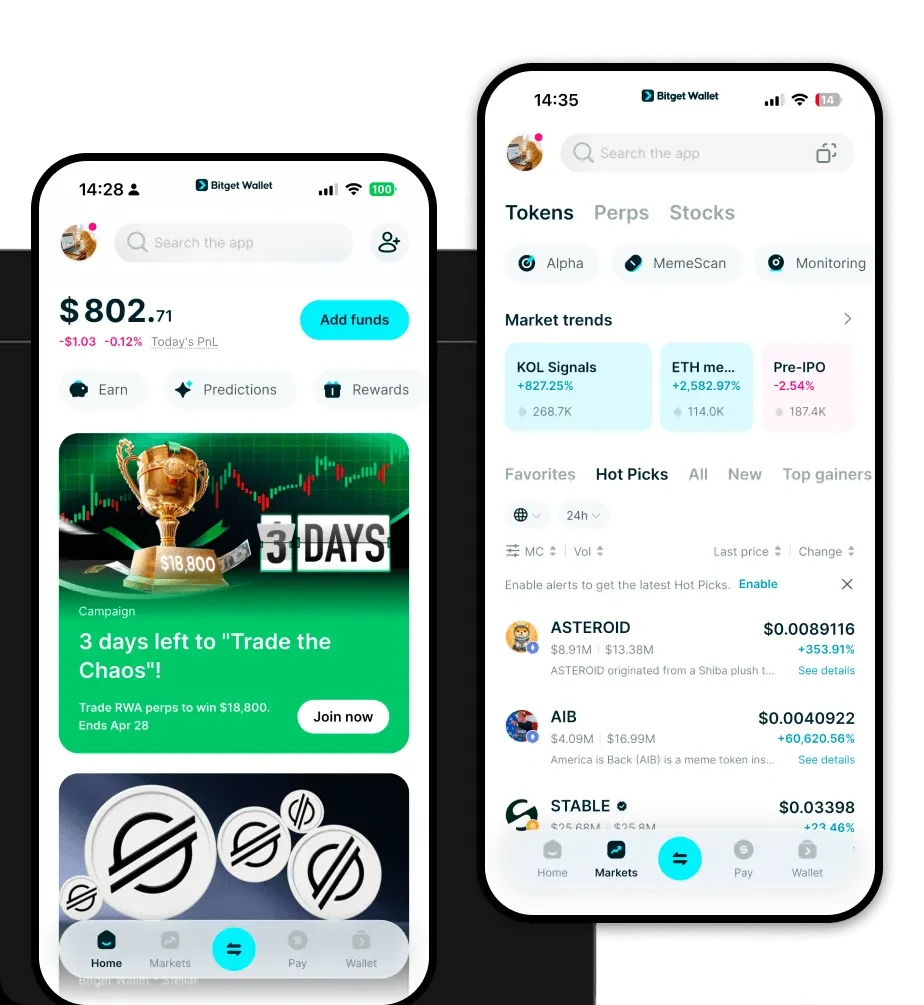
Managing your Pixie assets requires a reliable and versatile tool. Bitget Wallet stands out as a premier solution, offering a robust infrastructure for both novice and experienced users. Whether you are using a mobile device or a desktop, you can easily download Bitget Wallet to get started. The wallet features true self-custody, giving you full control over your private keys, which is essential for any Web3 enthusiast. With comprehensive support for iOS, Android, and browser extensions, you can manage your Pixie tokens on the go or while interacting with dApps on your computer. Its multi-chain architecture ensures that you are not just limited to one ecosystem, providing a unified hub for all your crypto assets.
3. Why Choose Bitget Pixie Wallet?
Choosing the right wallet for Pixie is critical, especially when interacting with EVM-based decentralized social platforms. Bitget Wallet offers distinct advantages for Pixie users:
- Seamless EVM Integration: Built specifically to handle EVM-compatible networks, Bitget Wallet ensures that your Pixie transactions are smooth, with optimized gas fee management to keep your interaction costs low.
- Robust Security Architecture: With a $300 million user protection fund, Bitget Wallet provides an extra layer of security, protecting your Pixie holdings against unforeseen vulnerabilities.
- Integrated DApp Browser: Access the Pixie platform directly through the built-in DApp browser, allowing you to engage with decentralized social media without leaving your secure environment.
- Advanced Asset Management: Beyond just storage, the wallet provides real-time market data and portfolio tracking, essential for monitoring the value of your social media-based assets.
- Cross-Chain Flexibility: As an infra-focused wallet, it supports over 130+ blockchains, allowing you to swap your Pixie tokens for other assets across different chains using its built-in DEX aggregator.
4. How to Create a Pixie Wallet
Setting up your Pixie wallet on Bitget is a straightforward process designed for security and ease of use:
- Download and Install: Visit the official Bitget Wallet website and download the application for your specific device (iOS, Android, or Chrome extension).
- Create a New Wallet: Open the app, select 'Create Wallet,' and ensure you set a strong, unique password for your local device access.
- Backup Your Mnemonic Phrase: This is the most critical step. Write down your 12-word seed phrase on paper and store it in a secure, offline location; never share this with anyone.
- Verify EVM Address: Once the wallet is created, your address for the EVM network will be automatically generated. You can view this public address on the main dashboard.
- Add Pixie Token: Use the 'Add Token' or 'Manage Tokens' feature to search for the Pixie contract address on the EVM chain and add it to your visible list to start managing your balance.
5. What Can You Do With a Pixie Wallet?
Holding Pixie in a Bitget Wallet opens up a variety of specific use cases within the Web3 creator economy:
- Content Creation Incentives: You can receive tokens directly into your wallet as rewards for the high-quality content you publish on the Pixie platform.
- Social Interaction Rewards: Your wallet serves as the destination for tokens earned through your daily social interactions, such as liking, sharing, and commenting on posts.
- Trading on Decentralized Exchanges: Utilize the wallet's integrated DEX aggregator to trade your Pixie tokens for other cryptocurrencies without ever needing to deposit them into a centralized exchange.
- Staking for Ecosystem Governance: By staking your Pixie tokens through the wallet, you can participate in the governance of the Pixie network, helping to shape the future of the decentralized social graph.
- Asset Management in Crypto Wallets: Keep a clean, organized overview of your Pixie holdings alongside your other digital assets, with detailed transaction history and real-time valuation updates.
6. How Pixie Wallets Are Different from Other Crypto Wallets
When dealing with an EVM-based token like Pixie, the architecture of your wallet matters significantly compared to non-EVM or older UTXO-based systems. Unlike Bitcoin wallets that rely on the UTXO (Unspent Transaction Output) model, a Pixie wallet uses an Account-based model. This allows for more complex smart contract interactions, which are necessary for social media dApps where users frequently interact with content protocols. Furthermore, because Pixie is EVM-compatible, your wallet must handle gas fees efficiently; Bitget Wallet excels here by providing gas estimations and speed adjustments, a feature often lacking in more rigid, basic wallets. While some wallets focus only on simple transfers, a dedicated Pixie wallet on the EVM chain supports the data ownership and creator economy features that standard wallets might not prioritize.
