





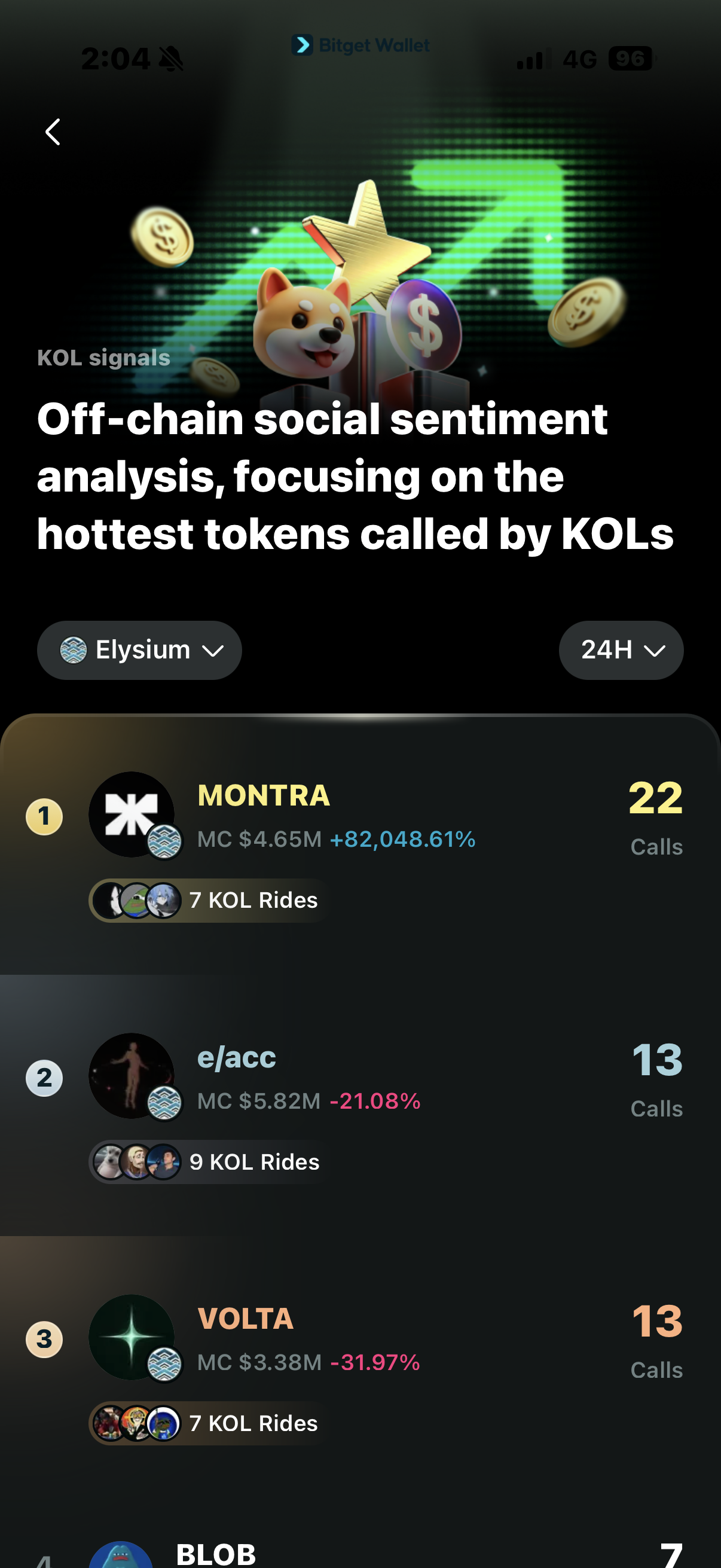
Elysium Wallet
An Elysium Wallet lets you manage, trade, and swap Elysium tokens across chains, connect to dApps, and explore the growing Elysium ecosystem. Download Bitget Wallet to access Elysium Mainnet with a self-custodial crypto wallet trusted by over 100 million users.






How to Create an Elysium Wallet?
- 1. Download and install Bitget Wallet.
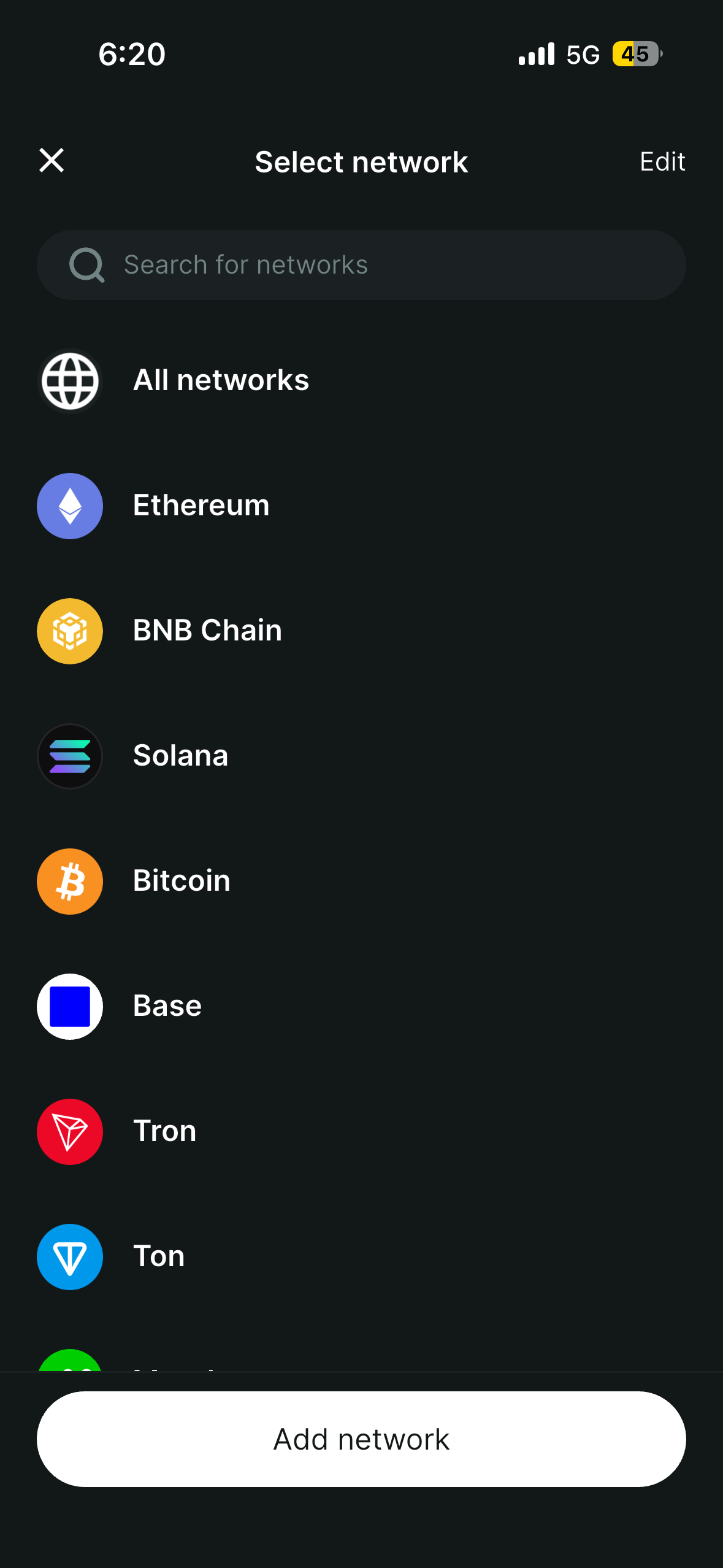
- 2. Tap on "Wallet" and click the icon in the top-right corner.
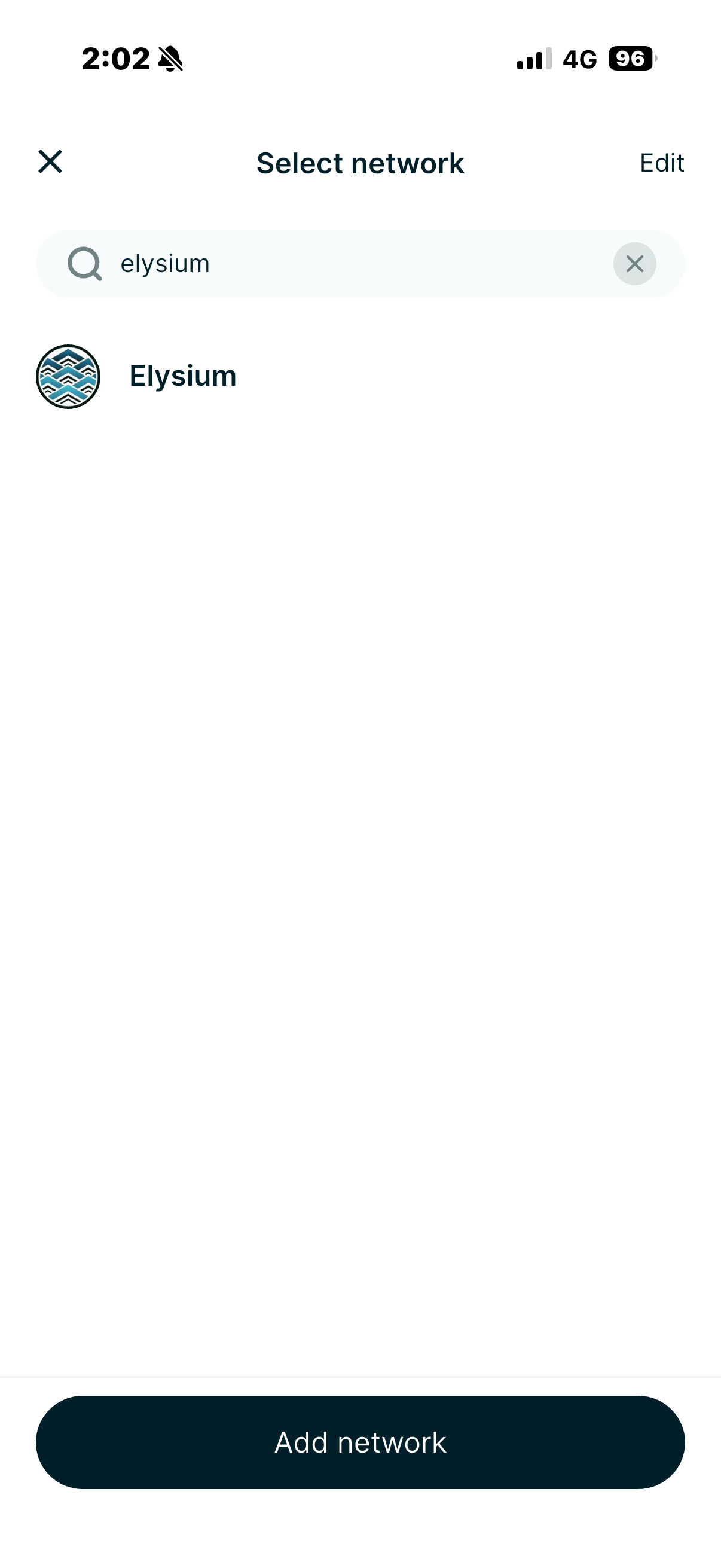
- 3. Select "Elysium". Tap the Elysium network icon and click "Add network."
Your Bitget Wallet is now ready for Elysium Chain. Add HYPE to your wallet, then use features like buy, sell, swap, and more to access the Elysium ecosystem.
Elysium Wallet Features
Swap on Elysium
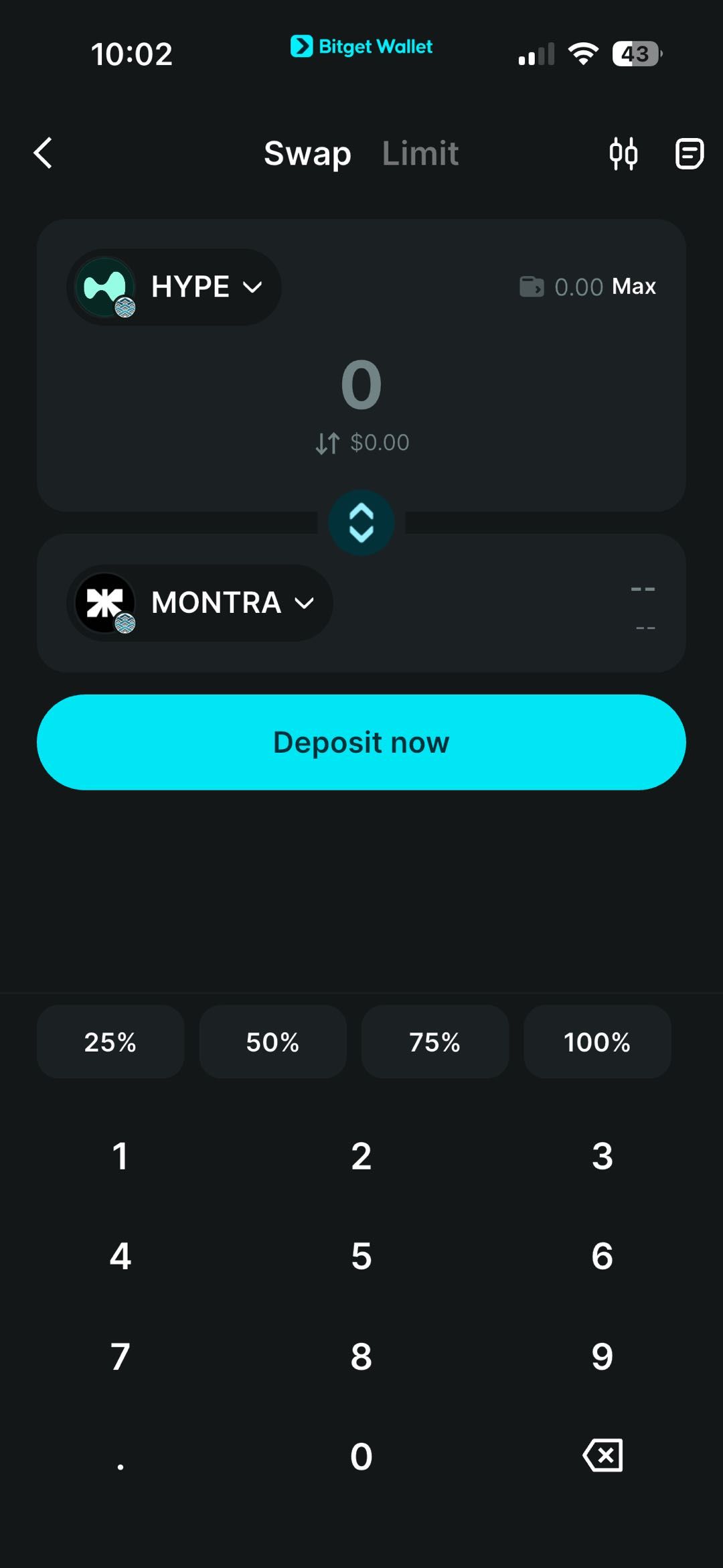
1. Open the Swap feature. Open Bitget Wallet, go to Swap → Market, and select the Elysium token you want to swap and the token you want to receive.
2. Enter the amount. Input the amount you want to swap.
3. Review the transaction. Check the swap details, including the estimated amount received and applicable network fees.
4. Confirm and submit. Make sure your wallet balance and HYPE balance are sufficient, review the transaction fee, then confirm and submit the transaction.
Bitget Wallet gives you a simple way to swap supported Elysium tokens and access emerging Elysium memecoins and assets across the Elysium ecosystem.
Acesse Bitget Swap
FAQ
What can I do with an Elysium wallet?
How do I trade Elysium tokens on Bitget Wallet?
How do I bridge assets to Elysium?

About Elysium
What is Elysium?
Elysium is Kinetiq’s high-performance Layer 2 blockchain built for the Hyperliquid ecosystem. It settles to HyperEVM and is designed to deliver higher speed, higher capacity, and lower gas fees than HyperEVM, supporting meme launches, DeFi, NFT, GameFi, and other high-activity applications.Elysium uses HYPE as its native gas token and runs on Chain ID 99901. It is built to handle the congestion that occurs on HyperEVM during high-volume periods while remaining fully connected to the Hyperliquid ecosystem.With Bitget Wallet, you can add Elysium Mainnet, manage supported assets, trade Elysium tokens, bridge HYPE across networks, connect to compatible dApps, and explore the growing Elysium ecosystem and emerging memecoins.What Is HYPE on Elysium?
HYPE is the native gas token on Elysium and is used to pay transaction fees on the network. Unlike blockchains that require a separate token for gas, Elysium uses HYPE bridged 1:1 from HyperEVM. This keeps everything inside the Hyperliquid ecosystem. You only need HYPE to pay for gas, trade, and interact with applications on ElysiumWhat Can You Do on Elysium?
Token Launches & Memes: Elysium is designed for high-activity use cases such as token launches and memecoins, with faster blocks and higher throughput than HyperEVM. Onchain Trading & DeFi: Trade and swap supported Elysium tokens, access DEXes, and interact with DeFi applications. Bitget Wallet supports direct trading and swapping on the network. Cross-Chain Asset Transfers: Bridge HYPE and other supported assets from HyperEVM to Elysium. Bitget Wallet provides access to bridging routes. Access the Ecosystem: With Bitget Wallet, you can add Elysium, manage assets, trade tokens, connect to dApps, and explore launchpads, DEXes, and other projects.How to Fund an Elysium Wallet?
You can fund your Elysium wallet with Bitget Wallet by: Bridging HYPE from HyperEVM to Elysium (recommended for gas). Bridging other supported assets and swapping them for HYPE if needed. Because HYPE is used for gas on Elysium, keeping HYPE in your wallet gives you the balance needed to pay transaction fees while trading, swapping, and using supported applications.How to Trade Elysium Memecoins on Bitget Wallet?
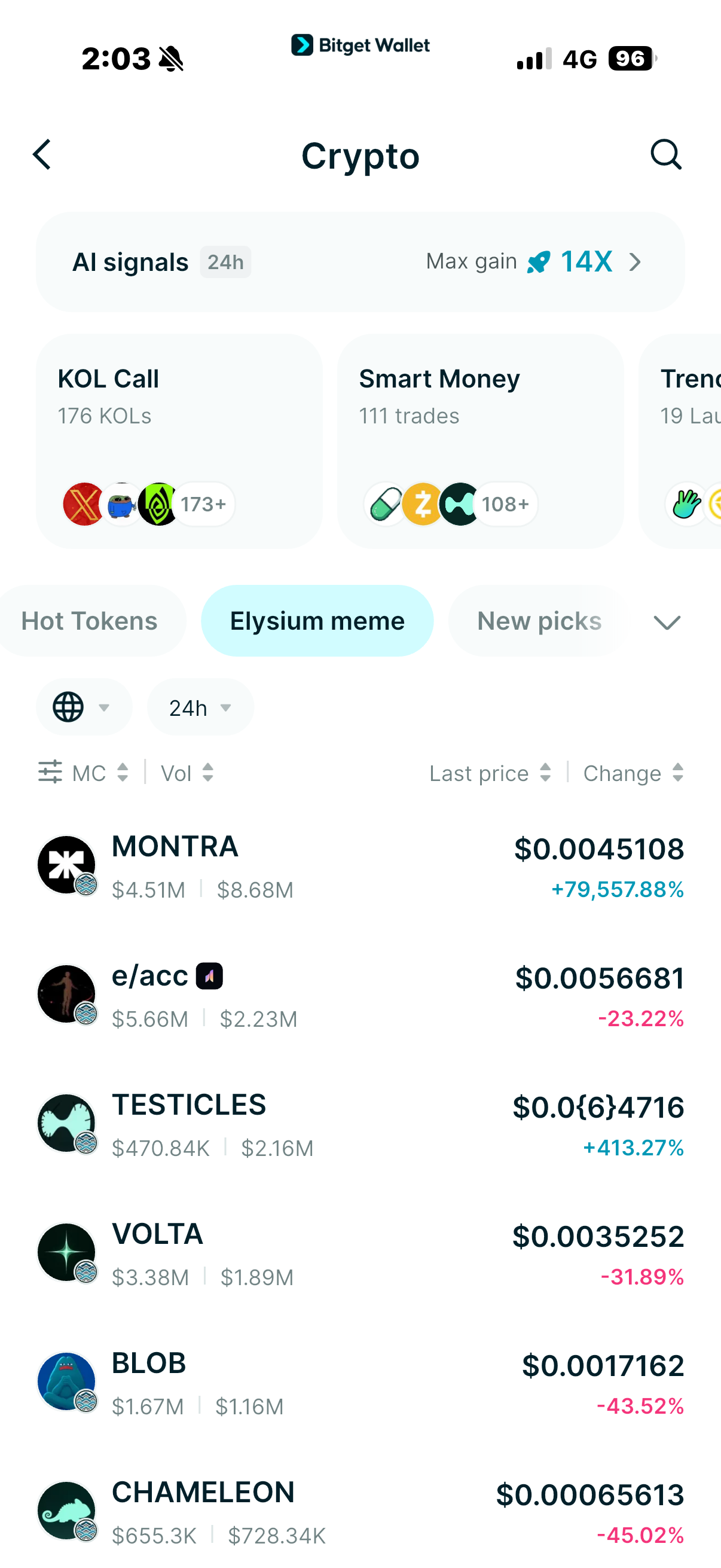
To trade supported Elysium memecoins and other onchain assets with Bitget Wallet: Open the Bitget Wallet app. Find the token you want to trade: 1. Go to Markets → Crypto → Elysium, then select a token; or Go to Trade and choose the token you want to swap. 2. Review your trade settings. Check the swap details, including slippage, estimated amount received, and network fee (paid in HYPE). 3. Confirm the trade. Review the order details and confirm the transaction. Bitget Wallet supports Elysium market data and onchain trading, giving users access to emerging Elysium assets from day one.Official Network Details
Chain ID: 99901 Gas token: HYPE RPC: https://rpc.elysium.kinetiq.xyz Explorer: https://elysium.kinetiq.xyz/explorer Settlement: HyperEVM

Sobre nós
Products

Sobre nós
Products