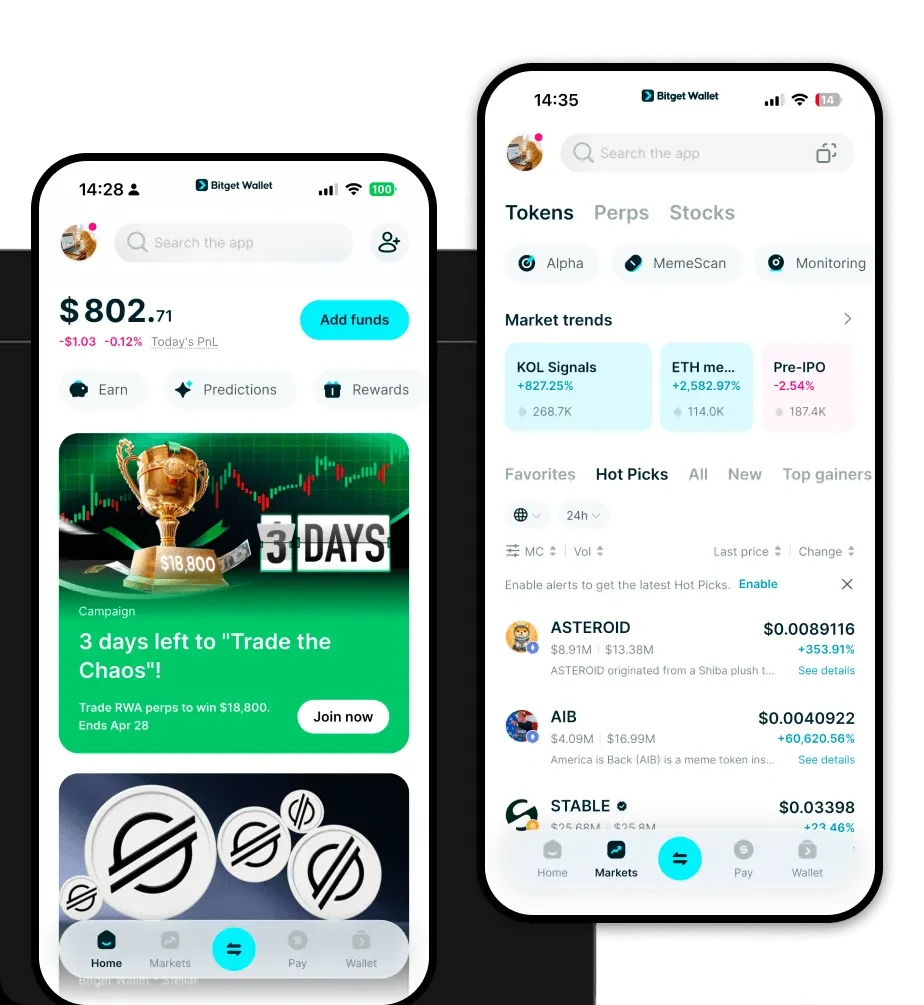
What is a Teleswap Wallet? Teleswap is a decentralized exchange protocol, and Bitget Wallet serves as a secure gateway for users to manage assets, swap tokens, and explore Web3 services within the Teleswap ecosystem. As an asset that operates primarily on EVM-compatible chains, Teleswap requires a specialized interface that understands the nuances of the Ethereum Virtual Machine. Unlike centralized exchanges, a Teleswap wallet provides you with full custody of your private keys, meaning you are the sole owner of your assets. By leveraging a non-custodial wallet, you ensure that your Teleswap tokens are held securely on-chain, protected from the vulnerabilities that often plague centralized platforms. Whether you are a long-term holder or an active trader, using a dedicated wallet interface is the foundational step for interacting with the protocol's liquidity pools and governance features. Download Bitget Teleswap Wallet To begin your journey, you need a reliable application that bridges the gap between complex blockchain protocols and user-friendly interfaces. Bitget Wallet is widely recognized as the best wallet for Teleswap due to its seamless integration with EVM chains and its robust security architecture. You can download Bitget Wallet directly from the official source at https://web3.bitget.com/zh-CN/wallet-download. The app is available as a mobile application for iOS and Android, as well as a browser extension, ensuring you can manage your portfolio whether you are on the go or at your desk. When you download the Bitget Teleswap wallet app, you are choosing a multi-chain solution that prioritizes private key self-custody, giving you complete control over your digital assets without relying on third-party intermediaries. Why Choose Bitget Teleswap Wallet? Choosing the right tool for your DeFi activities is critical. Bitget Wallet stands out as the premier choice for Teleswap users for several specific reasons: - Seamless EVM Compatibility: Bitget Wallet is built to handle EVM-based assets natively, ensuring that your Teleswap tokens are displayed correctly and interact perfectly with all smart contracts on the network. - Advanced DeFi Dashboard: The wallet features a built-in interface specifically designed for DeFi users, allowing you to monitor your positions, liquidity pools, and yield farming rewards in real-time. - Gas Fee Optimization: Since Teleswap operates on the EVM, gas fees can fluctuate. Bitget Wallet offers smart gas estimation and optimization features, helping you execute transactions at the most cost-effective times. - $300 Million Protection Fund: Security is paramount in the DeFi space. Bitget Wallet is backed by a substantial user protection fund, providing an extra layer of safety for your assets against unforeseen protocol risks. - Cross-Chain Interoperability: If your Teleswap assets need to move across different chains, the built-in bridge aggregator allows you to swap and transfer assets between various EVM networks with minimal friction. How to Create a Teleswap Wallet Setting up your wallet is a straightforward process that takes only a few minutes. Follow these steps to get started: 1. Install the App: Visit the official website to download the Bitget Wallet app. Ensure you are using the official version to maintain security. 2. Create a New Wallet: Open the app and select 'Create Wallet.' You will be prompted to set a strong password for your local device. 3. Secure Your Seed Phrase: This is the most critical step. You will be given a 12-word recovery phrase. Write it down on paper and store it in a secure, offline location. Never share this phrase with anyone. 4. Configure the Network: Since Teleswap is an EVM asset, ensure your wallet is set to the correct EVM-compatible network. Bitget Wallet usually detects this automatically, but you can manually add custom RPC nodes if necessary. 5. Import or Receive Tokens: Once your wallet is set up, you can find your Teleswap wallet address by clicking the 'Receive' button. Copy this address to deposit your tokens and start managing your portfolio. What Can You Do With a Teleswap Wallet? Once your wallet is ready, you can unlock the full potential of the Teleswap ecosystem. Here are the core activities you can engage in: - Token Swapping: Use the integrated DEX aggregator to exchange your Teleswap tokens for other assets with the best available liquidity and pricing. - Providing Liquidity: Actively participate in the protocol by depositing your tokens into liquidity pools, which helps maintain the DEX ecosystem and allows you to earn transaction fees. - Yield Farming: Stake your LP tokens or native tokens into various farming contracts to earn additional yield, maximizing the return on your capital. - Staking Rewards: Lock your Teleswap tokens to participate in governance or earn staking rewards, contributing to the long-term sustainability of the protocol. - Portfolio Management: Use the built-in analytics tools to track the historical performance of your holdings, ensuring you are always aware of your asset allocation and growth. How Teleswap Wallets Are Different from Other Crypto Wallets It is important to understand why a specialized EVM wallet differs from other types of crypto storage. Unlike wallets designed for the UTXO model (like Bitcoin), which rely on complex transaction inputs and outputs, a Teleswap wallet operates on an account-based model. This means that your balance is treated as a single account state that changes as you interact with smart contracts. Furthermore, while some wallets prioritize cold storage and offline signing, a Teleswap wallet is optimized for the speed and high-frequency interaction required by DeFi. The gas fee structure on EVM chains requires a wallet that can accurately estimate costs before you sign a transaction, preventing failed transactions and unnecessary loss of funds. This specific focus on smart contract interaction makes Bitget Wallet a more efficient tool for Teleswap users compared to generic, multi-purpose wallets.