






1
/
7
How to transfer funds to a bank account
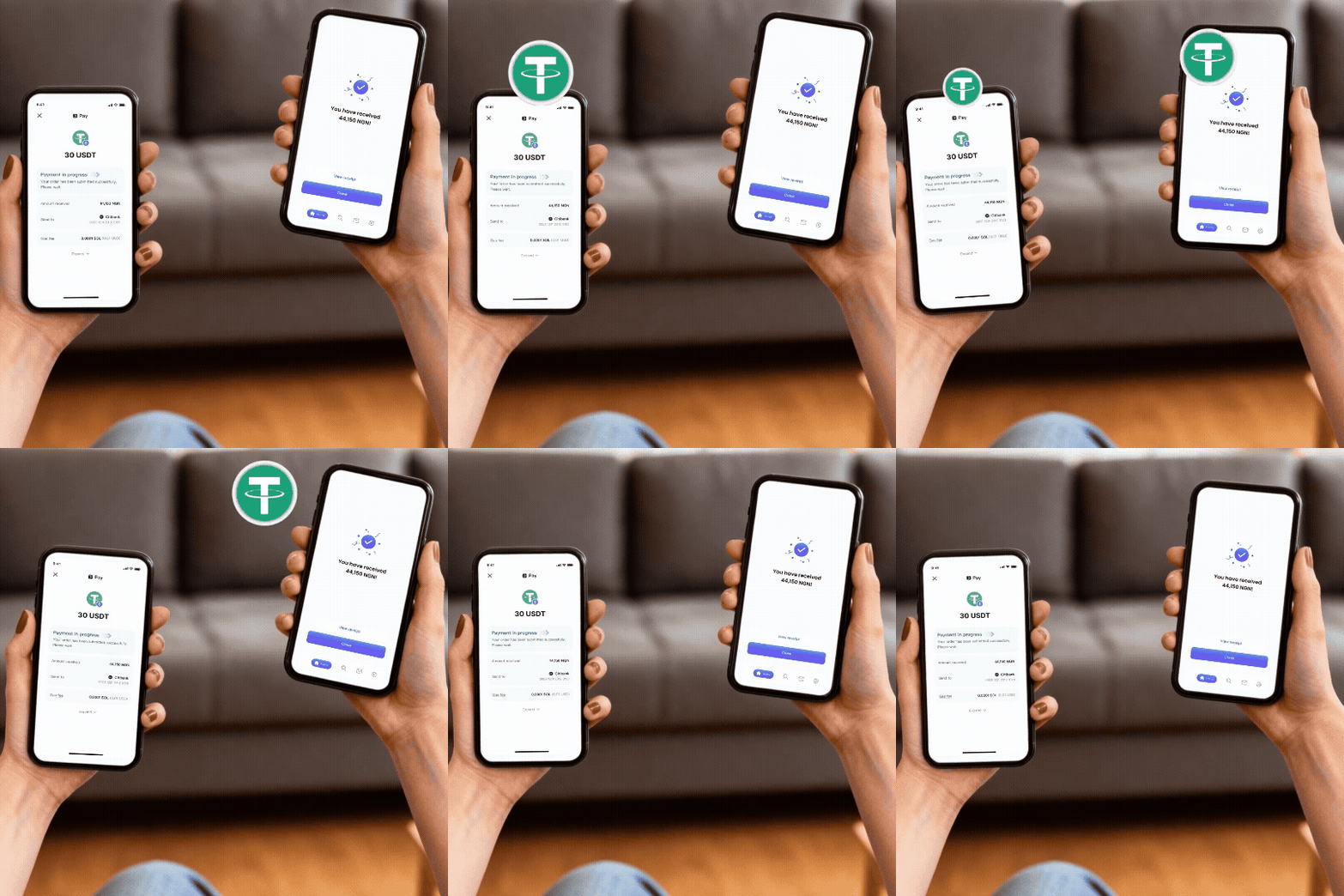
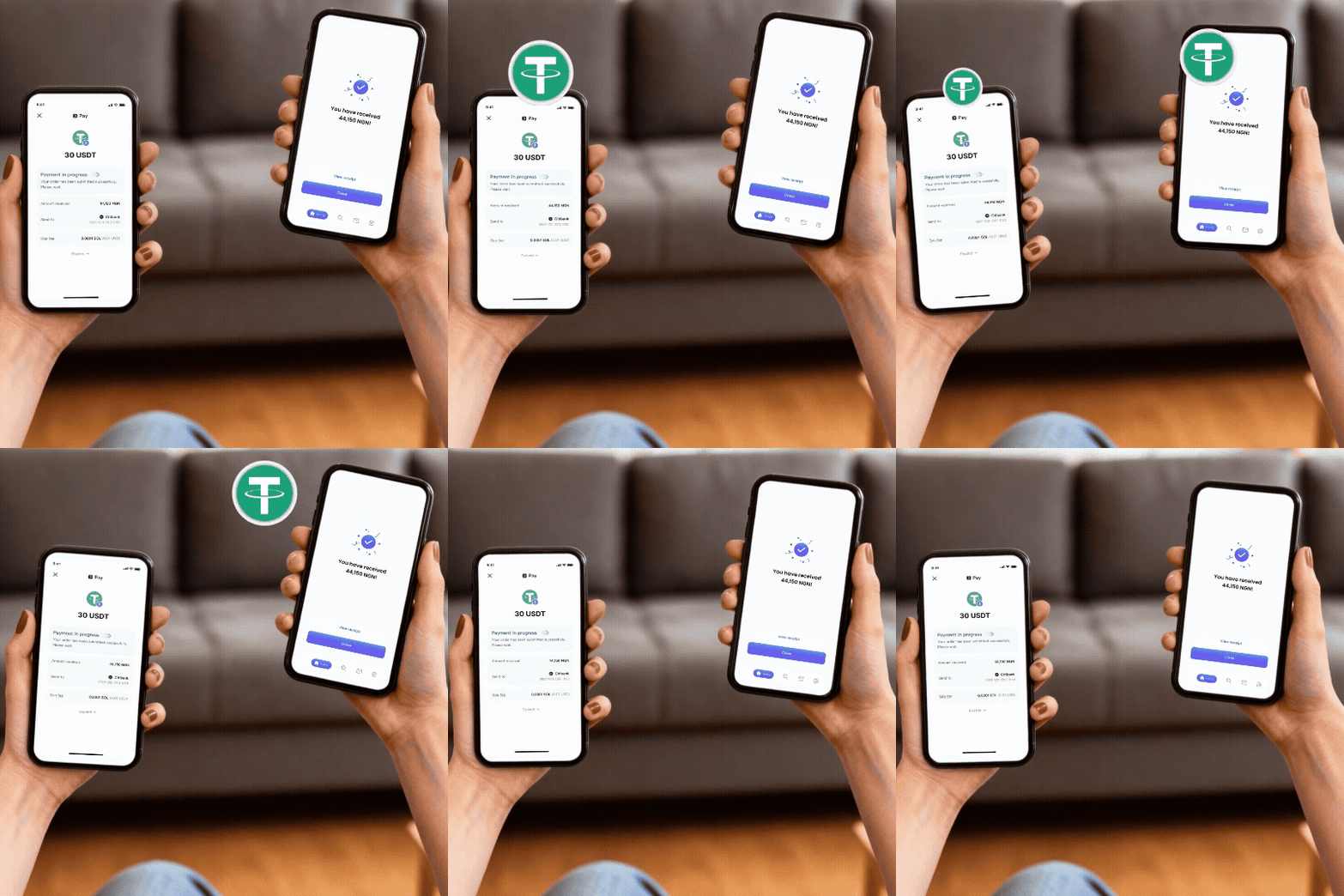
Now, you can easily send funds from your wallet to bank accounts in <b>Nigeria, Mexico, and Pakistan</b>. Pay with crypto from anywhere in the world, and the recipient receives local currency within seconds.
Now, you can easily send funds from your wallet to bank accounts in <b>Nigeria, Mexico, and Pakistan</b>. Pay with crypto from anywhere in the world, and the recipient receives local currency within seconds.
1
/
7
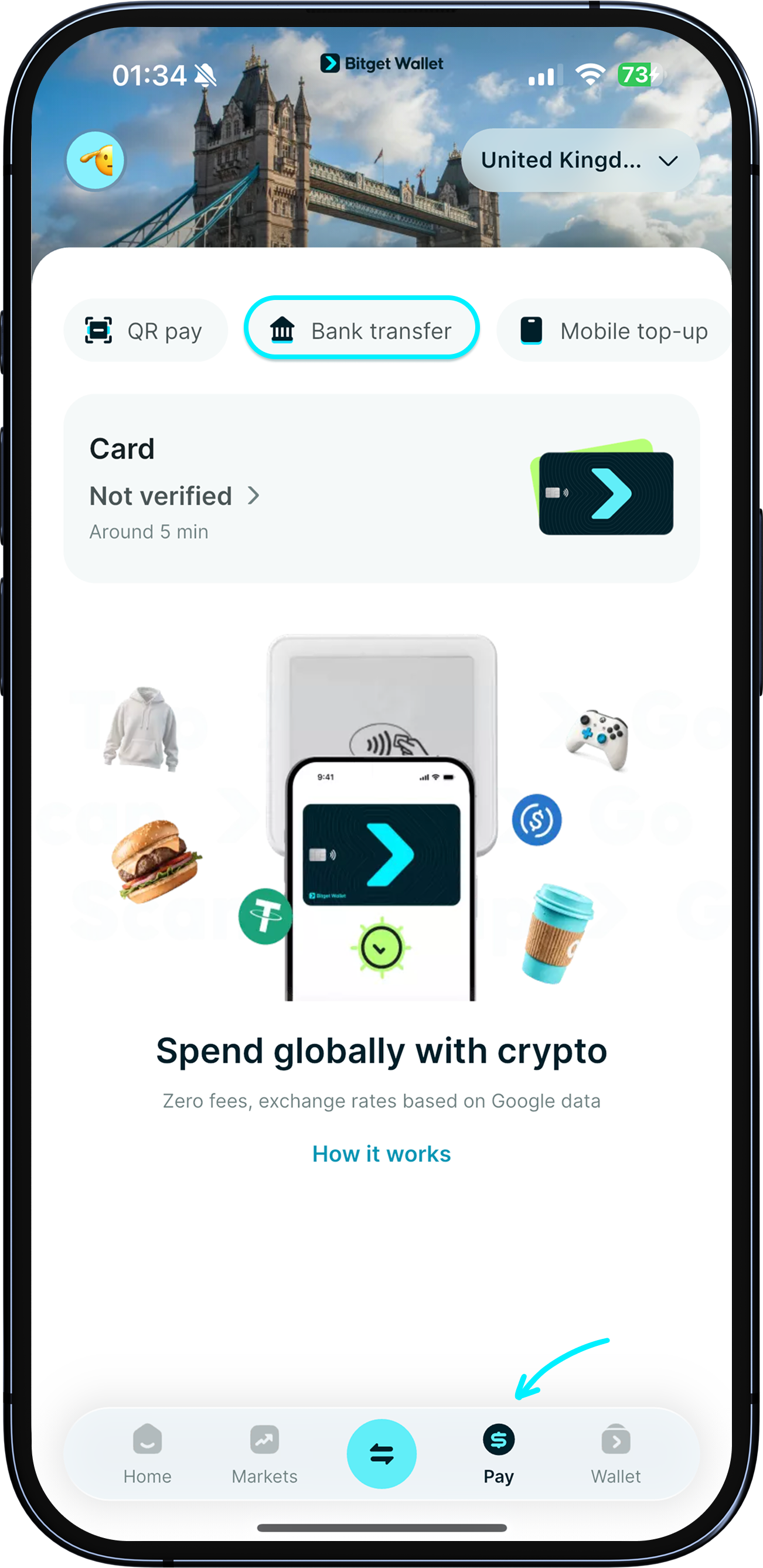
Start your transfer
Go to "Pay" > "Bank transfer".
1
/
7
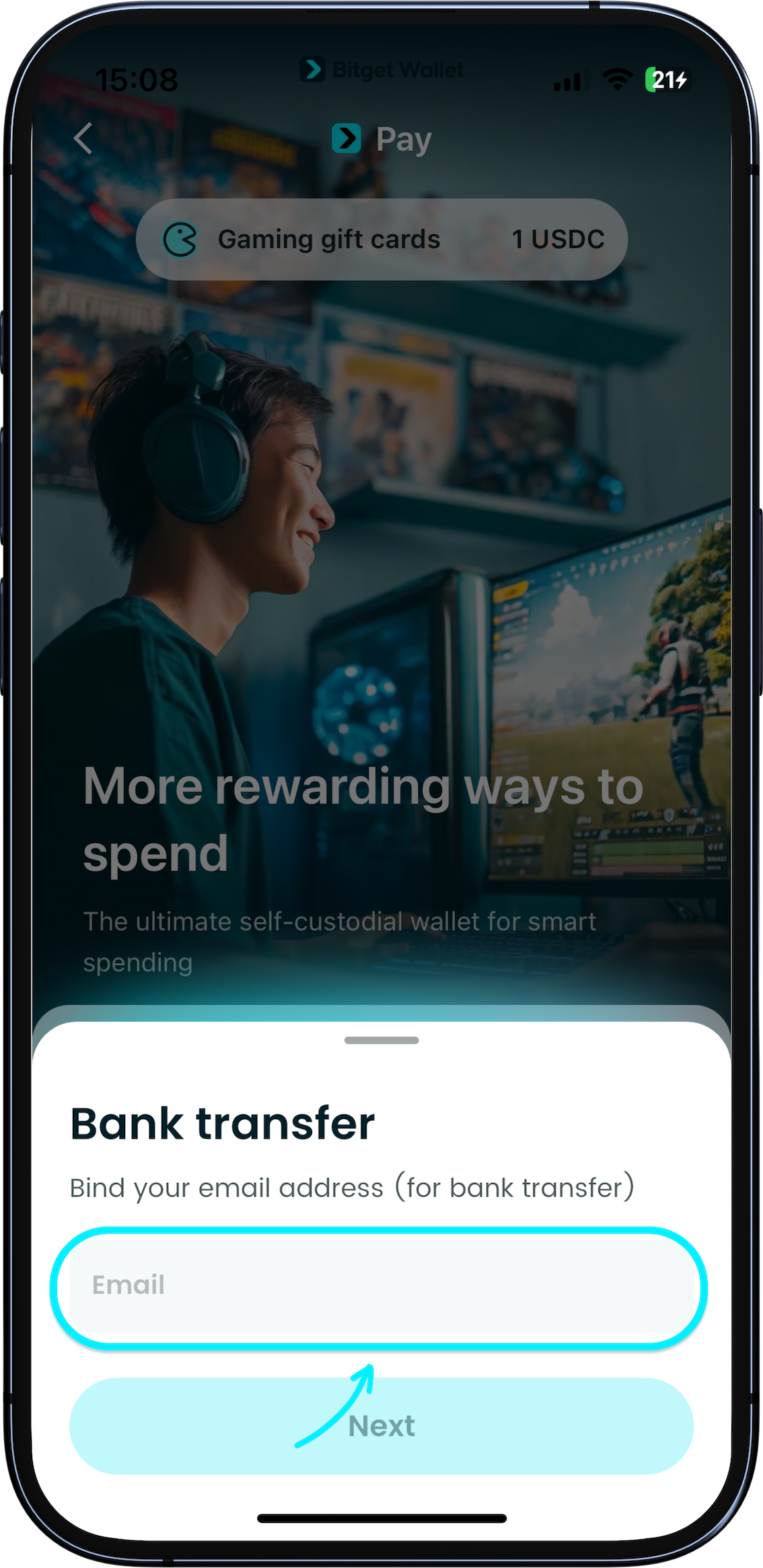
Enter your email
Enter your email address to begin the transfer.

1
/
7
Enter recipient details
Select the recipient's country, then choose their bank and enter the account details.<br><br><b>Currently, we support transfers to Nigeria, Mexico, and Pakistan.</b>

1
/
7
Enter amount to send
Enter the amount you want to send and tap "Confirm".<br><br><b>Please refer to the app for the applicable transfer limits.</b>

1
/
7
Enter amount to send
Review the amount in local currency your recipient will receive, the crypto amount you will pay, the exchange rate, and any fees.<br><br><b>Bank transfers cannot be reversed once processed.</b> Double-check the details before you tap "Confirm payment".

1
/
7
Transfer time and failed transfers
Most transfers are completed instantly, depending on the recipient's bank processing times.
<b>If a transfer fails, your funds will be safely returned to your wallet within a few minutes.</b> If additional validation is required, it may take up to 1 working day.
<b>Transfer complete on our end but recipient not credited?</b> Most banks credit instantly, but some take up to 1–3 business days. Ask the recipient to check pending transactions. If funds haven't arrived after 3 business days, contact Customer Support with your transaction ID.
