





What is a Kome Wallet?
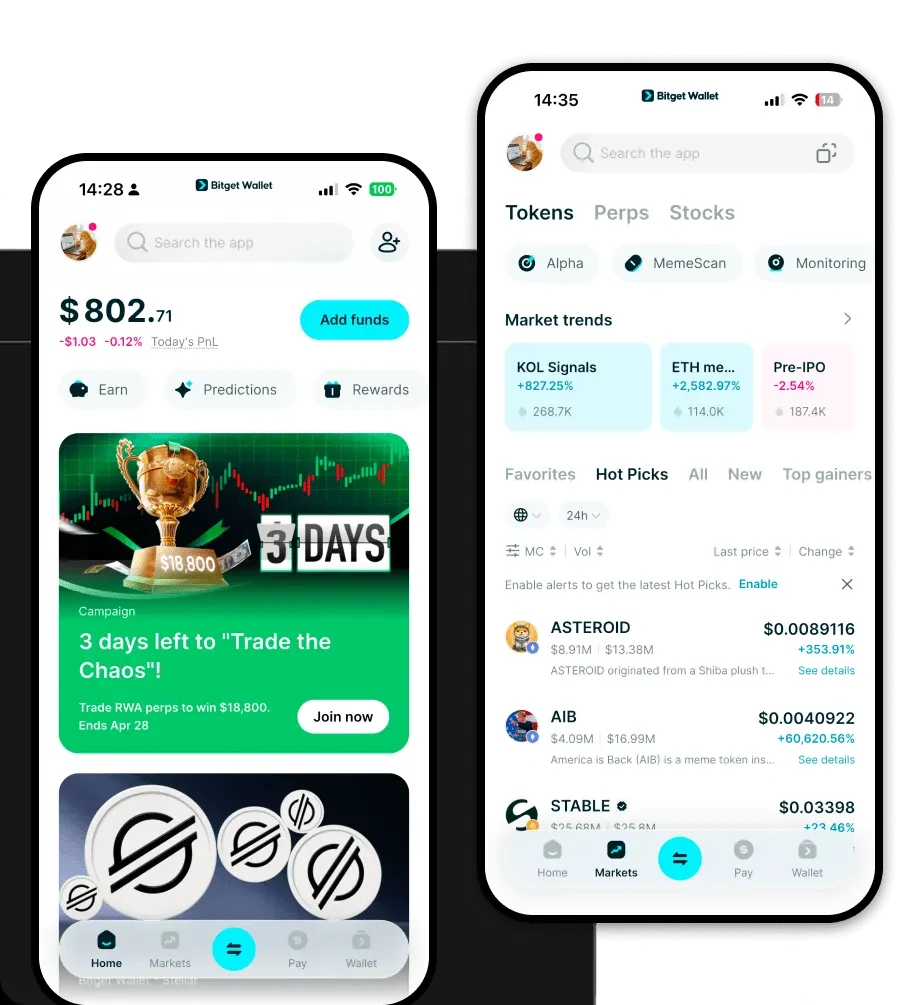
A Kome wallet serves as your digital gateway to interacting with the Kome token on the EVM (Ethereum Virtual Machine) blockchain. Because Kome operates on an EVM-compatible network, it requires a wallet that supports the ERC-20 token standard and can seamlessly communicate with smart contracts. Kome is an asset that can be securely stored and managed using Bitget Wallet, a platform trusted by 40 million users for exploring the Web3 ecosystem. By utilizing a compatible wallet, you gain full control over your private keys, ensuring that your assets remain under your custody while you explore the vibrant Meme coin market.
Download Bitget Kome Wallet
Getting started with your Kome journey is straightforward. To begin, you should download Bitget Wallet, which is designed to be the only app you need for your Web3 adventures. Whether you prefer managing assets on the go or from your desktop, Bitget Wallet offers a comprehensive solution with iOS, Android, and browser extension support. Unlike centralized exchanges, Bitget Wallet provides true self-custody, meaning you—and only you—hold the private keys to your Kome tokens. With its robust support for over 130 public chains, it acts as a unified hub, allowing you to manage your Kome alongside other assets without switching between different interfaces.
Why Choose Bitget Kome Wallet?
For a Meme token like Kome on an EVM chain, your choice of wallet significantly impacts your experience. Bitget Wallet is optimized for speed, security, and accessibility:
- EVM Ecosystem Integration: As an EVM-native wallet, it offers seamless interaction with decentralized applications, ensuring you can connect to any dApp without compatibility issues.
- Advanced Smart Money Tracking: Gain an edge in the Meme coin market by utilizing built-in tools that help you monitor high-liquidity pools and track wallet activities.
- Robust Security Architecture: With a $300 million user protection fund and MPC (Multi-Party Computation) technology, your assets are shielded against single points of failure.
- Optimized Gas Fee Management: The wallet provides real-time gas fee insights, allowing you to execute transactions at the most cost-effective times, which is crucial for high-frequency Meme coin trading.
- Community-Driven Access: Directly access top-tier DEX aggregators, ensuring you get the best swap rates when trading community-driven assets like Kome.
How to Create a Kome Wallet
Setting up your wallet is a simple process designed to get you trading quickly:
1. Download and Install: Visit the official website or your app store to download Bitget Wallet and install it on your device.
2. Create a New Wallet: Open the app, select 'Create Wallet,' and ensure you back up your 12-word seed phrase securely—never share this with anyone.
3. Set Security: Establish a strong PIN or biometric authentication to protect your wallet from unauthorized local access.
4. Add Kome Token: Since Kome is an EVM-based token, click 'Add Token' and paste the official Kome contract address to ensure the asset appears in your dashboard.
5. Fund Your Wallet: Copy your wallet address and send ETH or the native chain currency to your wallet to cover gas fees, allowing you to begin interacting with the network.
What Can You Do With a Kome Wallet?
Holding Kome in a dedicated, non-custodial wallet unlocks a variety of Web3 functionalities:
- Trading on Decentralized Exchanges: Use built-in DEX aggregators to swap Kome for other tokens instantly, ensuring you capture optimal market prices without leaving your wallet.
- Holding for Long-Term Speculation: Keep your Kome safe in a non-custodial environment where you maintain total control, ideal for long-term holders waiting for market shifts.
- Participating in Liquidity Pools: Provide liquidity to Kome-related pools on major DEXs to earn transaction fees and contribute to the stability of the token ecosystem.
- Asset Management in Non-Custodial Wallets: Manage your entire portfolio, including Kome and other Meme assets, from a single, intuitive interface that gives you full visibility over your investments.
How Kome Wallets Are Different from Other Crypto Wallets
Not all wallets handle EVM-based assets the same way. A Kome wallet, specifically one like Bitget Wallet, differs significantly from legacy or custodial solutions. Because Kome resides on an EVM chain, it utilizes an 'Account Model' where your balance is stored as a state in the network, unlike the UTXO (Unspent Transaction Output) model used by Bitcoin. This means your wallet needs to manage 'Gas'—the fee paid to miners/validators to process your transactions. Furthermore, Bitget Wallet excels by aggregating liquidity from hundreds of DEXs, whereas standard wallets might limit you to a single exchange interface. This difference in architecture and aggregation capability makes a professional-grade wallet essential for navigating the high-speed, high-liquidity world of Meme coins effectively.
