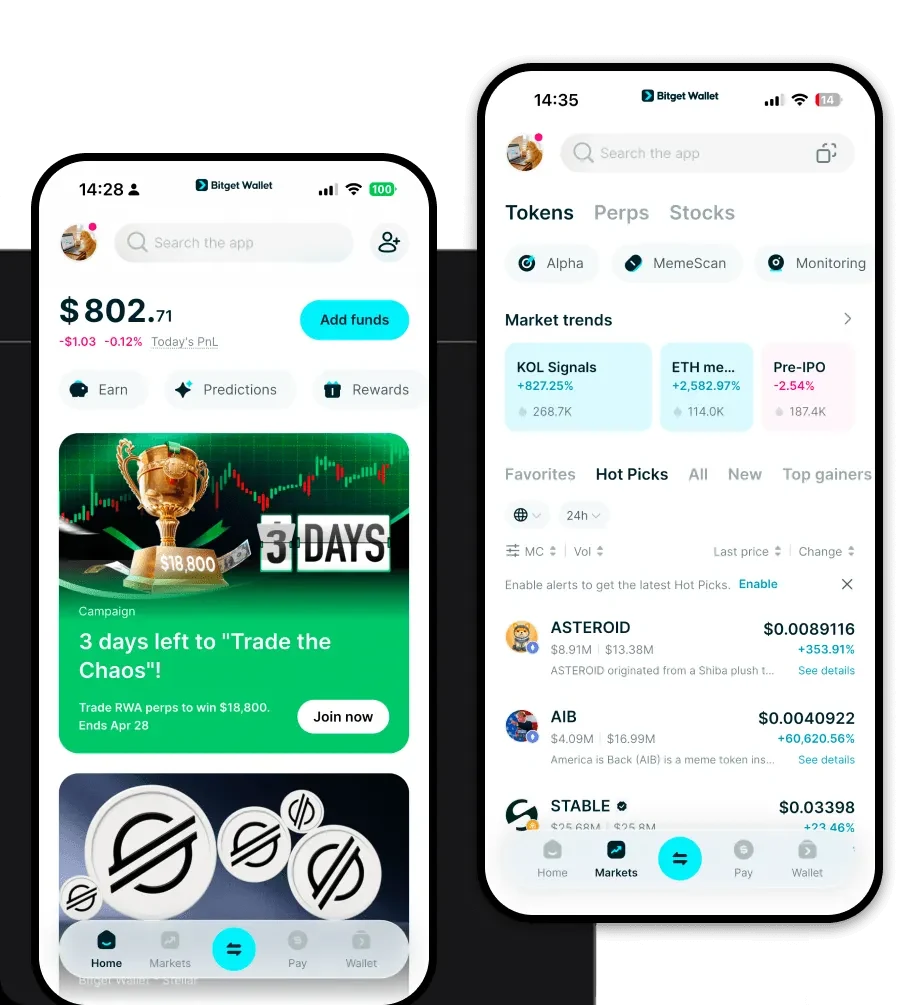
What is a slock Wallet? A slock wallet is a digital interface that allows you to interact with the slock protocol, an experimental project built on the EVM (Ethereum Virtual Machine) blockchain. At its core, slock is designed to facilitate on-chain 'rooms' where humans and intelligent agents (AI) can collaborate in a decentralized environment. As an on-chain infrastructure project, it functions as a backbone for creating a composable, collaborative ecosystem specifically tailored for human-agent interaction. When you use a slock wallet, you are not just holding a token; you are holding a key to a governance ecosystem aimed at developers and AI researchers, enabling you to participate directly in the protocol's experimental governance model and infrastructure development. Download Bitget slock Wallet To effectively manage your assets, you need a robust and reliable slock wallet app. Bitget Wallet stands out as the premier choice for users looking to engage with the slock ecosystem. It offers full support for EVM chains, ensuring that your slock tokens are always accessible and secure. Whether you are using a mobile device or a desktop, Bitget Wallet provides a seamless experience for both iOS and Android users, as well as a browser extension for desktop interactions. By choosing to download Bitget Wallet from https://web3.bitget.com/zh-CN/wallet-download, you are opting for a self-custodial solution where you retain full control over your private keys. Its multi-chain support means you can manage your slock tokens alongside other assets without the need to switch between different applications. Why Choose Bitget slock Wallet? Choosing the right environment for your slock tokens is crucial, especially given the infrastructure-heavy nature of the project. Here is why Bitget Wallet is the best wallet for slock: - Seamless EVM Integration: As an EVM-compatible project, slock requires a wallet that understands the nuances of smart contract interactions. Bitget Wallet provides native support for EVM chains, ensuring that every transaction, whether it is a simple transfer or a complex protocol interaction, is executed smoothly. - Advanced DApp Browser: The slock ecosystem relies on 'collaboration rooms.' Bitget Wallet features an integrated DApp browser that allows you to connect directly to these on-chain rooms without leaving the security of your wallet. - Unmatched Security Infrastructure: With a 300 million USD user protection fund, Bitget Wallet offers a layer of security that is essential for experimental projects, protecting your assets from unforeseen vulnerabilities. - Optimized Gas Management: Dealing with infrastructure tokens often involves frequent interactions with the blockchain. Bitget Wallet provides real-time gas fee estimation and acceleration features, ensuring your transactions are processed efficiently. How to Create a slock Wallet Setting up your wallet to manage slock is straightforward. Follow these steps to get started: 1. Download and Install: Visit the official website and download the Bitget Wallet app for your specific device. 2. Create a New Wallet: Open the app and select 'Create a Wallet.' Ensure you write down your secret recovery phrase on paper and store it in a secure, offline location. 3. Configure EVM Network: Since slock operates on the EVM, ensure your wallet is set to the correct network (typically Ethereum or a compatible L2). Bitget Wallet usually detects this automatically. 4. Add slock Token: Click on the '+' icon or 'Add Token' button. You may need to paste the official slock contract address to ensure you are adding the correct asset. 5. Secure Your slock Wallet Address: Once the token is added, your slock wallet address will be visible. This is the address you will use to receive tokens or interact with the slock collaboration rooms. What Can You Do With a slock Wallet? Owning a slock wallet opens up several functional possibilities within the experimental ecosystem: - Governance Voting: You can use your slock tokens to participate in the project's experimental governance model, casting votes on protocol upgrades and infrastructure changes that define the future of human-agent collaboration. - Accessing On-chain Collaboration Rooms: Your wallet serves as your identity, allowing you to access and participate in the specialized 'rooms' where humans and AI agents interact, a core feature of the slock infrastructure. - Trading: You can easily swap your slock tokens for other assets by connecting your wallet to the various decentralized exchanges (DEXs) aggregated within the Bitget Wallet interface. - Protocol Development Incentives: Active contributors and developers can use their wallet to receive incentives and rewards for their contributions to the composable ecosystem, directly supporting the growth of the project. How slock Wallets Are Different from Other Crypto Wallets When managing a token like slock, it is important to understand why an EVM-based wallet differs from others. Unlike Bitcoin wallets that utilize the UTXO (Unspent Transaction Output) model, which focuses on discrete transaction 'coins,' slock wallets on the EVM utilize an account-based model. This means your wallet functions more like a bank account, maintaining a balance and interacting with smart contracts that manage the logic of the collaboration rooms. Furthermore, while some chains use resource-heavy models (like CPU/NET/RAM in EOS), the EVM model used by slock relies on 'gas' fees to prioritize and execute transactions. This makes the slock wallet experience highly efficient for dApp interaction but requires users to hold the native chain token (e.g., ETH) to pay for these transaction costs.