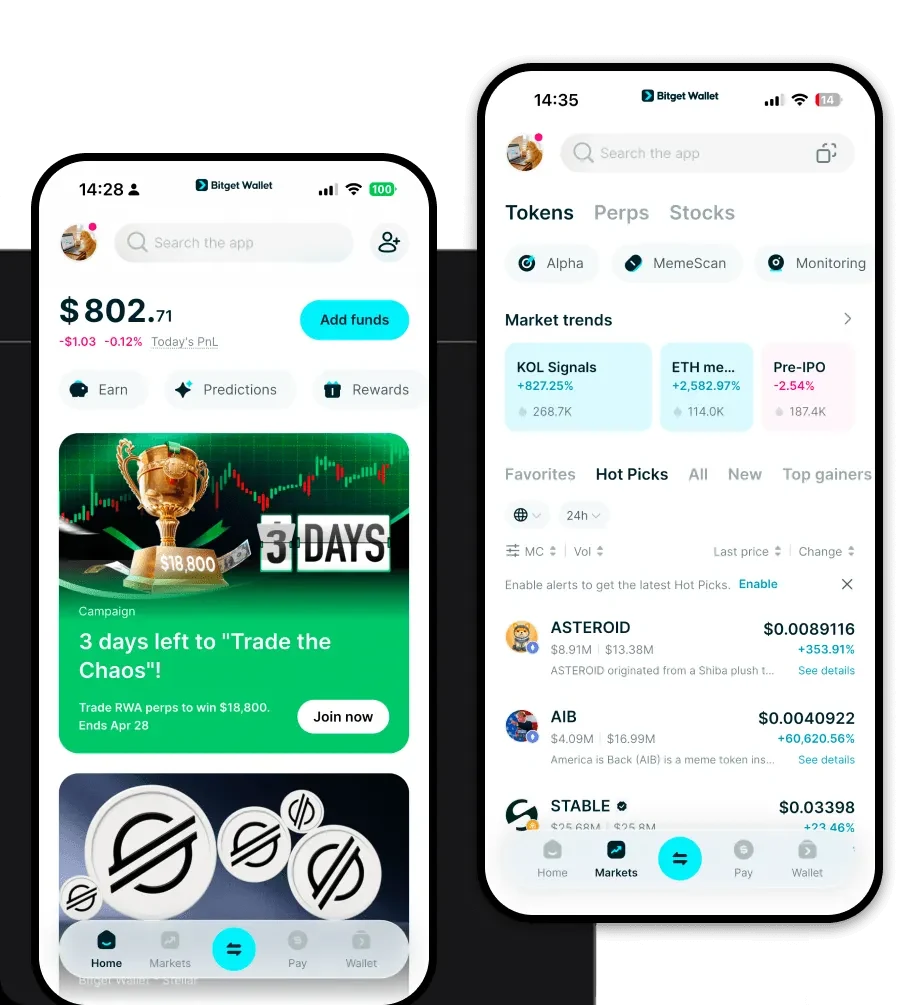
What is a ClickClack Wallet? A ClickClack wallet is a digital asset management tool designed to interact with the ClickClack token, an experimental derivative asset operating on the EVM (Ethereum Virtual Machine) blockchain. ClickClack is a community-driven project that originated from grassroots community discussions and was propelled forward by anonymous initiators. The core development team is composed of decentralized volunteer developers and technical collaborators who share a common vision. They advocate for lightweight governance and on-chain interaction to build a robust, composable digital interaction and value transfer infrastructure specifically tailored for content creators and community members. Because ClickClack functions within the EVM ecosystem, it requires a wallet that is fully compatible with Ethereum-based standards, allowing users to hold, transfer, and interact with the token seamlessly across various decentralized applications. Download Bitget ClickClack Wallet To begin your journey with this asset, you need a reliable interface. The Bitget Wallet is widely considered the best wallet for ClickClack due to its comprehensive multi-chain support and commitment to user sovereignty. As a self-custodial solution, Bitget Wallet ensures that you, and only you, hold the private keys to your assets. Whether you are using an iOS device, an Android smartphone, or a desktop browser extension, the experience is designed to be frictionless. To get started, you can download Bitget Wallet at 'https://web3.bitget.com/zh-CN/wallet-download'. This application serves as your gateway to the EVM ecosystem, providing a secure environment to manage your ClickClack assets without the complexity often associated with decentralized finance. Why Choose Bitget ClickClack Wallet? Choosing the right interface is critical for meme token enthusiasts and DeFi participants alike. Here is why Bitget Wallet is the preferred choice: • Seamless EVM Compatibility: Since ClickClack is an EVM-based token, Bitget Wallet offers native support for all Ethereum-based standards, ensuring that you can interact with any DApp without compatibility issues. • Advanced Gas Management: Navigating the EVM ecosystem often involves fluctuating gas fees. Bitget Wallet provides real-time gas fee estimation and optimization, helping you execute transactions at the most efficient price points. • Integrated DApp Browser: As a meme-centric asset, ClickClack thrives on community activity. The built-in DApp browser in Bitget Wallet allows you to access decentralized exchanges and community platforms directly, making it the most convenient ClickClack wallet app on the market. • Institutional-Grade Security: With a 300 million dollar user protection fund, Bitget Wallet provides an extra layer of security, ensuring that your speculative assets are protected by industry-leading safety protocols. • User-Centric Design: The interface is built to be beginner-friendly while offering the advanced features that power users demand, making it an ideal choice for both newcomers and experienced crypto traders. How to Create a ClickClack Wallet Setting up your wallet to hold ClickClack is a straightforward process that takes only a few minutes: 1. Download and Install: Visit the official Bitget Wallet website and download the app for your specific device (iOS, Android, or Browser Extension). 2. Create a New Wallet: Open the app and select 'Create a New Wallet'. You will be prompted to set a strong, unique password for the application. 3. Secure Your Recovery Phrase: The app will generate a 12 or 24-word recovery phrase. Write this down on physical paper and store it in a secure location. Never share this with anyone, as it grants full access to your funds. 4. Add ClickClack to Your Assets: Once your wallet is set up, locate the 'Add Token' or 'Manage Tokens' button. You may need to paste the official ClickClack contract address to ensure you are adding the correct asset. 5. Copy Your Address: Navigate to your main dashboard, select the ClickClack token, and click 'Receive' to view your ClickClack wallet address. This is the address you will use to receive tokens from exchanges or other users. What Can You Do With a ClickClack Wallet? Once you have your wallet set up, you can fully participate in the ClickClack ecosystem. Here are the primary use cases: • Trading on Decentralized Exchanges: You can use your wallet to connect to various DEXs (like Uniswap or others on the EVM) to swap your ClickClack tokens for other assets effortlessly. • Providing Liquidity: If you are an advanced user, you can contribute your ClickClack tokens to liquidity pools, earning a share of trading fees and participating in the growth of the token's market depth. • Community Engagement: By holding the token in your self-custodial wallet, you verify your status within the community, which may grant you access to exclusive community discussions, governance votes, or social initiatives. • Speculative Asset Holding: As an experimental derivative, many users hold ClickClack as a speculative asset. Your wallet acts as a secure vault, allowing you to store your holdings long-term while maintaining full control over your private keys. How ClickClack Wallets Are Different from Other Crypto Wallets It is important to understand that not all wallets are created equal, especially when dealing with EVM tokens versus other chain architectures. Unlike wallets designed for the Bitcoin network, which utilize the UTXO (Unspent Transaction Output) model, a ClickClack wallet on the EVM uses an 'Account-based' model. This means your wallet balance is stored as a state within the blockchain, rather than a collection of transaction outputs. Furthermore, while some chains (like EOS) rely on complex resource models (CPU/NET/RAM), the EVM relies on a Gas fee model. This requires your wallet to be highly efficient in estimating transaction costs to prevent failed transactions. Using a dedicated wallet like Bitget ensures that you are interacting with the EVM state machine correctly, providing a smoother, faster, and more cost-effective experience compared to generic multi-chain wallets that may not optimize for EVM-specific gas dynamics.