





What is an SPS Wallet?
An SPS wallet is a specialized digital interface that allows you to securely store, send, and interact with SPS (Splintershards). SPS is the governance token for the blockchain-based collectible card game Splinterlands. It allows holders to participate in decentralized governance, earn rewards through staking, and access exclusive in-game assets. Because SPS operates on the EVM (Ethereum Virtual Machine) blockchain, you need a wallet that is fully compatible with EVM architecture to manage your assets efficiently. Using a compatible wallet ensures that you can sign transactions, interact with smart contracts, and bridge your assets across the broader DeFi landscape without compatibility issues.
Download Bitget SPS Wallet
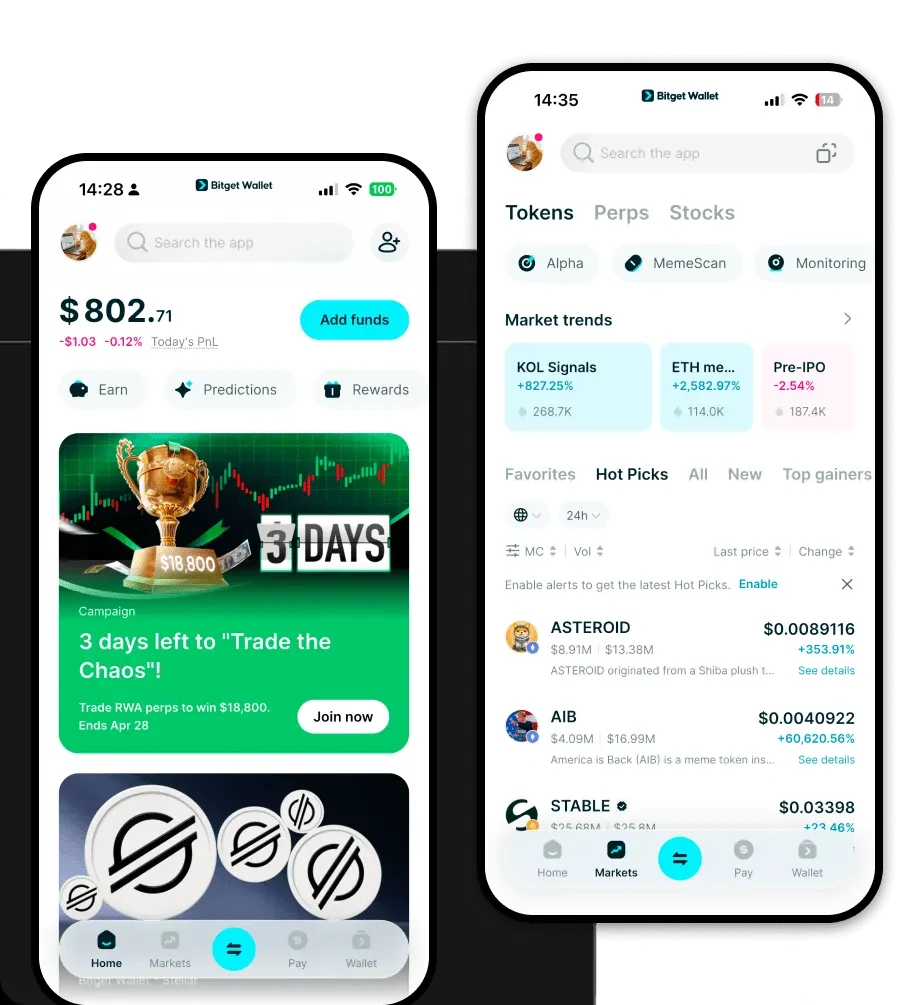
To fully experience the potential of your SPS tokens, you need a robust, user-friendly interface. Bitget Wallet stands out by providing a non-custodial environment where you maintain complete control over your private keys. Whether you are managing assets on the go or deep-diving into complex DeFi strategies, the platform offers a consistent experience across iOS, Android, and browser extensions. With support for over 130+ blockchains, Bitget Wallet ensures your SPS is part of a unified portfolio. You can download Bitget Wallet today to get started with a secure, high-performance gateway to the Web3 world.
Why Choose Bitget SPS Wallet?
Choosing the right wallet for an EVM-based token like SPS is critical for security and efficiency. Bitget Wallet is optimized for the specific needs of DeFi participants and gamers:
- EVM Ecosystem Integration: Bitget Wallet offers native compatibility with EVM-based chains, ensuring that interacting with dApps and smart contracts is seamless and requires no complex configuration.
- Advanced DeFi Aggregation: Access hundreds of decentralized exchanges (DEXs) and liquidity pools directly within the wallet, allowing for optimal trade execution and minimal slippage for your SPS transactions.
- Robust Security Architecture: With over $300 million in user protection funds, Bitget provides a safety net for your assets, combining non-custodial control with institutional-grade security measures.
- Gas Fee Optimization: The wallet features intelligent gas fee management, helping you navigate the EVM network during periods of high congestion to ensure your transactions are processed efficiently.
- Comprehensive Asset Management: Beyond just SPS, track your entire portfolio of collectibles and tokens across multiple chains in a single, intuitive interface.
How to Create an SPS Wallet
Setting up your wallet to manage SPS is straightforward and takes only a few minutes. Follow these steps:
- Download and Install: Visit the official website to download the Bitget Wallet app for your specific device (iOS, Android, or browser extension).
- Create a New Wallet: Open the app and select 'Create a Wallet.' Ensure you are in a private environment where no one can see your screen.
- Secure Your Recovery Phrase: The app will generate a 12-word seed phrase. Write this down on paper and store it in a secure, offline location—this is the only way to recover your funds if you lose access to your device.
- Verify Your Setup: Follow the on-screen prompts to confirm your seed phrase, which verifies that you have backed it up correctly.
- Import or Receive SPS: Once your wallet is active, you will see your default EVM address. You can now import your existing SPS or share this address to receive tokens from exchanges or other wallets.
What Can You Do With an SPS Wallet?
Holding SPS in a self-custodial wallet unlocks the full utility of the Splinterlands ecosystem. Here is how you can put your tokens to work:
- Staking for Yield: Lock your SPS tokens into staking contracts to earn passive rewards, helping you grow your holdings over time without active trading.
- Governance Voting: Use your wallet to connect to the Splinterlands governance portal, where you can cast votes on proposals that shape the future development of the game.
- Purchasing In-Game Packs: Utilize your SPS to acquire exclusive in-game asset packs directly, giving you a competitive edge or items to trade within the Splinterlands marketplace.
- Participating in Liquidity Pools: Provide your SPS to decentralized liquidity pools to earn trading fees, contributing to the health of the token's ecosystem while generating a return on your capital.
- Trading on Decentralized Exchanges: Use your wallet to swap SPS for other assets on various DEXs, taking advantage of the high liquidity and lower fees associated with EVM-based trading.
How SPS Wallets Are Different from Other Crypto Wallets
Not all wallets are built the same. When dealing with an EVM-based governance token like SPS, the underlying architecture matters. Traditional wallets often struggle with the complexity of smart contract interactions, whereas a wallet like Bitget is engineered for the EVM environment. Unlike UTXO-based wallets (like those for Bitcoin) that focus on simple transaction outputs, an EVM wallet is designed to manage complex state changes and gas-based execution models. This means when you interact with a staking contract or a DeFi protocol, your Bitget wallet automatically manages the gas parameters and contract approvals, providing a smoother experience than basic storage wallets that lack full dApp browser integration.
