





What is a DED Wallet?
A DED wallet is a digital interface designed to securely store, send, and interact with the DED token, a vibrant asset within the decentralized finance space. DED is a community-driven meme token primarily associated with the Polkadot ecosystem. It was designed to foster engagement and reward the community through airdrops, leveraging the unique infrastructure of the Polkadot network. Because DED operates on the Polkadot architecture, your wallet must be compatible with its specific chain standards to ensure seamless asset management.
Download Bitget DED Wallet
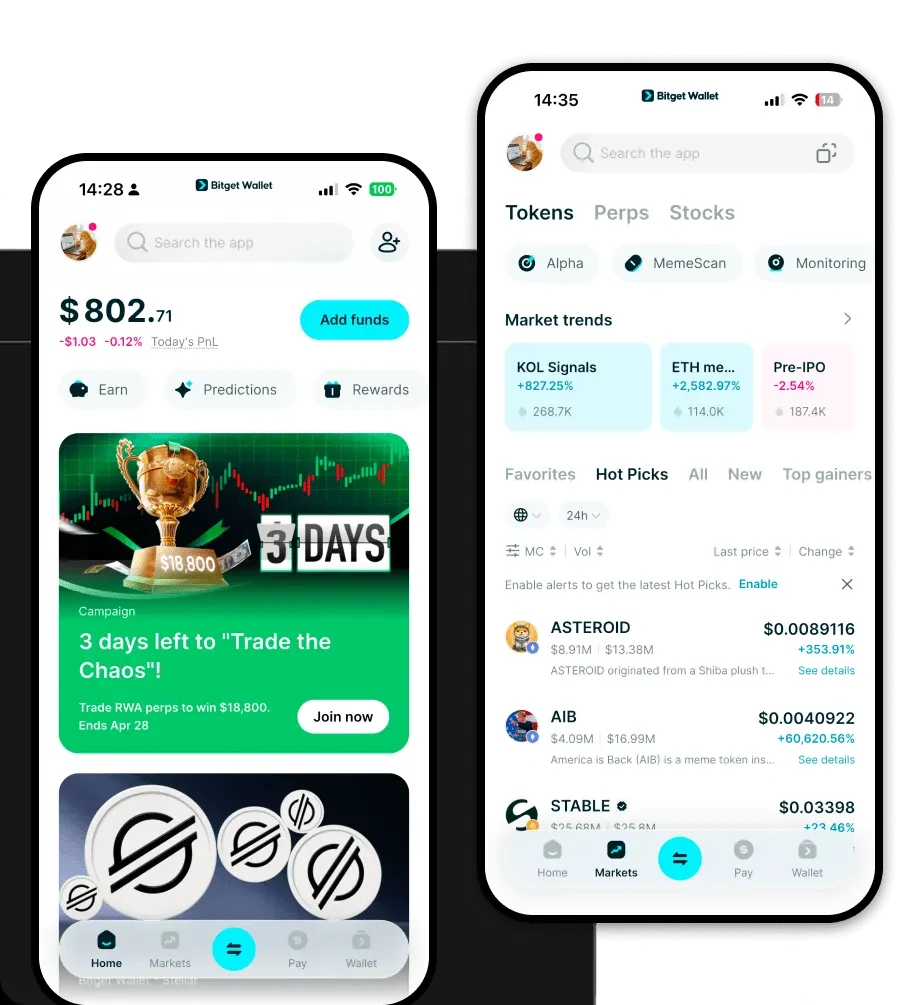
Managing your DED tokens requires a robust and reliable tool. Bitget Wallet stands out as a premier choice for crypto enthusiasts, offering a comprehensive suite of features tailored for both beginners and advanced users. By choosing a non-custodial solution, you ensure that you retain full ownership of your private keys, which is critical for the security of your assets. Bitget Wallet provides a seamless, unified experience across mobile and desktop platforms, allowing you to manage your portfolio on the go or from your computer. Whether you are using iOS, Android, or a browser extension, the interface remains intuitive and powerful. To get started, you can download Bitget Wallet and begin your journey into the Polkadot ecosystem today.
Why Choose Bitget DED Wallet?
- Polkadot Ecosystem Native: Built with deep integration for Polkadot-based assets, ensuring your DED tokens are recognized and managed with native support.
- High Scalability & Performance: Leveraging the underlying chain's infrastructure, Bitget Wallet ensures that your transactions remain fast and efficient, even during high-traffic periods for meme tokens.
- Interoperability & Cross-Chain Access: Move your assets easily between chains using integrated bridges, allowing you to bridge DED-related value across different decentralized networks effortlessly.
- Community-Centric Security: With a $300 million user protection fund, Bitget Wallet adds a layer of institutional-grade security to your personal asset management.
- Zero-Knowledge Compatibility: Stay ahead with support for emerging privacy and scalability technologies that are becoming increasingly vital for the future of the Polkadot network.
How to Create a DED Wallet
Setting up your wallet is a straightforward process designed to prioritize your security:
- Install: Download Bitget Wallet from the official website or your preferred app store.
- Create Wallet: Open the app and select 'Create Wallet'. Ensure you set a strong, unique password.
- Backup Seed Phrase: This is the most critical step. Write down your 12-word recovery phrase on paper and store it in a secure, offline location. Never share this with anyone.
- Verify: Input the recovery phrase as prompted to confirm you have saved it correctly.
- Add DED: Once your wallet is set up, use the 'Add Token' feature. Search for DED, or input the contract address to ensure the token appears in your asset list.
What Can You Do With a DED Wallet?
Owning a DED wallet opens the door to various activities within the Polkadot ecosystem:
- Community Engagement: Actively participate in the growth of the DED project by connecting with other holders and contributing to community discussions.
- Speculative Trading: Utilize the integrated DEX aggregator within Bitget Wallet to swap DED for other assets at the best available market rates.
- Holding for Airdrop Eligibility: Securely store your DED tokens, which is often a primary requirement for qualifying for future community-driven distribution events.
- Governance Participation: Use your wallet to interact with on-chain voting mechanisms, allowing you to have a say in the future direction of the DED project.
- Ecosystem Rewards: Leverage your wallet to claim and manage rewards distributed by the protocol for active participation in the Polkadot network.
How DED Wallets Are Different from Other Crypto Wallets
Unlike standard wallets designed solely for EVM-compatible chains (like Ethereum), a DED-compatible wallet must interface with the unique architecture of the Polkadot ecosystem. While EVM wallets focus on 'gas' fees and account-based models, Polkadot-native wallets manage different resource models and chain-specific sub-accounts. Because DED relies on the unique infrastructure of Polkadot, your wallet needs to handle cross-chain interoperability and specific network protocols that standard 'one-size-fits-all' wallets might struggle with. Bitget Wallet bridges this gap by providing a specialized interface that respects the nuances of the Polkadot network while maintaining the simplicity of a user-friendly app, ensuring that you aren't just storing tokens, but actively engaging with the technology behind them.
