





What is a TechnoPig Wallet?
A TechnoPig wallet is a digital gateway designed to store, manage, and interact with your TechnoPig tokens. Since TechnoPig is built on the Solana blockchain, your wallet functions as a secure interface to the Solana network, allowing you to sign transactions, view your balance, and engage with the vibrant ecosystem surrounding this specific meme token. Unlike traditional banking apps, a crypto wallet gives you full custody of your private keys, ensuring you are the sole owner of your assets.
Are you looking for a reliable and secure crypto wallet for your TechnoPig? Bitget Wallet will be your best choice. Trusted by 40 million users, you can freely explore Web3 on Bitget Wallet. Start your journey now!
Download Bitget TechnoPig Wallet
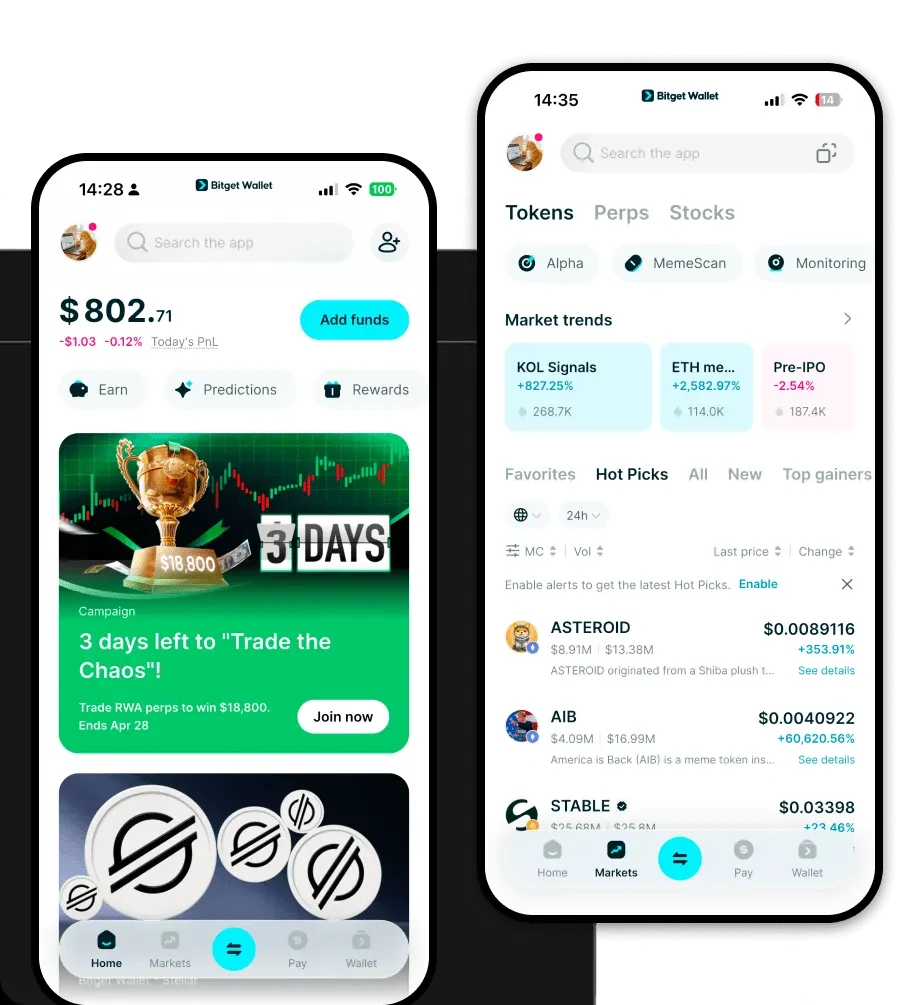
To begin managing your tokens, you need a robust, user-friendly tool. The Bitget Wallet app stands out as a premier solution for both mobile and desktop users. It provides a seamless experience for those who need to access their TechnoPig wallet on the go. Whether you are using an iOS device, an Android smartphone, or prefer the convenience of a browser extension, Bitget Wallet has you covered.
This application is designed to be more than just a storage tool; it acts as a comprehensive Web3 gateway. By choosing to download Bitget Wallet, you gain access to a platform that supports over 130 public chains, ensuring that even if your portfolio diversifies beyond Solana, you remain within a single, unified ecosystem. Most importantly, it emphasizes self-custody, meaning you retain complete control over your private keys and seed phrases, keeping your TechnoPig holdings protected from centralized platform risks.
Why Choose Bitget TechnoPig Wallet?
When dealing with a high-velocity meme token like TechnoPig on the Solana blockchain, your choice of wallet significantly impacts your user experience. Here is why Bitget Wallet is the best wallet for TechnoPig:
- Native Solana Optimization: Designed to handle Solana’s high-throughput architecture, Bitget Wallet ensures that your transactions are processed with the speed required for fast-moving meme markets.
- Sub-Cent Transaction Fees: Given the low transaction costs inherent to the Solana chain, Bitget Wallet provides an optimized interface that makes frequent trading affordable and efficient.
- Enhanced Security Infrastructure: With a $300 million user protection fund, Bitget Wallet provides a massive safety net, offering peace of mind when holding volatile meme assets.
- DApp Browser Integration: Seamlessly connect to the decentralized exchanges and NFT marketplaces where TechnoPig is traded, without leaving the safety of your wallet app.
- Intuitive Meme-Token Management: The interface is specifically designed to handle the rapid price fluctuations and social activity associated with community-driven projects.
How to Create a TechnoPig Wallet
Creating your wallet is a straightforward process that takes only a few minutes. Follow these steps to set up your account:
Step 1: Download the App: Visit the official website or your mobile app store to download the Bitget Wallet app. Ensure you are downloading the official version to avoid phishing attempts.
Step 2: Create a New Wallet: Open the app and select 'Create Wallet'. You will be asked to set a strong, unique password to secure the application on your device.
Step 3: Secure Your Seed Phrase: The app will generate a 12-to-24-word recovery phrase. Write this down on paper and store it in a secure, offline location. Never share this with anyone, as it is the master key to your TechnoPig wallet address.
Step 4: Verify Your Backup: The app will prompt you to re-enter your seed phrase to confirm that you have recorded it correctly.
Step 5: Add TechnoPig to Your Assets: Once your wallet is set up, navigate to the token list, search for the TechnoPig contract address on the Solana network, and enable it to view your balance on your dashboard.
What Can You Do With a TechnoPig Wallet?
Owning a TechnoPig wallet opens up a variety of possibilities within the crypto space. Here is how you can utilize your assets:
- Speculative Trading: You can engage in speculative trading by monitoring market trends and executing quick buy or sell orders on integrated decentralized exchanges, leveraging Solana’s speed to capitalize on price movements.
- Community Participation: Use your wallet to connect to community platforms and DAOs, allowing you to vote on proposals or participate in governance decisions that shape the future of the TechnoPig project.
- Holding for Potential Appreciation: Securely store your tokens for the long term, utilizing the wallet's cold-storage-like security features while you wait for potential market appreciation.
- Social Tipping: Engage in social tipping by sending small amounts of TechnoPig to creators or community members directly through your wallet, fostering a more interactive and supportive ecosystem.
How TechnoPig Wallets Are Different from Other Crypto Wallets
Not all wallets are built the same, and when handling a Solana-based meme token, the differences become critical. Unlike wallets built primarily for the Ethereum (EVM) ecosystem, which rely on complex gas estimation for every transaction, a Solana-focused wallet like Bitget Wallet is optimized for the Proof-of-History consensus mechanism. This means your transactions are significantly faster and cheaper, which is essential for the high-frequency nature of meme coin trading.
Furthermore, while some legacy wallets struggle with the sheer volume of tokens and NFTs on Solana, Bitget Wallet handles the network's high throughput with ease. It manages account-based token balances efficiently without the need for the complex UTXO management required by Bitcoin-based wallets. By using a specialized wallet, you avoid the lag and high fees often associated with using generic, non-optimized interfaces for Solana assets.
